
Decoding digital signage hardware–SoC display, specialized player, or purpose-built stick
The media player drives everything in a digital signage deployment. Here’s how the three main hardware categories compare and a framework for choosing the right one.

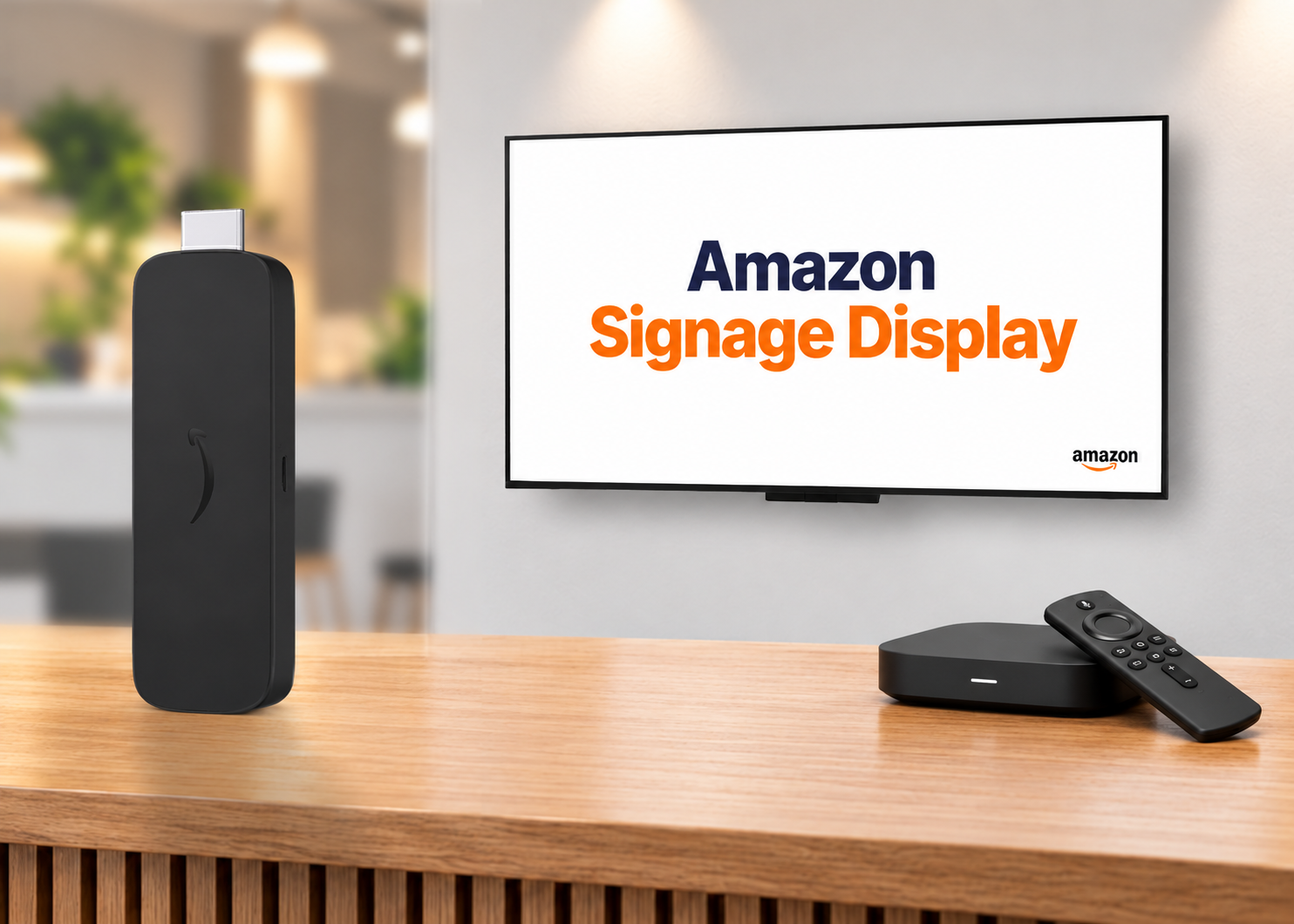
When most people think about digital signage, they think about the screen. But the screen is just the surface. What’s actually driving your content—storing it, caching it, pushing it to the display—is the media player. And the player decision shapes nearly everything else about how your signage network operates.
There are three main hardware categories in the market today: System-on-Chip displays, specialized external media players, and purpose-built signage sticks. Each makes different tradeoffs. Understanding those tradeoffs before you buy is considerably easier than re-architecting after deployment.
System-on-Chip (SoC) display–the all-in-one option
SoC displays have the integrated media player built directly into the screen. There’s no separate hardware box, no cable running between a player and a display, and one fewer device to manage per endpoint.
The appeal is straightforward: simpler installation, cleaner mounting, and a reduced physical footprint. For environments where aesthetics matter—retail floors, hospitality lobbies, high-end corporate spaces—removing the external device box has real value.
The tradeoffs are worth understanding, though. SoC displays are manufacturer-specific, which means your software options are constrained to what runs on that display’s operating system. Samsung SoC displays run Tizen. LG runs webOS. If you want to switch content management system (CMS) applications later, you may be switching hardware too. You’re also on the display manufacturer’s update cycle for the underlying OS, which may or may not align with your CMS vendor’s roadmap.
The Amazon Signage Display takes a different approach. As a purpose-built commercial SoC display, it runs the same management tools and supports the same CMS providers as the Amazon Signage Stick—which means organizations can deploy both form factors across their environment without managing two separate hardware relationships or learning two sets of tools. Whether a location calls for an all-in-one display or a stick behind an existing screen, the operational experience stays consistent.
SoC makes the most sense when you’re standardizing on a single display brand across your deployment and want to minimize physical hardware at each location.
Specialized media players–built for the job
Specialized external media players run a proprietary OS engineered specifically for continuous, high-demand digital signage playback, typically with fanless solid-state hardware rated for 24/7 operation.
The case for specialized players is reliability. They’re engineered for the workload: no background processes competing for resources, no consumer-use assumptions baked into the OS, and typically strong offline playback behavior. Many enterprise and out-of-home deployments that can’t tolerate downtime—airports, transport hubs, stadiums—have standardized on this category for those reasons.
The tradeoffs go beyond unit price. Specialized players carry a higher hardware cost, but the more significant consideration for many organizations is what comes after procurement—installation complexity, ongoing management, and support for an additional physical device at every location, compared to an all-in-one device. For organizations that prioritize simplicity, that overhead adds up faster than the unit cost difference suggests.
Specialized players are the right call when uptime and reliability are genuinely non-negotiable and you have the IT infrastructure to manage a commercial hardware fleet.
Purpose-built signage sticks–the middle path
The third category has matured considerably in the past two years. Purpose-built signage sticks—distinct from consumer streaming devices—occupy a practical middle ground: commercial-grade hardware in a compact form factor, without the proprietary overhead of a specialized player.
The key distinction from consumer sticks matters here. Consumer streaming devices were designed for home entertainment, not continuous commercial operation. Several CMS vendors have explicitly ended support for them, citing reliability and management gaps at scale. Purpose-built signage sticks—like the Amazon Signage Stick—are a different category: designed for professional deployment, with remote management, fleet provisioning, and commercial-grade support built in from the start.
The signage stick model is well-suited for organizations that need to deploy quickly across many locations without significant IT complexity, want hardware-agnostic CMS flexibility, and are working within a defined per-unit budget. At a price point that’s meaningfully lower than most specialized players, the math also works differently for large-scale rollouts.
Where sticks require more scrutiny is in the heaviest-duty use cases—video walls, 8K content, multi-output configurations—where purpose-built players with more processing headroom are the better fit.
A framework for deciding
None of these categories is universally right. A useful way to think through it:
- SoC display if you’re standardizing on a single display brand and want zero external hardware.
- Specialized player if uptime is critical and budget supports commercial higher hardware overhead and management.
- Purpose-built signage stick if you need scale, simplicity, and CMS flexibility without locking into a proprietary setup.
One advantage worth noting for organizations evaluating Amazon Signage devices: the Amazon Signage Display and Amazon Signage Stick share the same management tools and CMS provider network. That means a mixed deployment—Amazon Signage Display units where an all-in-one form factor makes sense, Amazon Signage Sticks where screens are already in place—doesn’t create a split management environment. You’re running one consistent operational model across both.
The other variable to factor in–your CMS. Before finalizing hardware, confirm that your software of choice runs well—not just runs—on the device category you’re considering. That’s the conversation to have before procurement, not after installation. Learn more about all the CMS providers approved for Amazon Signage devices.
Resources
Digital signage made even simpler—introducing the Amazon Signage Display
Meet the Amazon Signage Display, a 55" 4K display with a built-in SoC media player, Ethernet, and Miracast. Same portal, app, and CMS support as the Amazon Signage Stick.
The hidden cost of "cheap" digital signage
From single-location businesses to enterprise fleets, cheap media players often cost more to operate than they save upfront. Here's what to factor in before you buy.
How smart hardware choices keep digital signage projects moving forward
Discover how IT teams are avoiding costly signage delays by pairing the right CMS with purpose-built media players—without ripping and replacing existing displays