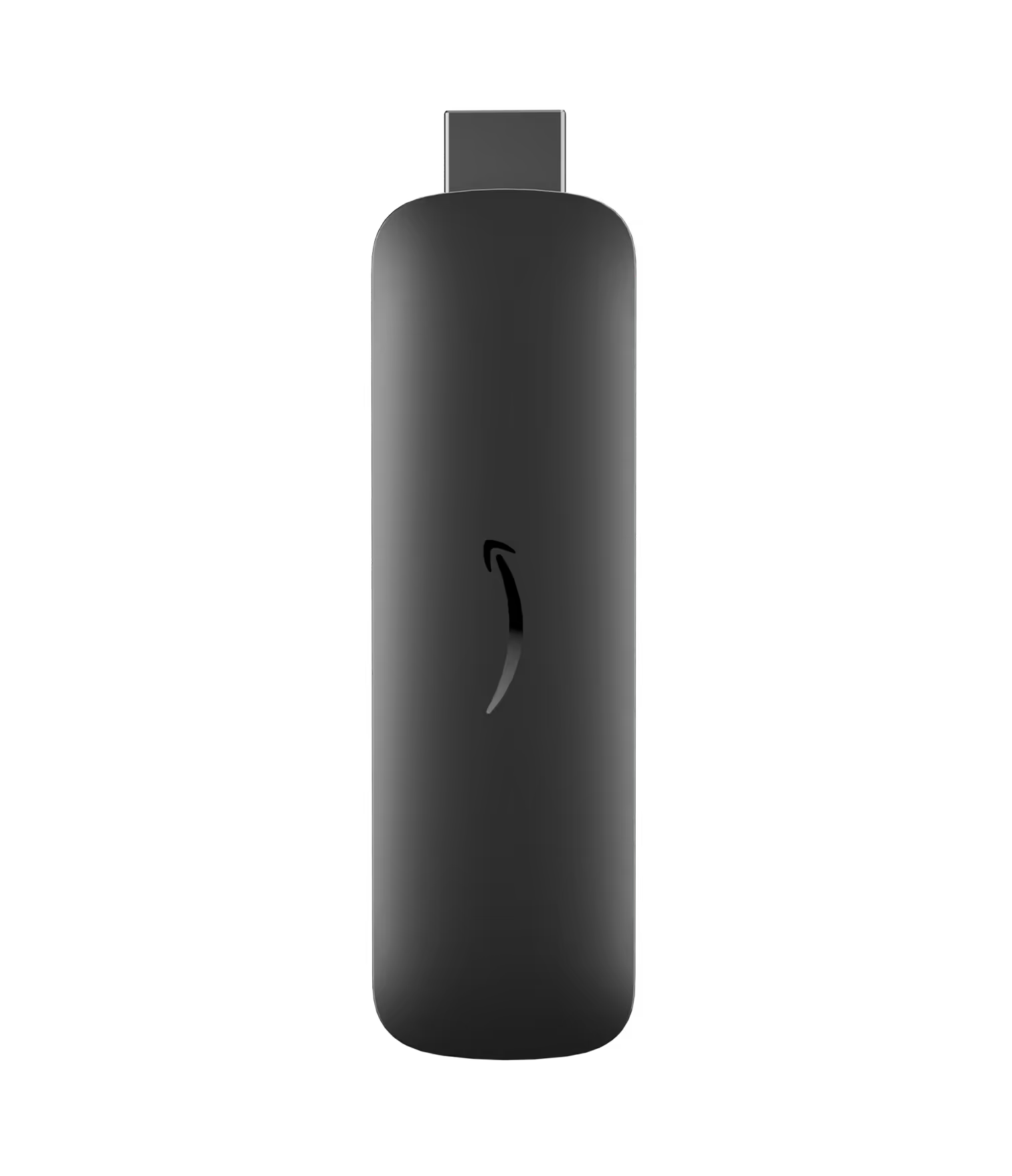
Why businesses invest in digital signage
Digital signage turns everyday screens into instant attention-grabbers — a fast, flexible way to engage audiences instead of static communications. Digital displays let you share dynamic content such as real-time communications, alerts, offers, menus and more.
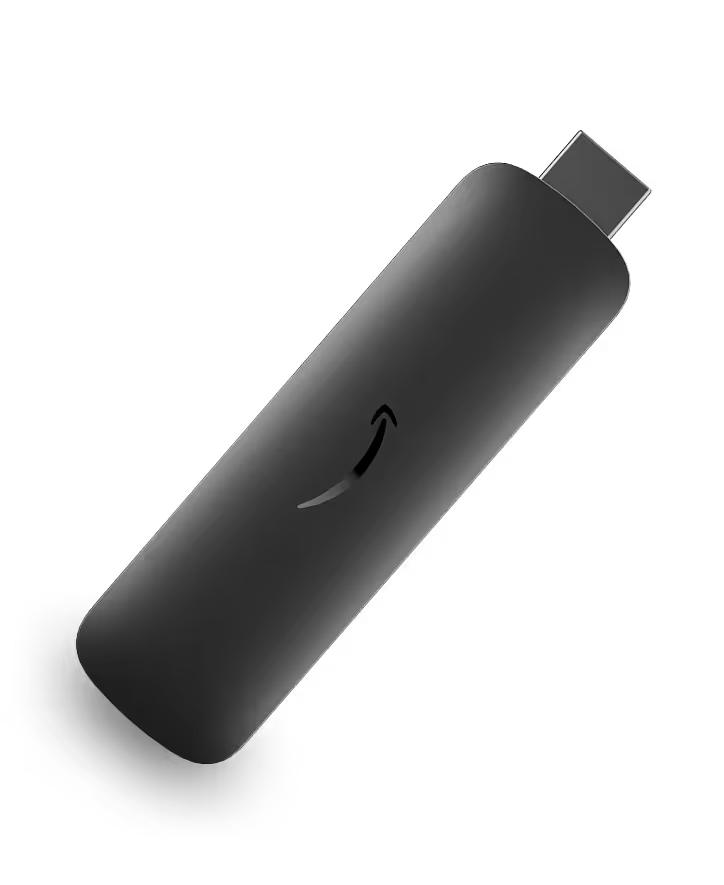
Use our Amazon Signage Stick with Mobile App
Pair our Amazon Signage Stick with top CMS for easy setup.

Easy remote management


A digital signage solution boosts engagement and delivers business impact.

Improve customer experiences
Share real-time updates, alerts, and clear wayfinding.
84% of companies say digital signage improves engagement

Increase sales
Run timely promotions and upsell messages at the moment of choice. 40% of shoppers say displays can change what they buy.

Reduce operational
overhead
Update screens remotely to reduce manual change-outs and reprints. 68% agree digital ads influence buying decisions.

Stay agile
Refresh messaging fast to match inventory, events, or campaigns. 73% of educational institutions say digital signage is critical for communication.
*Statistics sourced from ScreenCloud, an Amazon Signage CMS provider. For a full list of supported CMS providers visit: https://signage.amazon.com/cms-partners
How a digital signage system works
Most modern digital signage systems share the same architecture. Together, they ensure the right content plays on the right screen at the right time. There are 3 primary components to digital signage implementations
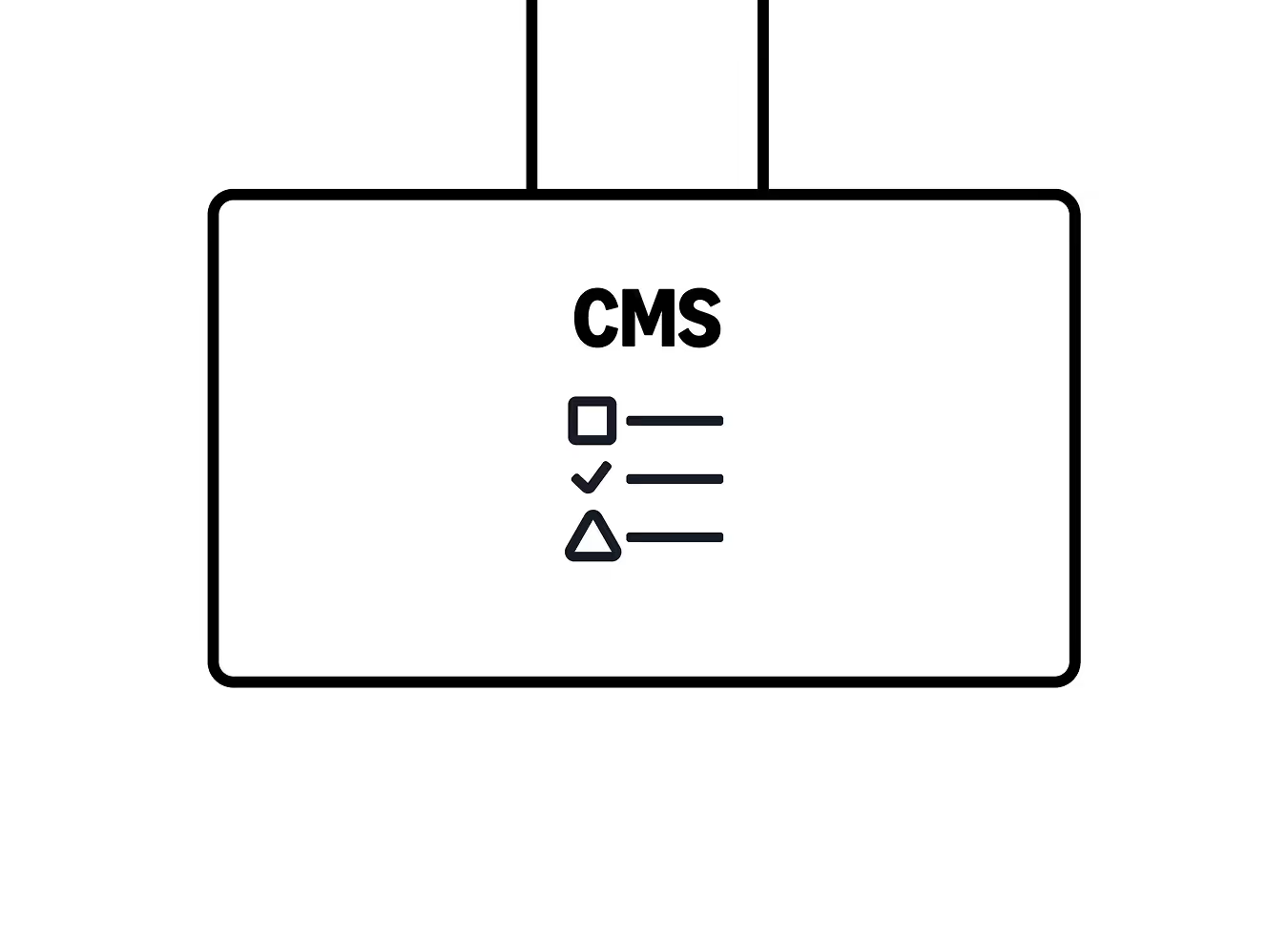
Content Management System (CMS)
Software used to create, schedule and distribute content. The digital signage CMS (Content Management System) is your control center - the place where you manage everything that appears on your screens.
Why it matters
The CMS is the “brain” of your digital signage solution. It lets non-technical users update content quickly without touching devices in the field.

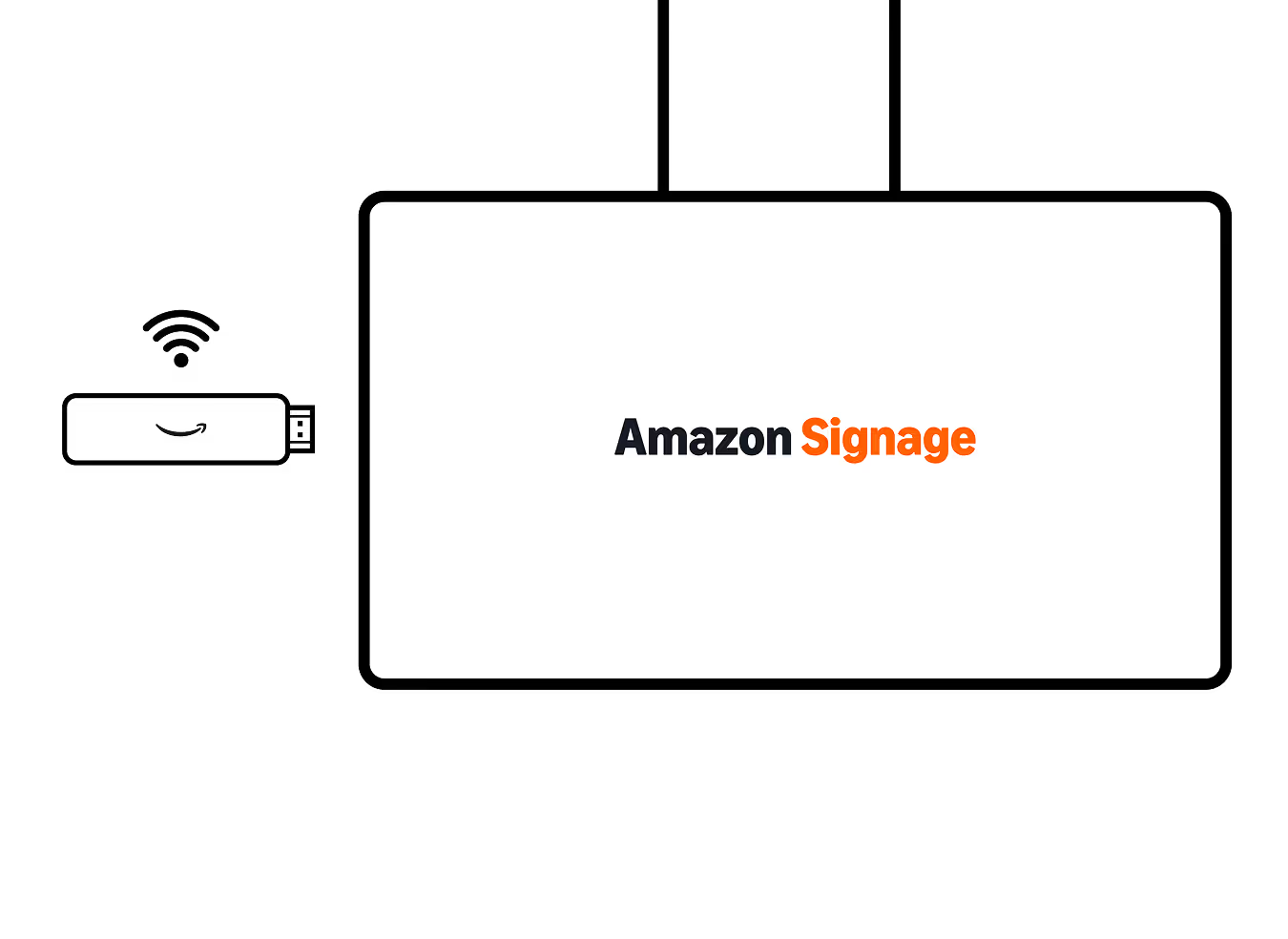
Media Player
The device that renders content on the screen (connects via Wi-Fi or ethernet). The digital signage player (or media player) plugs into your display and renders your content.
Why it matters
The media player is the backbone of your digital signage hardware. The right digital signage player helps ensure smooth and reliable content playback.
Displays
TV screens used to showcase content. Digital signage content runs on a wide range of digital signage.
Why it matters
Displays determine how professional, clear, and impactful your content appears. The right screen ensures reliable performance and strong visibility in any environment.
How to get started with a digital signage solution
Identify an opportunity and define your first digital signage use case
Most digital signage projects fail because they start with the screen, not the objective. Before buying hardware (i.e. a media player) or selecting a content management system (CMS), define what problem you are solving for and what outcome you want.
Start small, prove value, and scale with confidence. When evaluating your first opportunity, consider:
When launching your digital signage initiative, start small, prove value, and scale with confidence. When evaluating your first opportunity, consider:
- Business objective: Clarify your goal—improve productivity, increase sales, streamline operations, enhance safety, or elevate the consumer/student experience
- Audience & context: Define who will see the screens–customers, students, employees, visitors–and their mindset (passing by, waiting, purchasing, etc)
- Location impact: Choose 1-2 visible, high-traffic areas such as lobby welcome screen, point-of-sale displays, , or strategic locations that enhance your use case
- Content simplicity: Start with a manageable content set (5-10 assets) aligned with one clear objective rather than launching with overly complex messaging.
- Measurable outcome: Tie your use case to KPIs such as sales lift, dwell time, customer engagement, or employee awareness
Choose simple and reliable hardware–displays and media players
Avoid a complex infrastructure. Your displays and digital signage media players should fit your budget, but offer all the features and reliability that your business requires. Select screens that fit your environment and cost-effective, reliable media players that are easy to set up and manage to power your content.
Displays
When evaluating displays for your digital signage solution, consider:
- Commercial vs consumer: When possible, use commercial-grade displays as consumer televisions can overheat and burn out quickly if used for 16–24 hours a day, and using them often voids the manufacturer's warranty. Commercial screens typically have superior thermal management, locking features, and longer lifespans
- Environment & brightness: Are your displays indoor, indoor (sun-facing windows), or outdoor? This will determine the brightness needed and if weatherproofing is required
- Size & viewing distance: Small (24"–32") are best for close-up engagement (3-6 feet), medium (43"–55") are good for typical viewing distances of 6 to 12 feet or large (55"+) are ideal for audiences further than 12 feet, such as digital walls, primary menu boards or large waiting areas
- Resolution & orientation: Full HD (1080p) is fine for standard text or images, but ultra HD (4K) is best for up-close viewing, menu boards and video. Also consider whether usage will be landscape or portrait
Media players
Factors to consider to keep your signage running smoothly include:
- Design: Use devices purpose built for digital signage vs. consumer devices that are typically optimized for streaming and entertainment purposes
- Affordability: Don’t break your bank with overly complex hardware—focus on devices that meet your budget and intended use, as you will likely need one for each display
- Reliability: Look for devices with “auto-start” and locked-down “kiosk mode”, which prevents unauthorized access to system settings, accidental app closures, or display interruptions
- Ease of use: Examine plug-and-play devices that offer effortless setup. The more complex the device, the more technical requirements you will face, especially if your displays are in locations without available technical resources
- Scale: Consider devices that offer remote management capabilities to keep signage running smoothly from anywhere and scale at the pace your business demands
Amazon Signage devices were developed to meet these needs and provide affordable, professional-grade reliability without the need for technical expertise.
Select your digital signage content management system (CMS) to create and manage engaging content
Your CMS application is the control center of your signage network. In addition to delivering engaging and impactful experiences, the right platform should match your team structure and operational needs.
Evaluate your CMS based on:
- Content workflow & roles:
- Focus on who creates, approves and publishes content
- Look for role-based permissions and approval workflows that match your organization
- Ability to support expansion across multiple locations without added operational complexity
- Ease of content creation:
- Templates vs. custom design
- Drag-and-drop scheduling and easy playlist creation
- Media library organization
- Non-technical requirements to manage independently
- Remote management & monitoring:
- Display control
- Device health monitoring
- Real-time status reporting
- Remote reboot and troubleshooting
- Screen capture and proof of play
- Integrations:
- POS systems
- Data dashboards
- Social feeds
- Calendar systems
- APIs for dynamic content
When designing content consider the following:
- Keep it simple and follow the 70-20-10 rule: 70% communications, brand and atmosphere, 20% promotions, and 10% announcements
- Use large, readable text and limit each slide to 6–10 seconds
- While motion attracts attention, keep it subtle
Learn more about the CMS providers available for Amazon Signage devices.
Deploy and manage your digital signage media players
With your displays installed and CMS selected, it’s time to deploy hardware. Connect your media players, like the one of Amazon Signage devices, and enroll them with your CMS.
When deploying media players, consider:
- Physical installation:
- Secure HDMI connection
- Concealed cable management
- Reliable power source
- Stable wired or Wi-Fi network
- Device enrollment:
- Register each device in your CMS
- Assign it to the correct location and content group
- Confirm remote management access
- Network configuration:
- Dedicated VLAN (if required)
- Bandwidth considerations for video-heavy content
- Firewall and security compliance
- Testing & validation:
- Confirm content playback
- Validate scheduling
- Test remote monitoring capabilities
- Simulate a power outage and confirm auto-recovery
- Standardization:
- Document setup steps so future deployments are repeatable and efficient
- Use a consistent naming convention for devices, networks, and display outputs so teams can quickly identify and manage players across locations
Learn more about the latest Remote Management capabilities of Amazon Signage devices where you can manage both content and your devices from your CMS application.
Launch, measure and iterate
Start with a small content set, then refine based on performance and feedback.
When launching your first content cycle, consider:
- Soft launch:
- Begin with a limited set of messaging aligned to your primary objective.
- Observe real-world performance before scaling
- Performance metrics:
- Sales lift on promoted items
- Reduced expenses
- Higher customer/student satisfaction
- Improved safety & compliance
- Greater audience engagement
- Content optimization:
- Rotate messaging based on time of day
- A/B test promotions
- Adjust layouts for readability and visibility
- Operational feedback:
- Gather input from store managers or front-line staff
- Identify playback issues or content gaps
- Monitor device uptime and system health
- Scale strategically:
- After validating success in 1–2 locations
- Expand to additional screens, departments, or sites using standardized, easily supported processes
Digital signage doesn't have to be expensive or complicated. By defining your goals, choosing the right locations, and utilizing simple, professional tools like Amazon Signage devices and one of the CMS providers in our program, your business can create an engaging digital experience that scales with you. Get started today.
Learn more about best practices in our digital quick start guide.
Where Amazon Signage fits
In a complete digital signage solution:
- Amazon Signage Stick provides the secure, scalable media player hardware deployed behind each screen.
- Amazon works with a network of leading CMS providers for content creation, scheduling, and analytics.
- Your choice of digital signage displays brings the content to life in your physical environments.
This modular architecture lets you:
- Standardize on a single digital signage player across locations
- Choose the digital signage software that best fits your workflows and vertical
- Scale from pilot to mass deployment on the same hardware and CMS stack
Launch faster. Update easier. Scale confidently.
Set it up, publish with confidence, and scale to more screens when you’re ready.