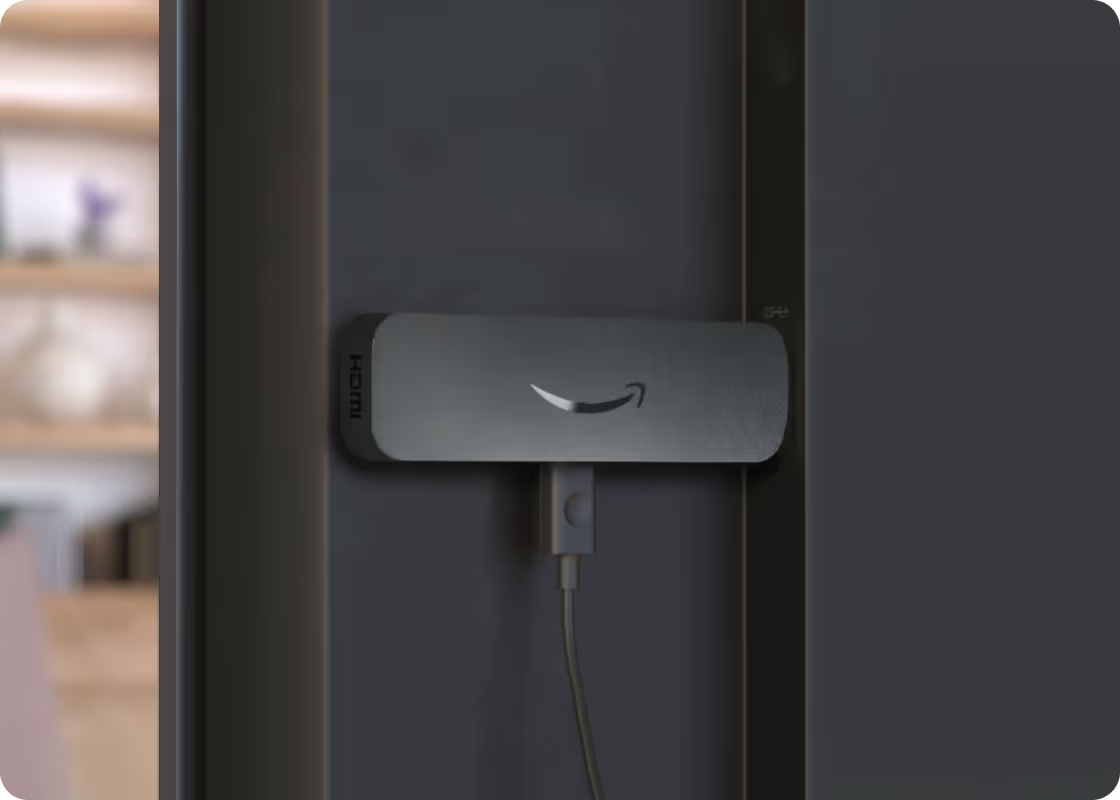
Amazon Signage for Higher Ed
Transform campus communications with simple, affordable digital signage.
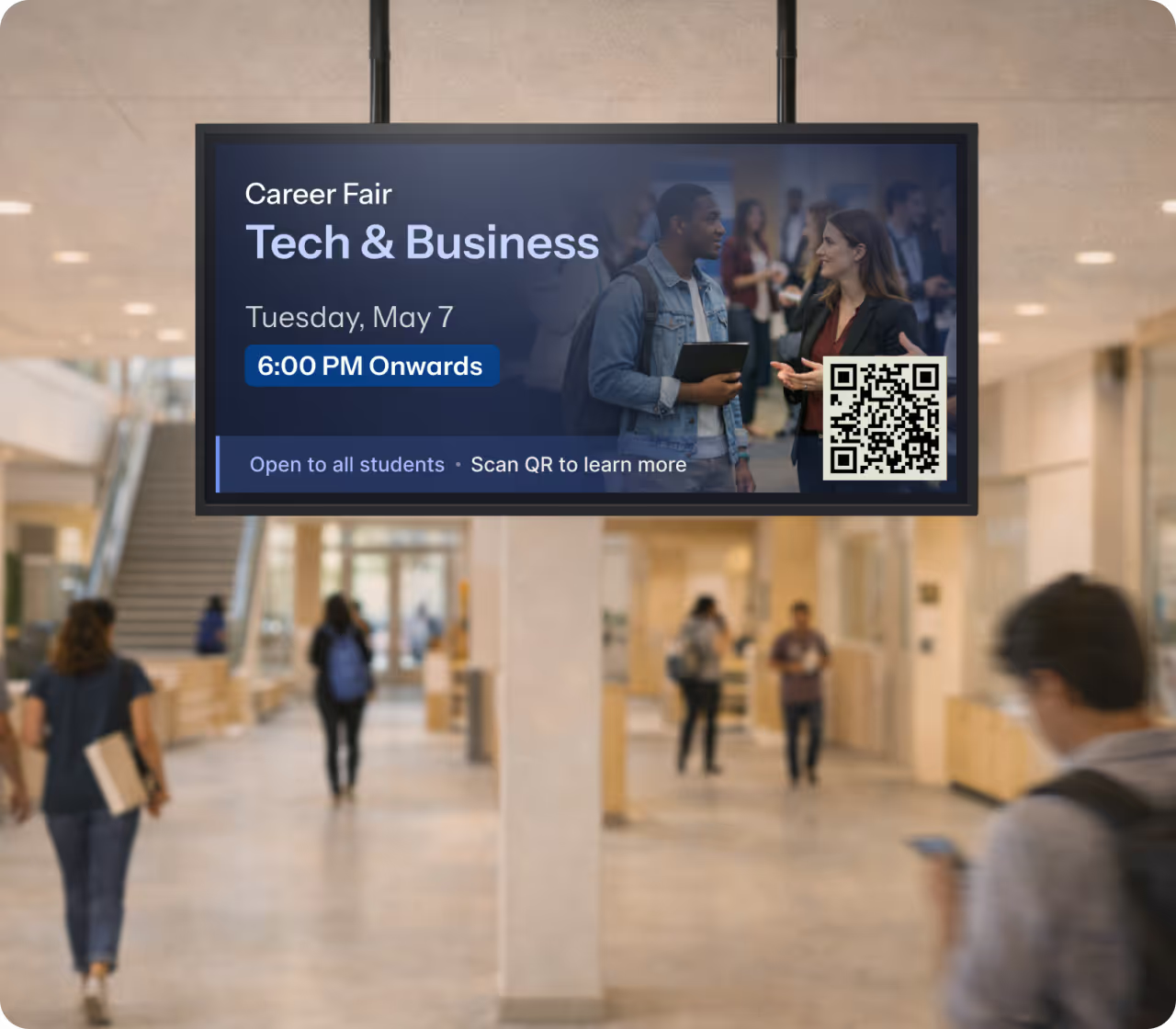

Affordable
Just $99.99 for a commercial-grade media player with no subscription fees

Simple
Effortless setup in minutes — just plug into your display, connect to Wi-Fi, power it on, and go.

Reliable
Purpose-built for digital signage, delivering the dependability you need to lower your maintenance costs and improve operational stability.
*CMS is required to create and manage your content – a separate subscription may be required.
Use Cases in Higher Ed
The Amazon Signage Stick gives you the performance needed to cost-effectively implement or expand your digital signage capabilities to address a broad set of key use cases in Higher Education.
Improve Communications
Keep students and staff informed with real-time updates on events, schedules, and important information.
Boost Operations
Support departments and campus functions including food service, athletics, and the arts with professional signage capabilities.
Enhance Safety
Display emergency alerts, weather warnings, and safety instructions instantly across all screens.
* Benefits described reflect the combined value of the Amazon Signage Stick integrated with third-party content management system (CMS) providers. Capabilities vary by CMS.
Customer Story

From Fire TV to Signage Stick—University of Utah’s digital signage evolution
The University of Utah improved campus communications for more than 34,000 students while lowering support costs and reducing setup time through its campus-wide digital signage deployment powered by the Amazon Signage Stick.

Resources
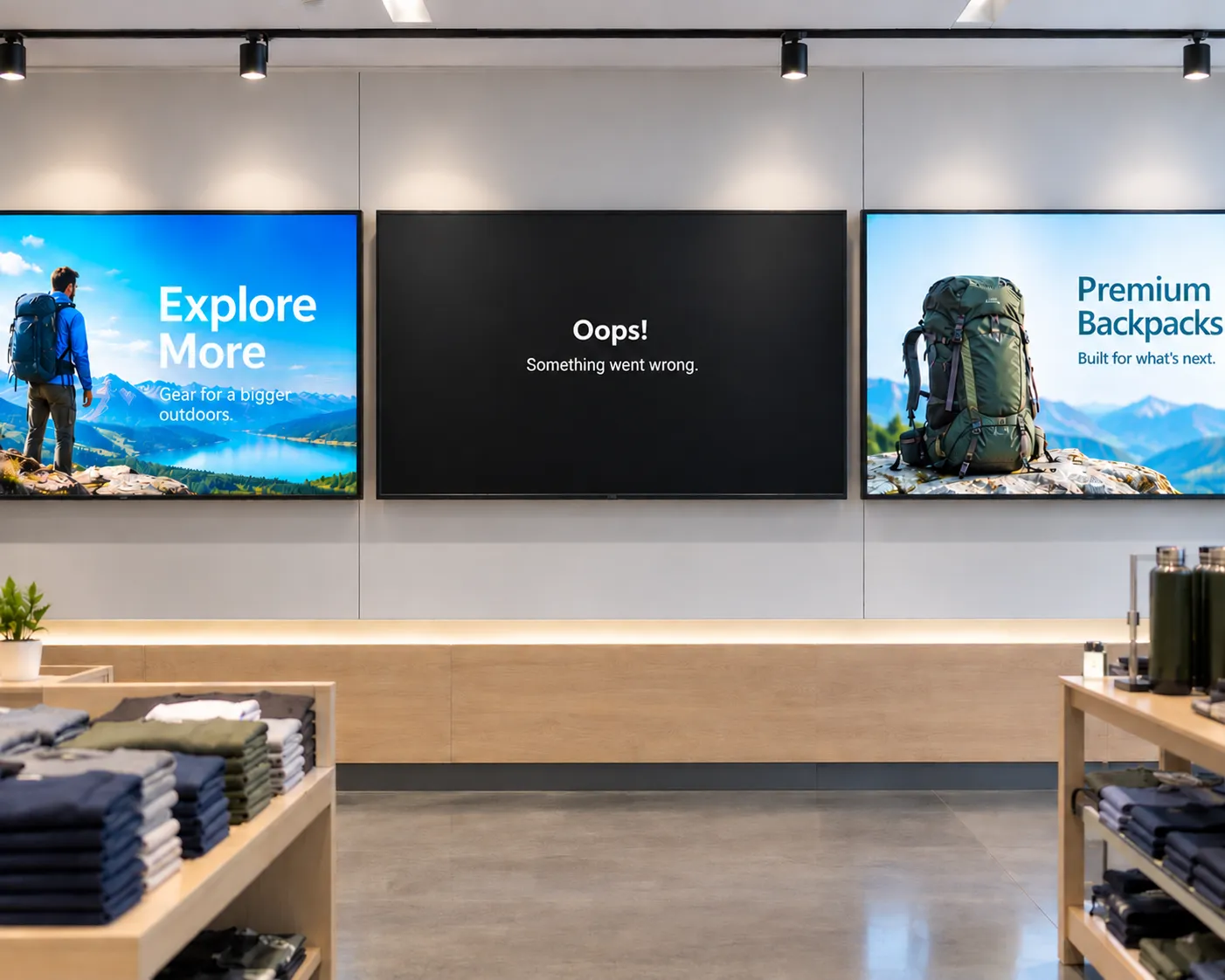
The hidden cost of "cheap" digital signage
From single-location businesses to enterprise fleets, cheap media players often cost more to operate than they save upfront. Here's what to factor in before you buy.

How smart hardware choices keep digital signage projects moving forward
Discover how IT teams are avoiding costly signage delays by pairing the right CMS with purpose-built media players—without ripping and replacing existing displays
Whether you deploy signage or buy it: simplified digital signage made reliable and scalable
Learn how Carousel, DataVisual, and Amazon Signage deliver simplified, scalable digital signage solutions that reduce complexity and operating costs for both resellers and end customers.
FAQs for Amazon Signage Stick
Commencer est facile. Il vous suffit d’un système de gestion de contenu (CMS), d’un Amazon Signage Stick et d’un écran. Découvrez nos pratiques exemplaires pour bien commencer.
You can order it directly from the Amazon Signage site or via Amazon, and it’s just $99.99 for professional signage.
Oui — les membres Amazon Business économisent 2% sur les commandes de 1 à 9 sticks, et jusqu’à 10% à l’achat de 100 ou plus.
Very easy — plug it into an HDMI port, power it up, connect to Wi-Fi, and walk through a simple pairing flow using either the mobile app, web or remote. No technical expertise required to set up and have content running in minutes with a preselected CMS.
Oui — le Signage Stick agit comme votre lecteur multimédia, ce qui vous permet de diffuser du contenu sur votre écran. Vous avez besoin d’un logiciel de gestion de contenu (CMS) distinct pour créer et gérer le contenu que vous envoyez au Signage Stick. Certaines solutions CMS exigent des frais d’abonnement.
The Amazon Signage Stick currently supports multiple leading CMS systems. Refer to our CMS Provider Directory and your CMS isn’t listed, Amazon Signage may consider adding it — you can email signage-support@amazon.com.
Yes — it's built with security in mind (secure boot loader, encryption, regular updates), and auto-launches your CMS in kiosk mode for reliable, unattended operation.
Purpose-built for digital signage, it is a commercial grade device that effectively scales to support businesses and organizations of all sizes. Simply add one Signage Stick per display and use the mobile app to set them up simultaneously and manage them on the go.
Start transforming student and staff communications with the Amazon Signage Stick today