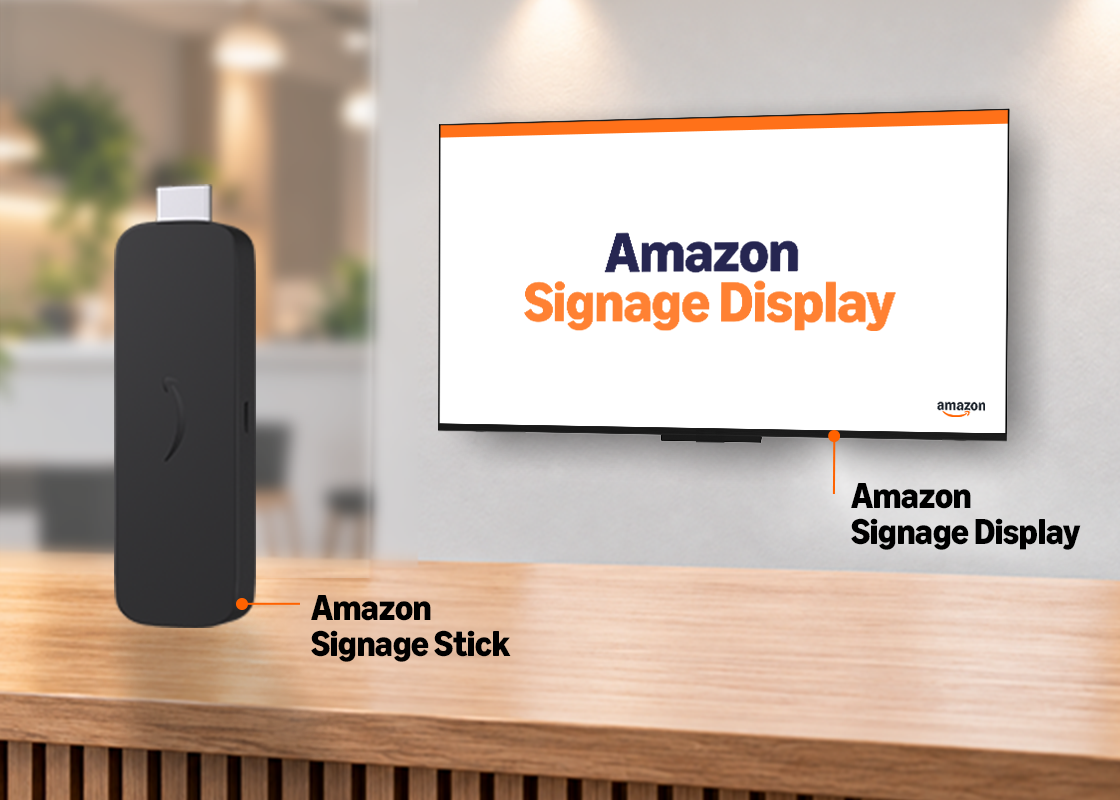
Amazon Signage for Higher Ed
Transform campus communications with simple, affordable digital signage.

Affordable
Amazon Signage devices are competitively priced with no subscription fees.

Simple
Effortless setup makes your Amazon Signage device ready to go in minutes.

Reliable
Purpose built for digital signage, get the dependability you need to lower your maintenance costs and improve operational stability.
*CMS is required to create and manage your content – a separate subscription may be required.
**Only available in the Amazon Signage Stick.
Use Cases in Higher Ed
Amazon Signage devices give you the performance needed to cost-effectively implement or expand your digital signage capabilities to address a broad set of key use cases in Higher Education.
Improve Communications
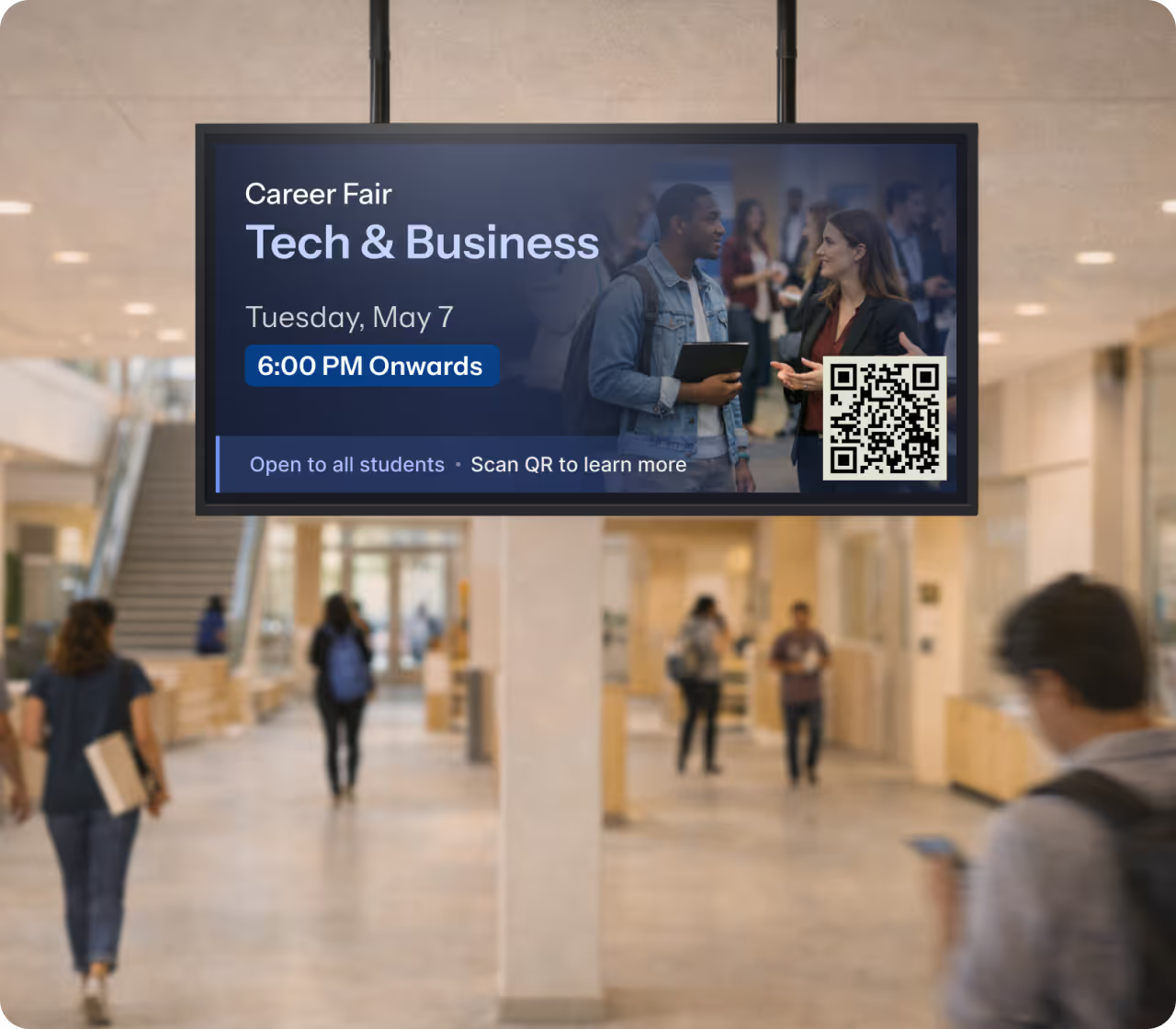
Keep students and staff informed with real-time updates on events, schedules, and important information.
Boost Operations
Support departments and campus functions including food service, athletics, and the arts with professional signage capabilities.
Enhance Safety
Display emergency alerts, weather warnings, and safety instructions instantly across all screens.
* Benefits described reflect the combined value of the Amazon Signage devices integrated with third-party content management system (CMS) providers. Capabilities vary by CMS and a separate subscription may be required.
Customer Story

From Fire TV to Signage Stick—University of Utah’s digital signage evolution
The University of Utah improved campus communications for more than 34,000 students while lowering support costs and reducing setup time through its campus-wide digital signage deployment powered by the Amazon Signage Stick.

Resources
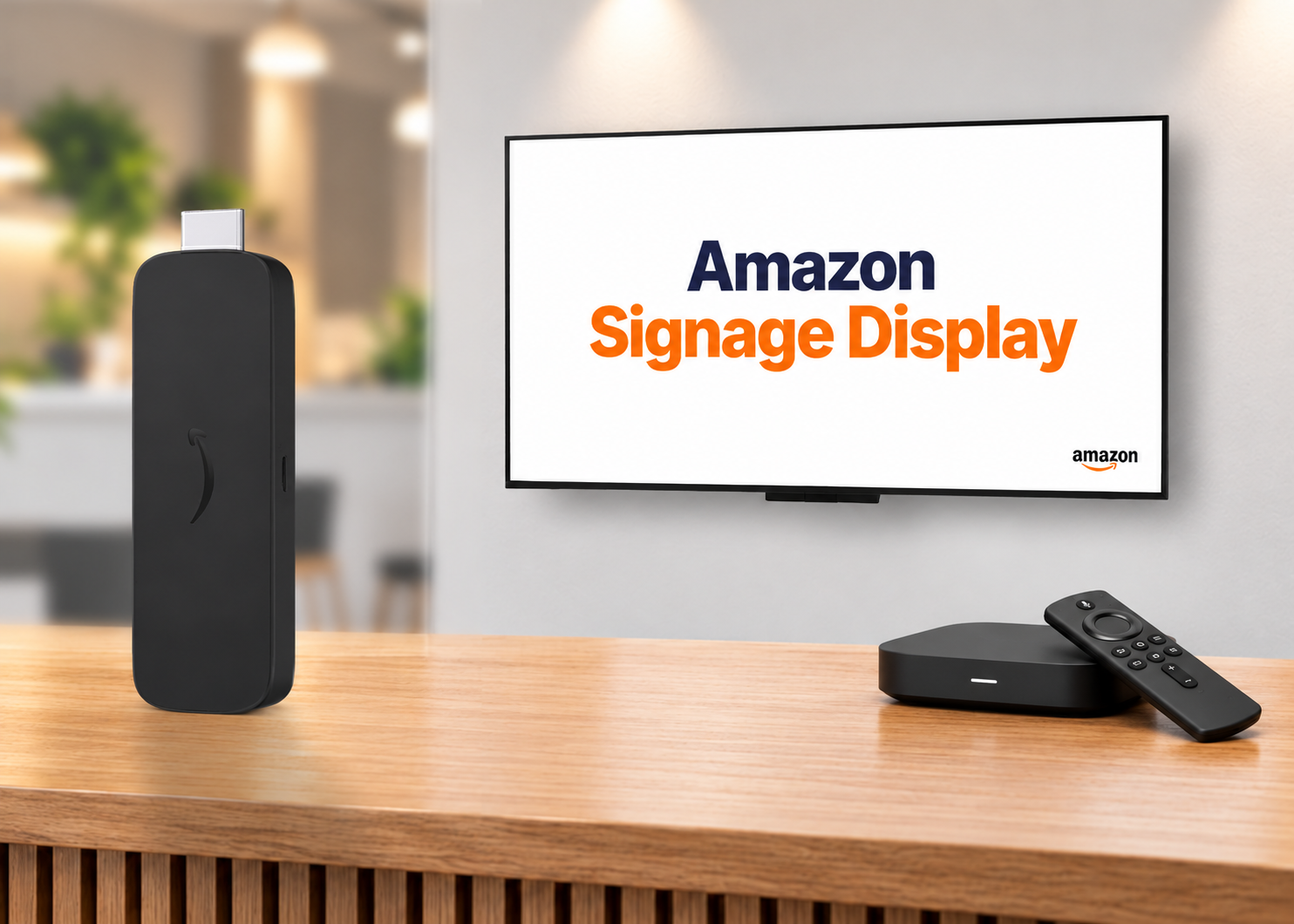
Decoding digital signage hardware–SoC display, specialized player, or purpose-built stick
The media player drives everything in a digital signage deployment. Here’s how the three main hardware categories compare and a framework for choosing the right one.
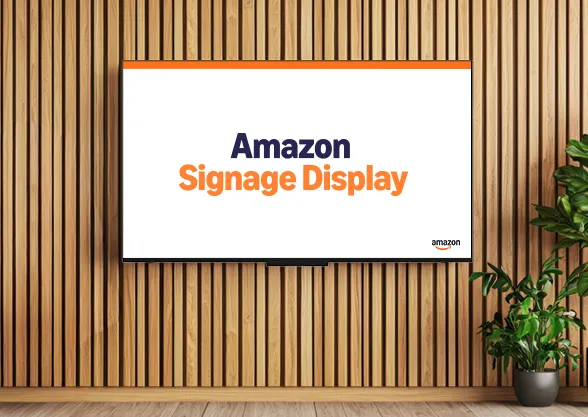
Digital signage made even simpler—introducing the Amazon Signage Display
Meet the Amazon Signage Display, a 55" 4K display with a built-in SoC media player, Ethernet, and Miracast. Same portal, app, and CMS support as the Amazon Signage Stick.
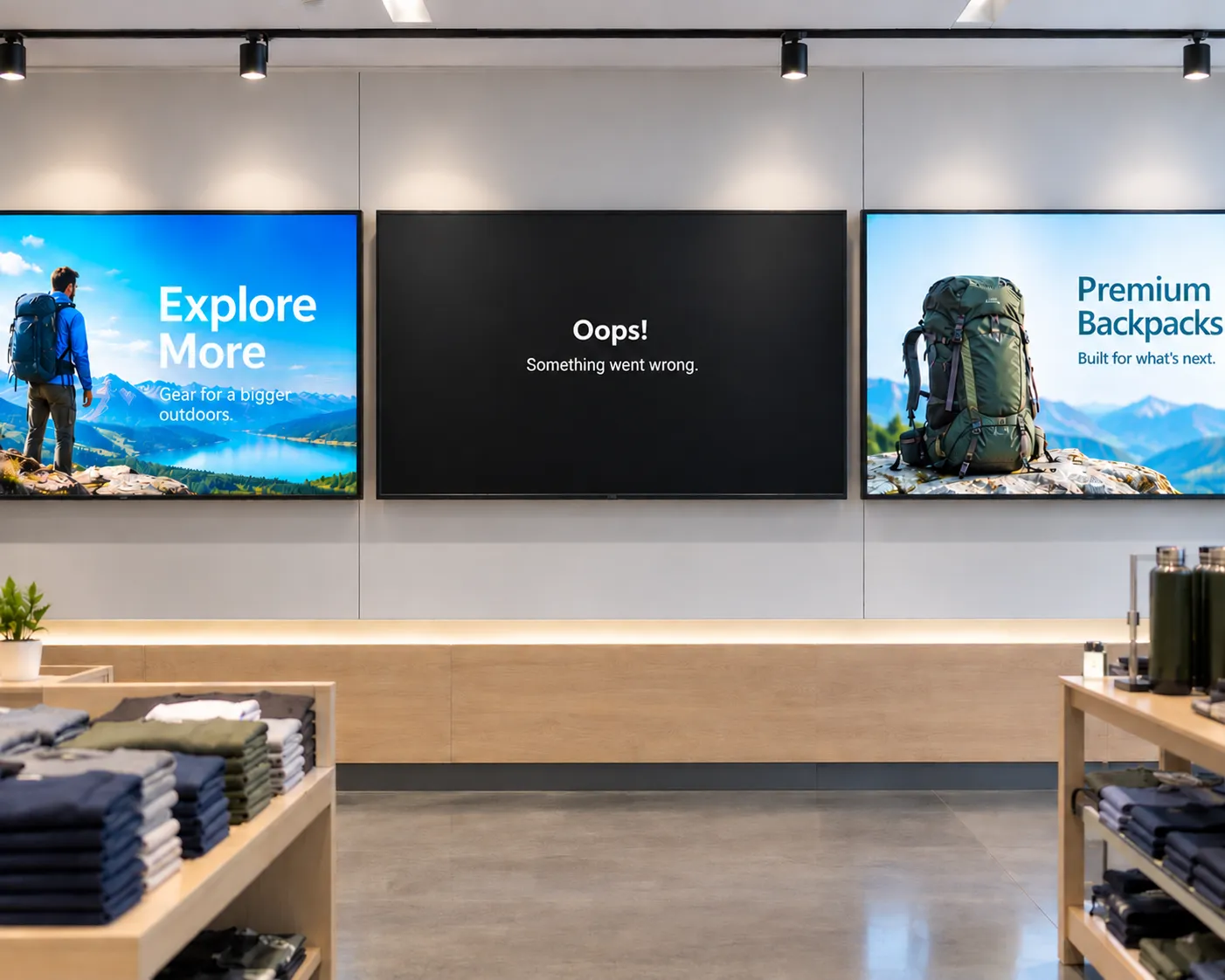
The hidden cost of "cheap" digital signage
From single-location businesses to enterprise fleets, cheap media players often cost more to operate than they save upfront. Here's what to factor in before you buy.
Start transforming student and staff communications with the Amazon Signage today