Blogs
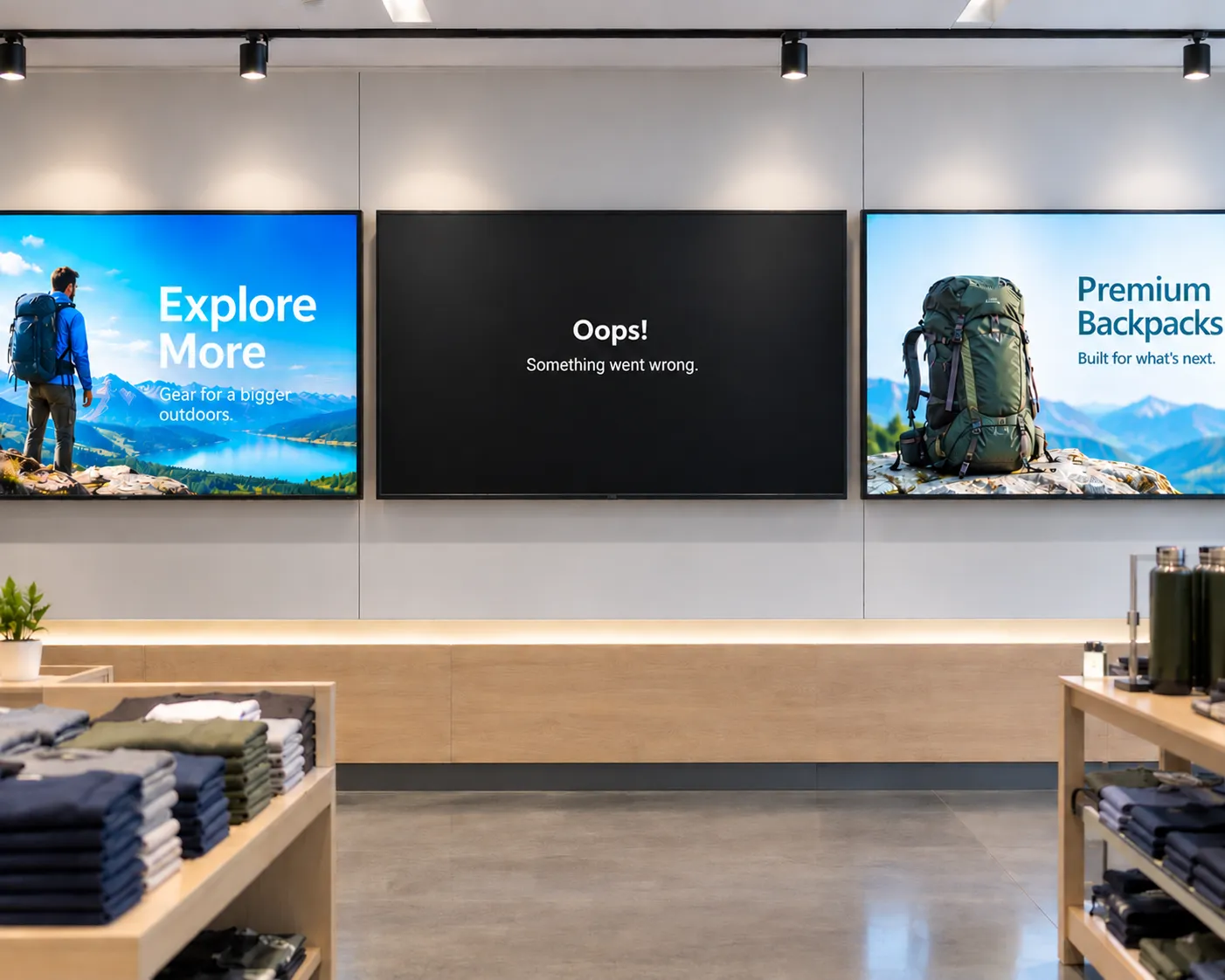
The hidden cost of "cheap" digital signage
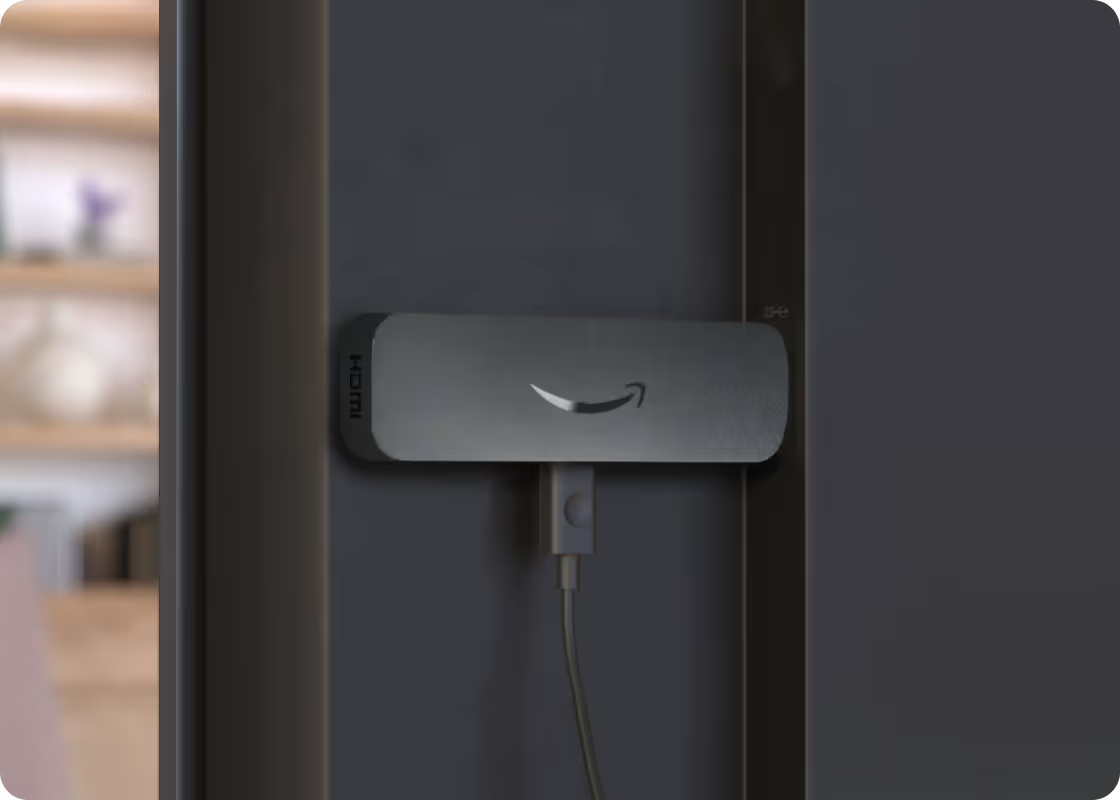
From single-location businesses to enterprise fleets, cheap media players often cost more to operate than they save upfront. Here's what to factor in before you buy.


Amazon Signage Stick—bringing simplified professional-grade digital signage to Canada and Europe
Available in the US, Amazon Signage now launches the Amazon Signage Stick in Canada and Europe including—France, Germany, Italy, Spain, and the United Kingdom.

Rethinking digital signage: how Amazon Signage and Rockbot are building the future together
Amazon Signage and Rockbot explain how their partnership allows organizations to provide better customer experiences–simply and affordably.
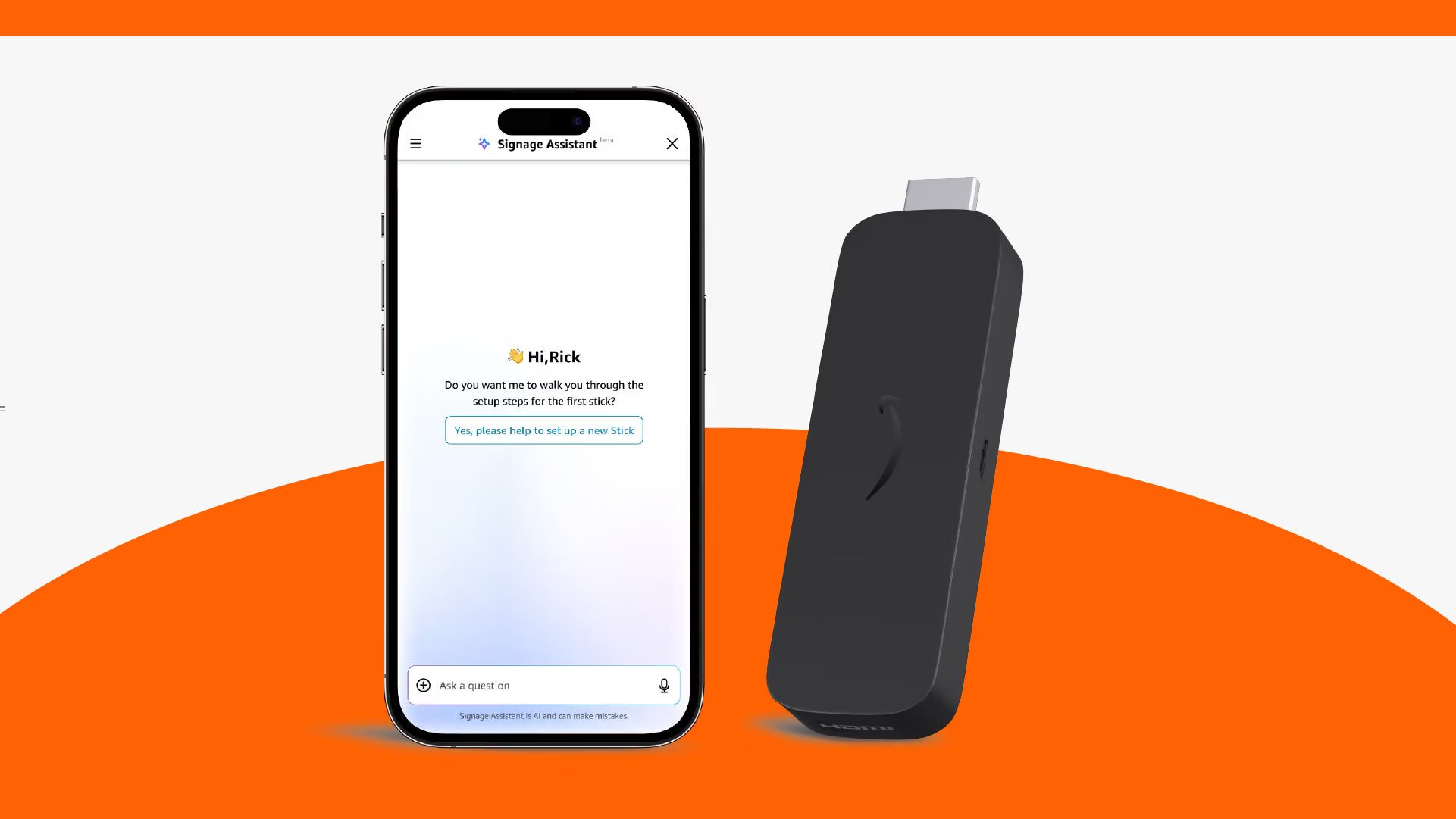
Amazon Signage Assistant: reduce digital signage downtime with AI built into the Amazon Signage mobile app
Simplicity, now extended to support. Our AI-powered tool in the mobile app lets any team member troubleshoot and fix Amazon Signage Stick issues through plain-language conversation—no IT expertise, no support tickets, no extra cost.

How-to guide for digital signage in restaurants
This guide provides practical advice for how restaurants—fast-casual, QSRs, cafes, and more—should approach digital signage.

WEBINAR: Simplifying digital signage for every business–Amazon Signage and NoviSign deliver a winning formula for resellers
Amazon Signage recently joined NoviSign—one of our fastest-growing CMS providers—and Commercial Integrator for a webinar on helping channel partners build profitable, scalable digital signage businesses.
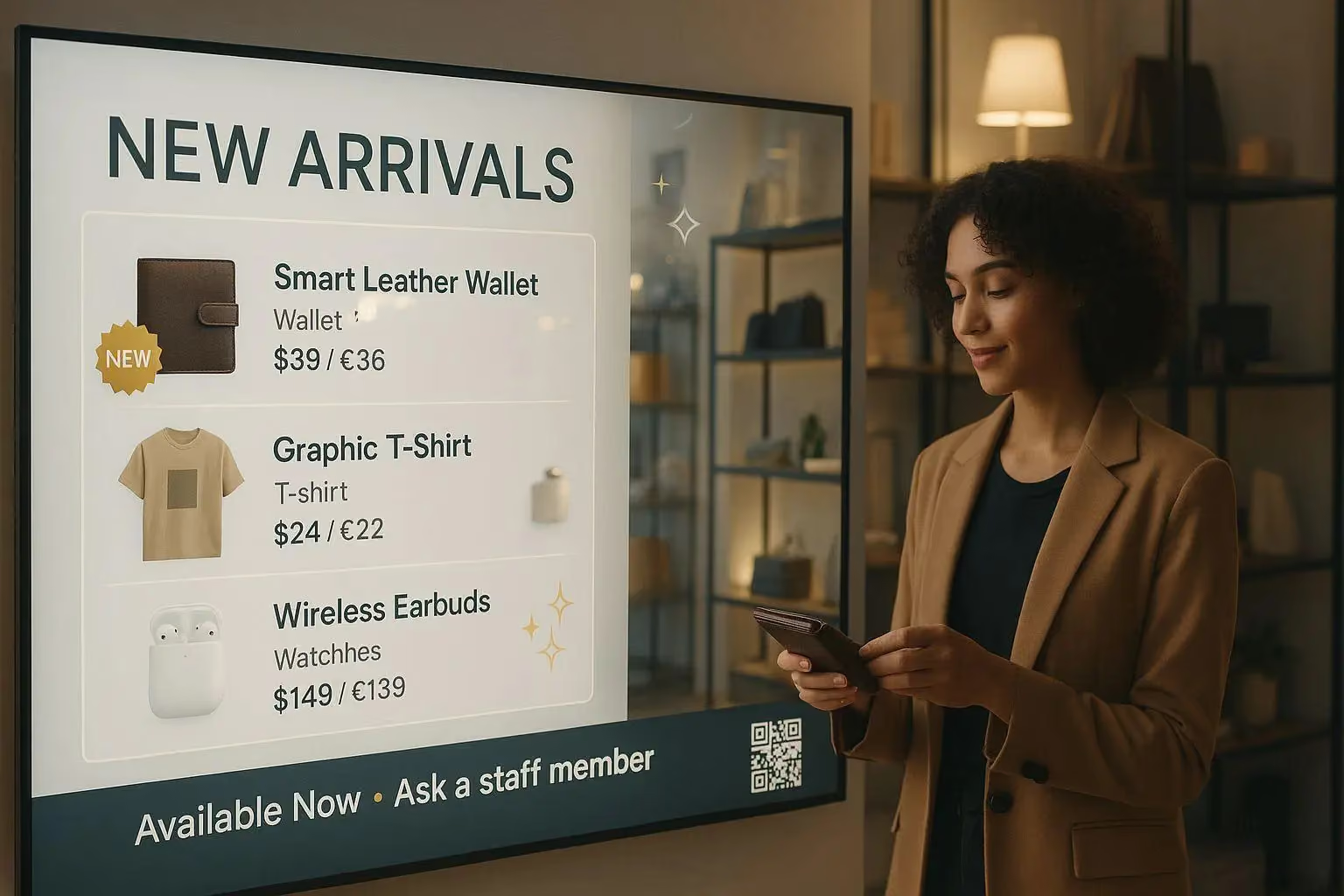
A how-to guide for digital signage in SMB retail stores
This guide provides practical advice for how small and medium-sized (SMB) retailers should approach digital signage.
FAQs for Amazon Signage Stick
Commencer est simple. Il vous suffit d'un système de gestion de contenu (CMS), d'un Amazon Signage Stick et d'un écran. Découvrez nos bonnes pratiques pour bien démarrer.
You can order it directly from the Amazon Signage site or via Amazon, and it’s just $99.99 for professional signage.
Oui : les membres Amazon Business bénéficient de 2 % de réduction sur les commandes de 1 à 9 sticks, et jusqu'à 10 % pour l'achat de 100 unités ou plus.
Very easy — plug it into an HDMI port, power it up, connect to Wi-Fi, and walk through a simple pairing flow using either the mobile app, web or remote. No technical expertise required to set up and have content running in minutes with a preselected CMS.
Oui : le Signage Stick fait office de lecteur multimédia et vous permet de diffuser du contenu sur votre écran. Vous avez besoin d'un logiciel de gestion de contenu (CMS) distinct pour créer et gérer le contenu que vous envoyez au Signage Stick. Certaines solutions CMS nécessitent un abonnement.
The Amazon Signage Stick currently supports multiple leading CMS systems. Refer to our CMS Provider Directory and your CMS isn’t listed, Amazon Signage may consider adding it — you can email signage-support@amazon.com.
Yes — it's built with security in mind (secure boot loader, encryption, regular updates), and auto-launches your CMS in kiosk mode for reliable, unattended operation.
Purpose-built for digital signage, it is a commercial grade device that effectively scales to support businesses and organizations of all sizes. Simply add one Signage Stick per display and use the mobile app to set them up simultaneously and manage them on the go.
Lancez plus rapidement. Mettez à jour plus facilement. Évoluez en toute confiance.
Configurez-le, publiez-le en toute confiance et passez à un plus grand nombre d'écrans lorsque vous êtes prêt.