Blogs
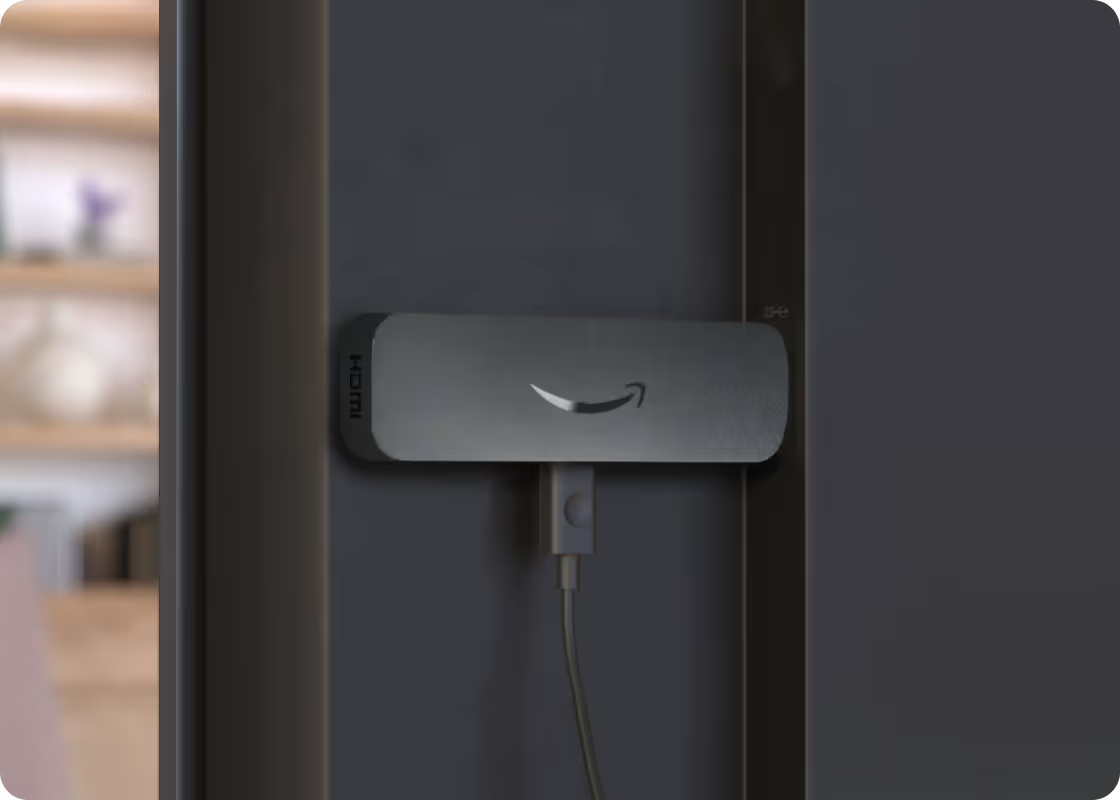
Amazon Signage Stick—bringing simplified professional-grade digital signage to Canada and Europe
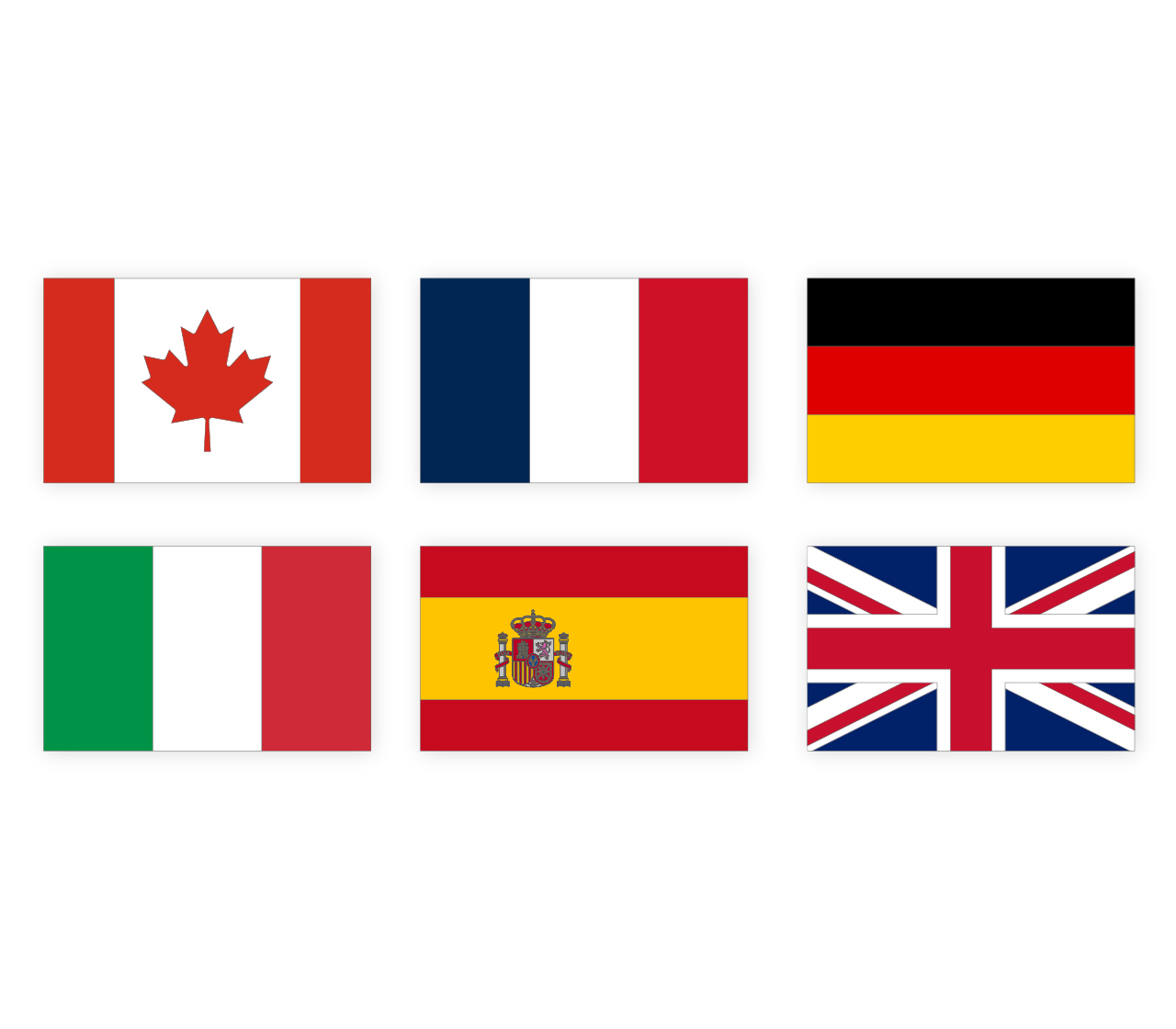
Available in the US, Amazon Signage now launches the Amazon Signage Stick in Canada and Europe including—France, Germany, Italy, Spain, and the United Kingdom.

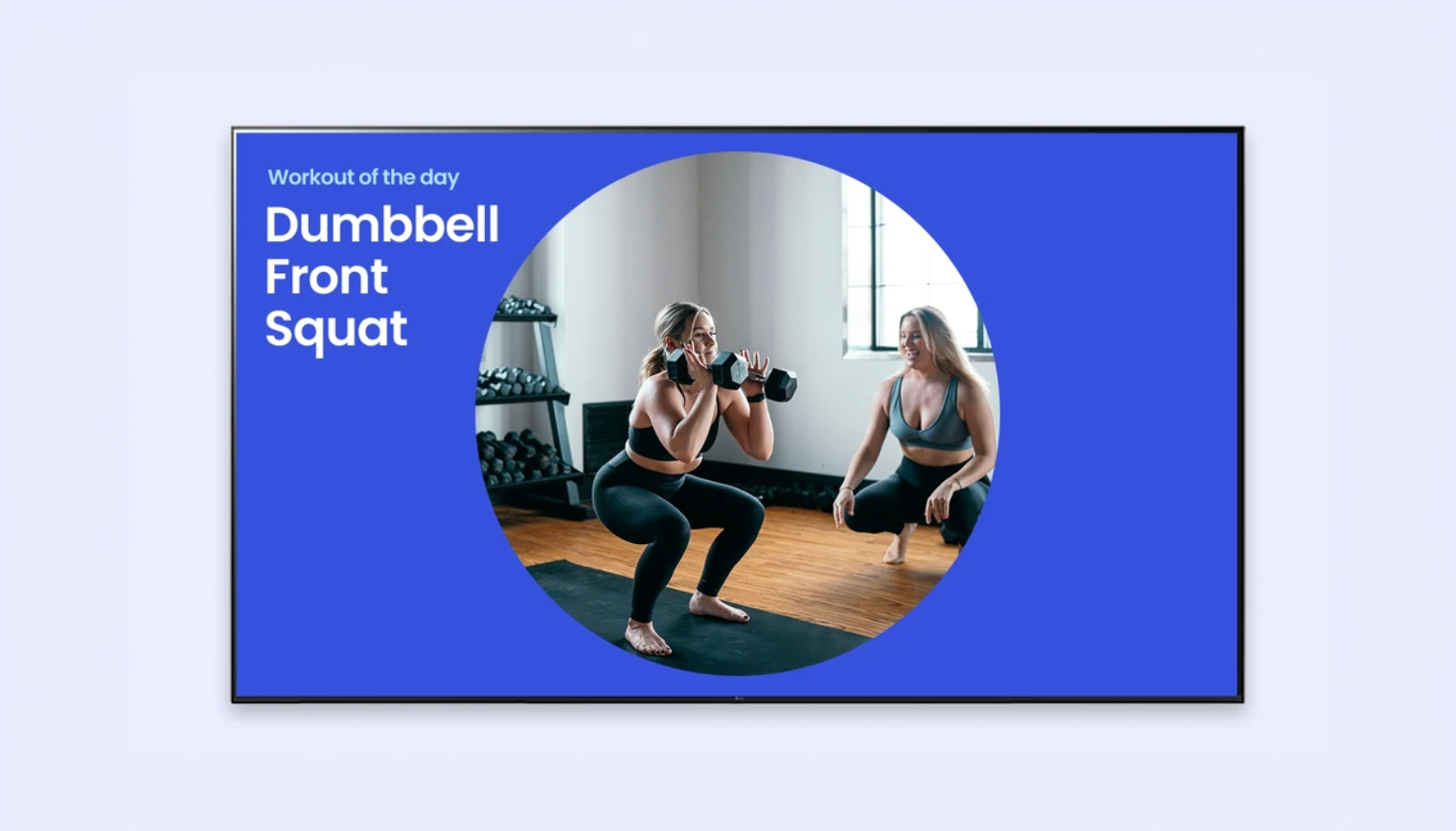
A how-to guide for digital signage in fitness centers
This guide provides practical advice for how fitness centers, gyms, spas, and wellness centers should approach digital signage.
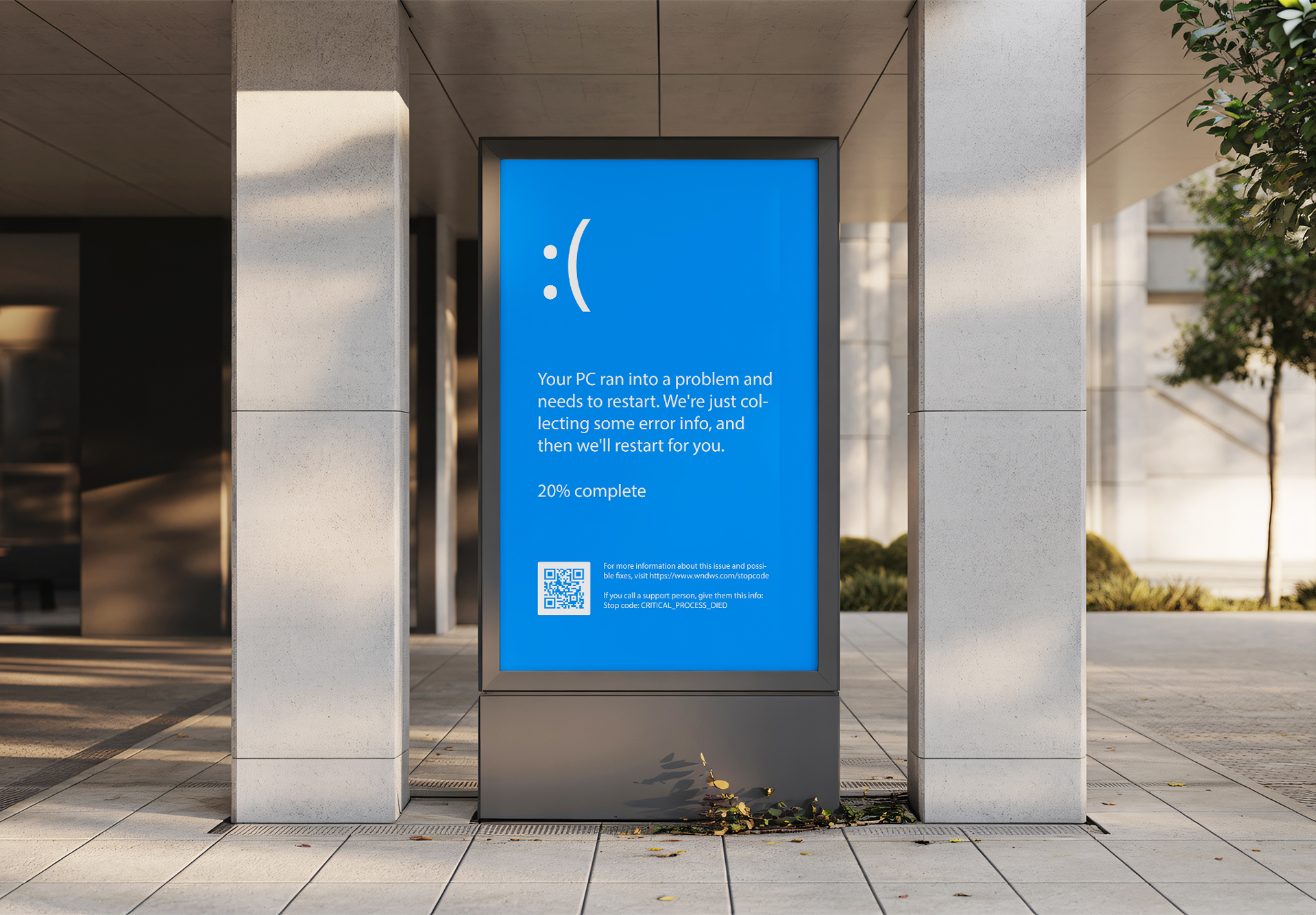
Beyond Windows 10 — a guide to your digital signage media player transition
With the official End-of-Life (EOL) of Windows 10 Pro now behind us, staying on this platform isn't just a technical debt—it’s a security liability. What is emerging is a shift towards dedicated android-based devices that offer enterprise governance without the "Windows Tax."
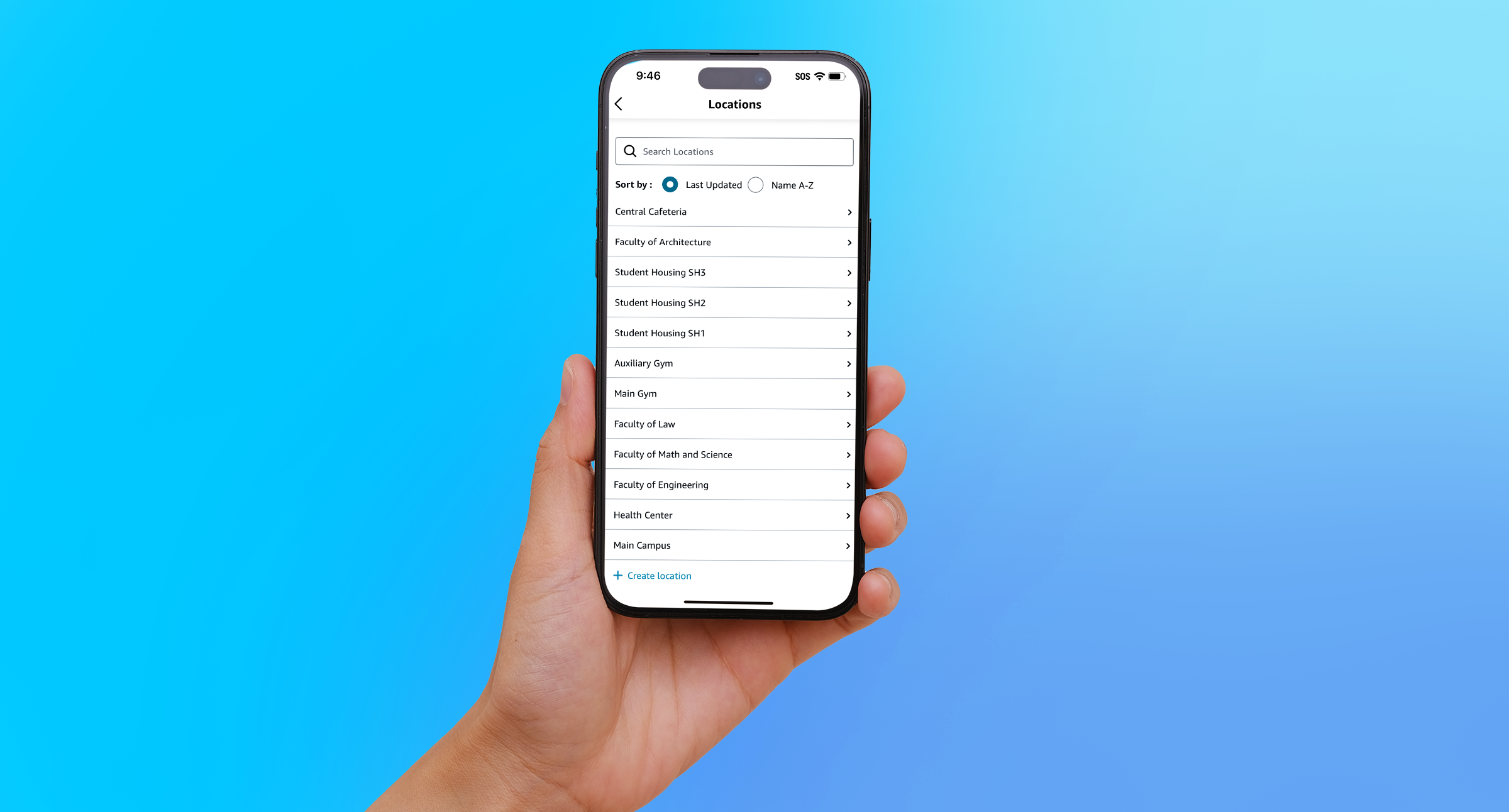
Simplifying digital signage capabilities to support large scale deployments
Amazon Signage Mobile App 1.3 — brings powerful new capabilities designed specifically for teams managing large-scale digital signage deployments.
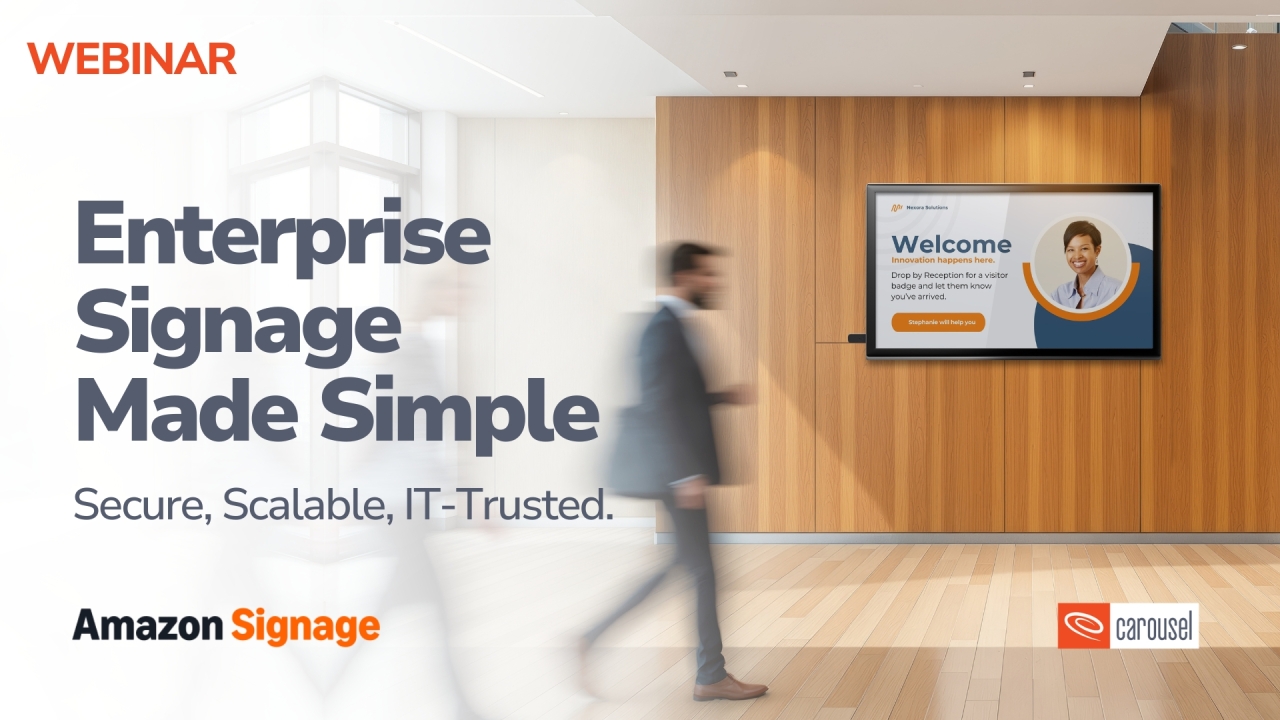
Enterprise signage made simple – how to scale signage and reduce IT burden
Webinar: Amazon Signage and Carousel Digital share practical guidance for cost-effectively managing signage deployments at scale, along with takeaways and resources to help business teams partner effectively with IT.
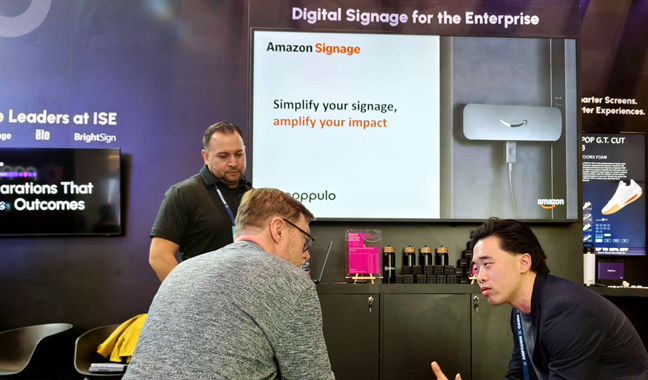
Top learnings from ISE 2026
ISE 2026 showed digital signage shifting from AV to enterprise infrastructure, with focus on security, remote management, and global operations—where AI's real impact is operational efficiency.
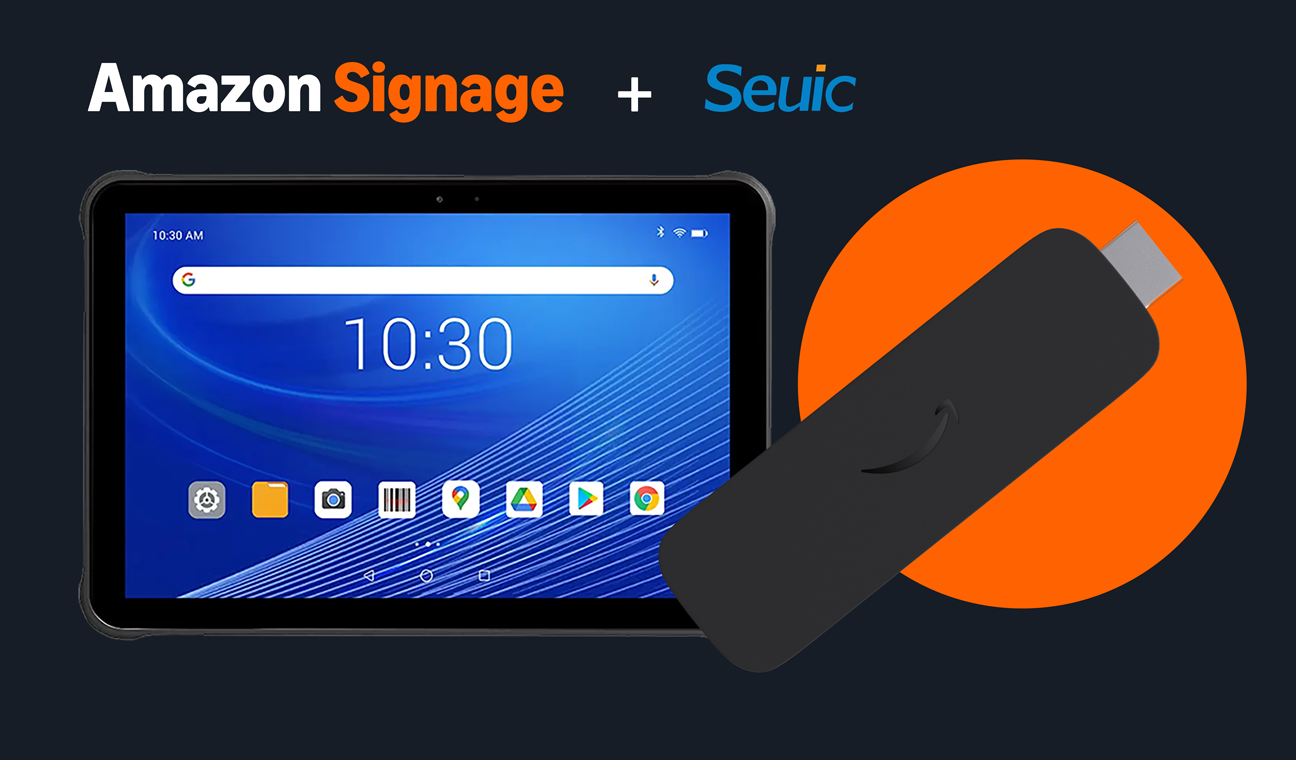
Beyond remote, laptop, and phone — the tablet control layer for digital signage ops
Tablets are emerging as the shared frontline console for digital signage - speeding playback checks, troubleshooting, and governed updates at scale.
FAQs for Amazon Signage Stick
Commencer est simple. Il vous suffit d'un système de gestion de contenu (CMS), d'un Amazon Signage Stick et d'un écran. Découvrez nos bonnes pratiques pour bien démarrer.
You can order it directly from the Amazon Signage site or via Amazon, and it’s just $99.99 for professional signage.
Oui : les membres Amazon Business bénéficient de 2 % de réduction sur les commandes de 1 à 9 sticks, et jusqu'à 10 % pour l'achat de 100 unités ou plus.
Very easy — plug it into an HDMI port, power it up, connect to Wi-Fi, and walk through a simple pairing flow using either the mobile app, web or remote. No technical expertise required to set up and have content running in minutes with a preselected CMS.
Oui : le Signage Stick fait office de lecteur multimédia et vous permet de diffuser du contenu sur votre écran. Vous avez besoin d'un logiciel de gestion de contenu (CMS) distinct pour créer et gérer le contenu que vous envoyez au Signage Stick. Certaines solutions CMS nécessitent un abonnement.
The Amazon Signage Stick currently supports multiple leading CMS systems. Refer to our CMS Provider Directory and your CMS isn’t listed, Amazon Signage may consider adding it — you can email signage-support@amazon.com.
Yes — it's built with security in mind (secure boot loader, encryption, regular updates), and auto-launches your CMS in kiosk mode for reliable, unattended operation.
Purpose-built for digital signage, it is a commercial grade device that effectively scales to support businesses and organizations of all sizes. Simply add one Signage Stick per display and use the mobile app to set them up simultaneously and manage them on the go.
Lancez plus rapidement. Mettez à jour plus facilement. Évoluez en toute confiance.
Configurez-le, publiez-le en toute confiance et passez à un plus grand nombre d'écrans lorsque vous êtes prêt.