Blogs

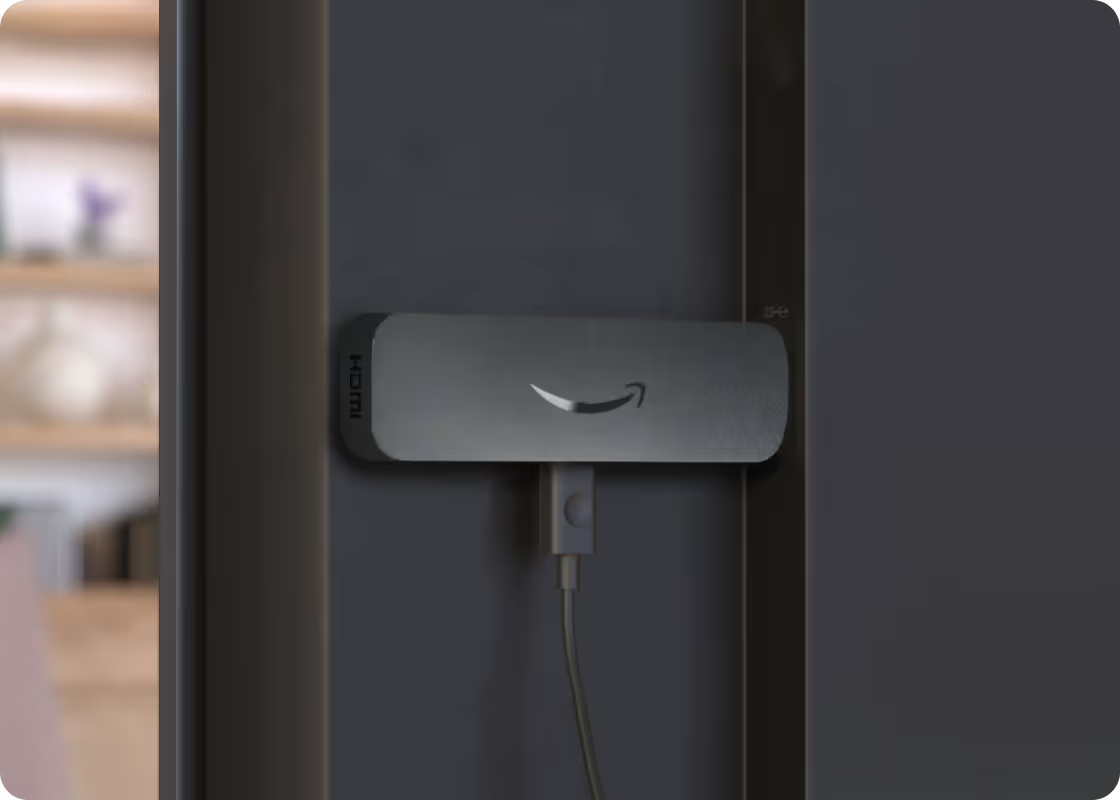
Amazon Signage Stick—bringing simplified professional-grade digital signage to Canada and Europe
Available in the US, Amazon Signage now launches the Amazon Signage Stick in Canada and Europe including—France, Germany, Italy, Spain, and the United Kingdom.

How smart hardware choices keep digital signage projects moving forward
Discover how IT teams are avoiding costly signage delays by pairing the right CMS with purpose-built media players—without ripping and replacing existing displays
Whether you deploy signage or buy it: simplified digital signage made reliable and scalable
Learn how Carousel, DataVisual, and Amazon Signage deliver simplified, scalable digital signage solutions that reduce complexity and operating costs for both resellers and end customers.
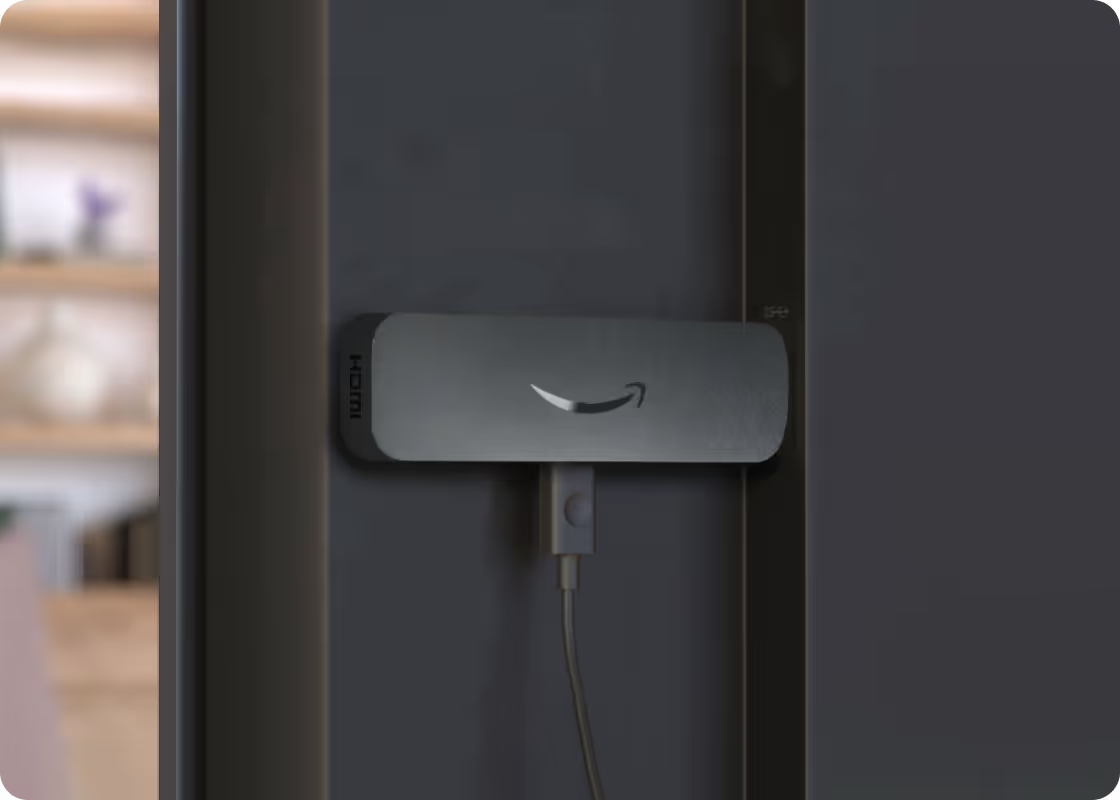
Amazon Signage Stick vs. mini-PCs: which is right for your digital signage deployment?
Evaluating hardware for your next signage deployment? Compare the operational costs, reliability, and CMS compatibility of Amazon Signage Sticks versus mini-PCs.

Wireless screen mirroring comes to the classroom—and Amazon Signage Stick makes it simple
Enable easy, wireless screen mirroring in your classroom and on campus with supported devices and the Amazon Signage Stick. Native Miracast support means no apps, no adapters, and no IT headaches required.
More than digital signage–Amazon Signage Stick adds screen mirroring, multi-language support, and fleet management upgrades
Amazon Signage released new features for the Amazon Signage Stick including Miracast, multi-language support, fleet management upgrades, and more.
Amazon Signage Stick—bringing simplified professional-grade digital signage to Canada and Europe
Available in the US, Amazon Signage now launches the Amazon Signage Stick in Canada and Europe including—France, Germany, Italy, Spain, and the United Kingdom.
FAQs for Amazon Signage Stick
Getting started is easy. All you need is a content management system (CMS), Amazon Signage Stick, and a display. Learn about our getting started best practices.
You can order it directly from the Amazon Signage site or via Amazon, and it’s just $99.99 for professional signage.
Yes — Amazon Business members save 2% on orders of 1–9 sticks, and up to 10% when you buy 100+.
Very easy — plug it into an HDMI port, power it up, connect to Wi-Fi, and walk through a simple pairing flow using either the mobile app, web or remote. No technical expertise required to set up and have content running in minutes with a preselected CMS.
Yes — the Signage Stick acts as your media player device allowing you to play content on your display. You need separate Content Management Software (CMS) to create and manage content you push to the Signage Stick. Some CMS solutions require a subscription fee.
The Amazon Signage Stick currently supports multiple leading CMS systems. Refer to our CMS Provider Directory and your CMS isn’t listed, Amazon Signage may consider adding it — you can email signage-support@amazon.com.
Yes — it's built with security in mind (secure boot loader, encryption, regular updates), and auto-launches your CMS in kiosk mode for reliable, unattended operation.
Purpose-built for digital signage, it is a commercial grade device that effectively scales to support businesses and organizations of all sizes. Simply add one Signage Stick per display and use the mobile app to set them up simultaneously and manage them on the go.
Launch faster. Update easier. Scale confidently.
Set it up, publish with confidence, and scale to more screens when you’re ready.