





Affichage numérique. Simplifié.
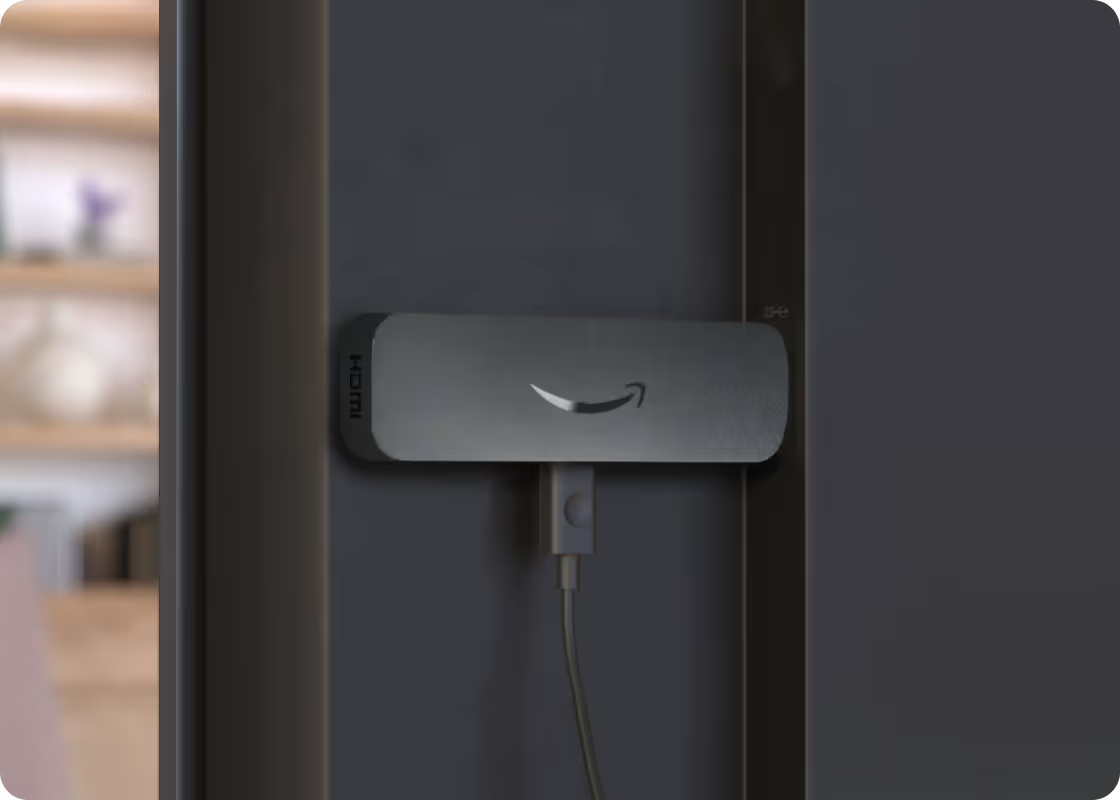
The Amazon Signage Stick is built for your digital signage needs.
Amazon Business members enjoy discounts on every order. Create your FREE Amazon Business account here.
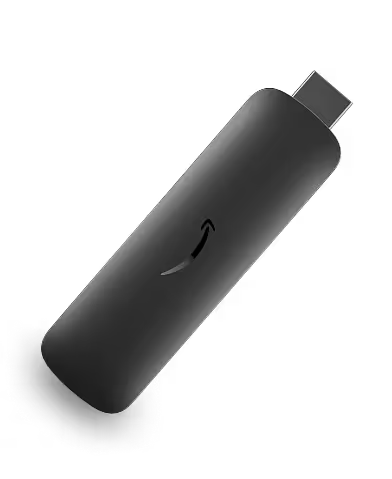










Why Amazon Signage Stick

Conçu à cet effet
Auto-launches CMS in kiosk mode for seamless use and engineered for security.

Easy setup
Set up in minutes with the free mobile app, no technical experience needed.

Affordable solution
Professional signage for any business or organization, designed for any budget.

Powerful performance
Enjoy brilliant 4K visuals, quad-core speed, and fast Wi-Fi 6E connectivity.

CMS choice
Choose from compatible CMS providers for seamless integration.
How digital signage works
Pour commencer, vous n'avez besoin que de l'Amazon Signage Stick, du logiciel de gestion de contenu et de n'importe quel écran. Aucune compétence technique n'est requise. C'est aussi simple que cela.
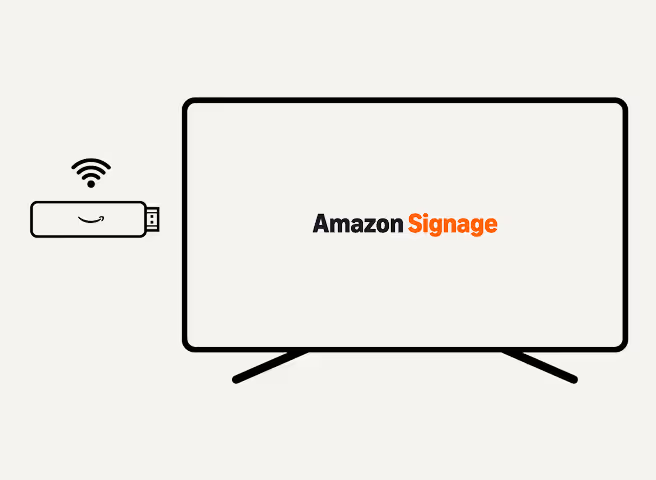
Connectez Amazon Signage Stick
Branchez le Signage Stick sur le port HDMI de votre écran et connectez-le au Wi-Fi. Le Signage Stick alimente votre affichage numérique.
Choose a CMS Provider
Pick a compatible CMS* provider to create, schedule and remotely control what appears on screen.

Display your content
Your content plays automatically on any screen. Just make sure it supports HDCP (most modern TVs and monitors do).
Supported CMS providers
Pair our Amazon Signage Stick with leading CMS providers* for easy setup and seamless integration.
*Separate CMS subscription required.






Your Amazon Signage Stick Companion
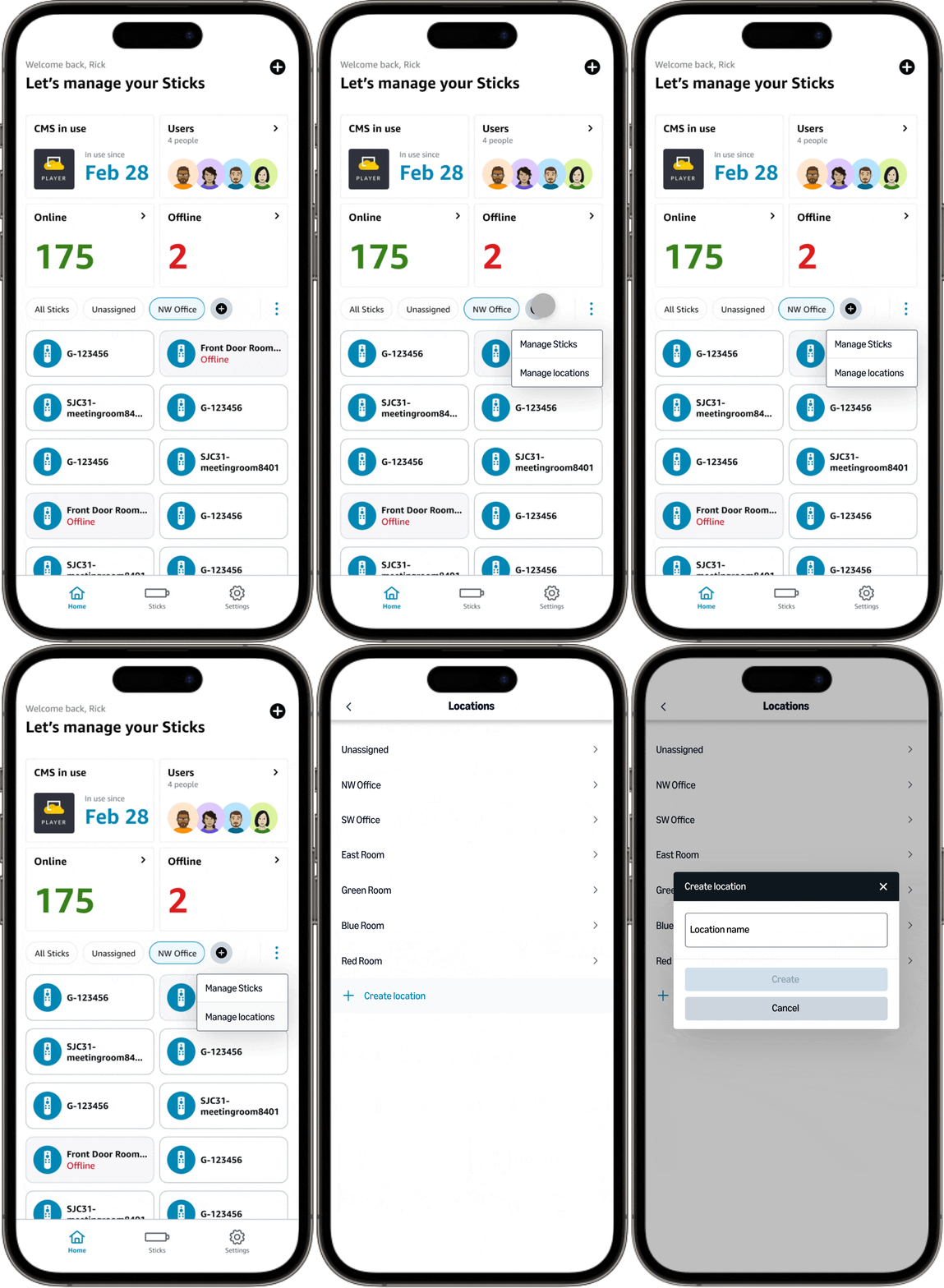
Easily set up and manage your Signage Sticks with our mobile app.
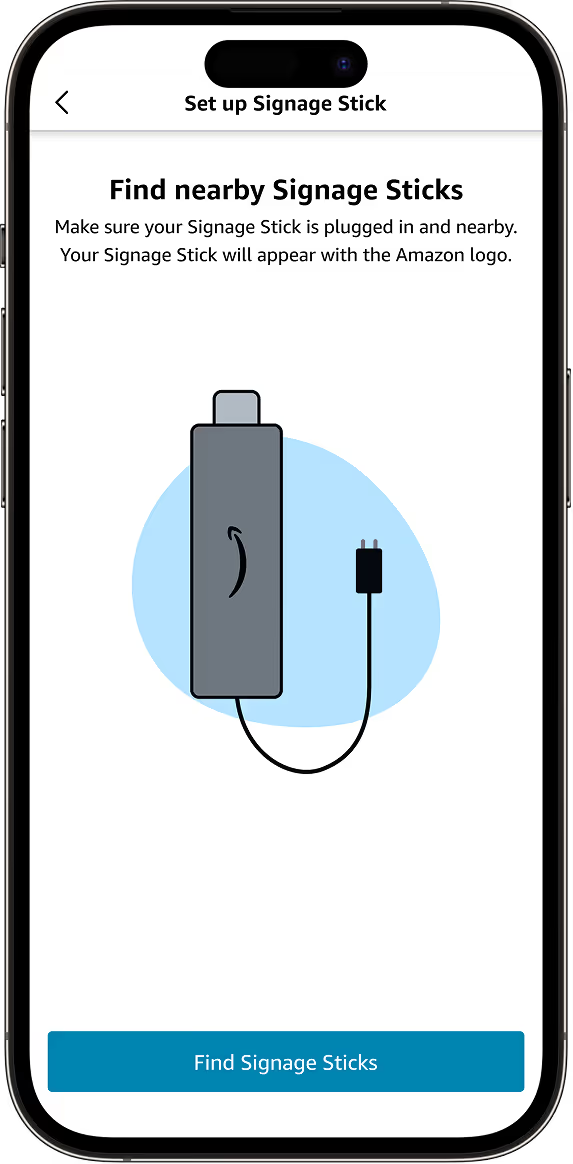
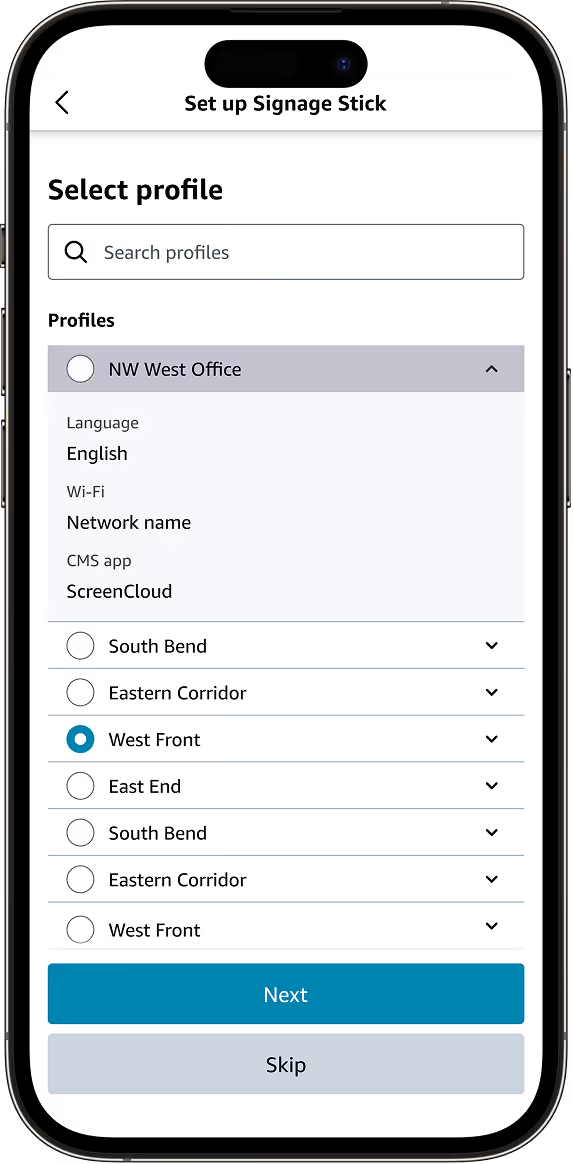
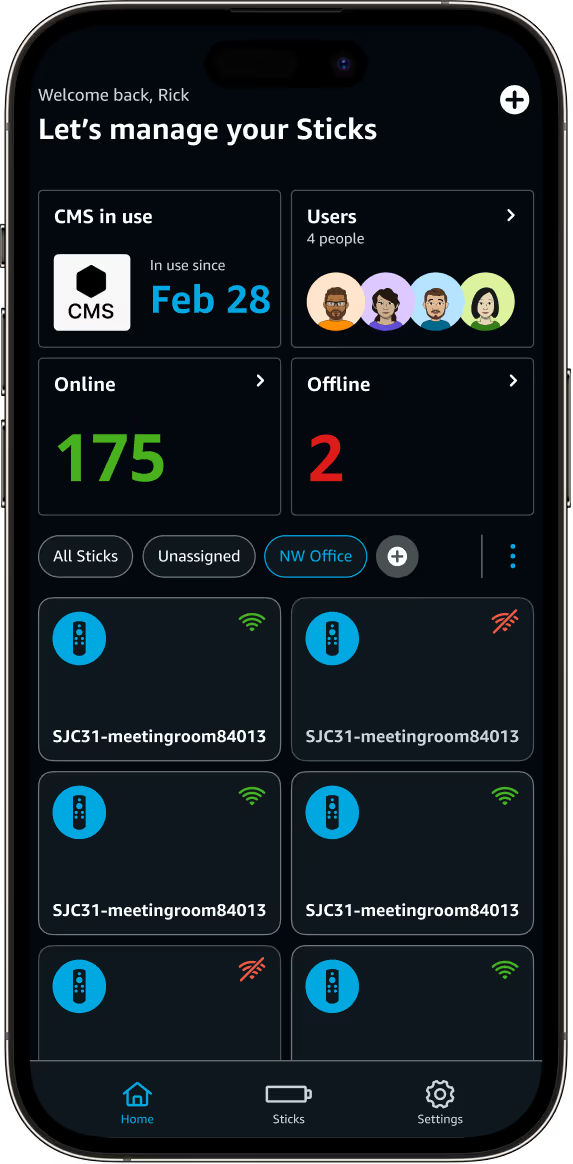
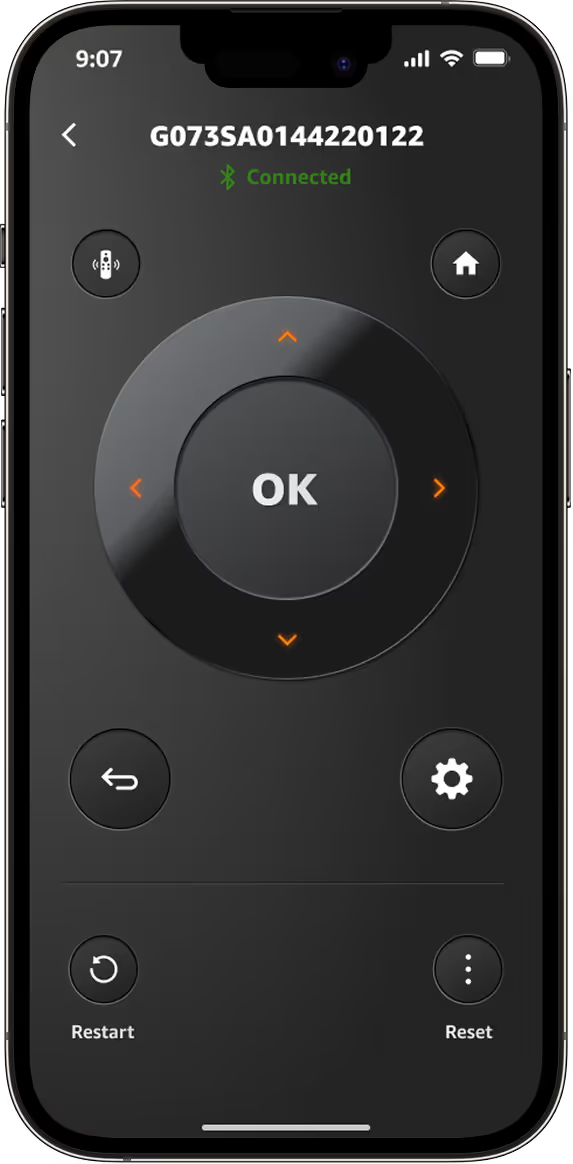


Set up
Profiles
Locations
Dashboard
Télécommande virtuelle
Digital signage that works for any business or organization

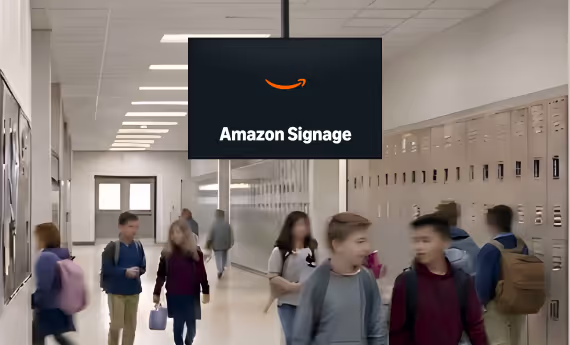
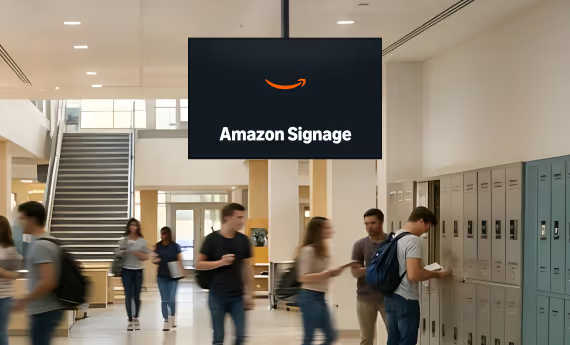
K-12
Partagez des annonces quotidiennes, des assemblées, des menus de cafétéria et des alertes d'urgence.

Higher Ed
Partagez des annonces quotidiennes, des assemblées, des menus de cafétéria et des alertes d'urgence.

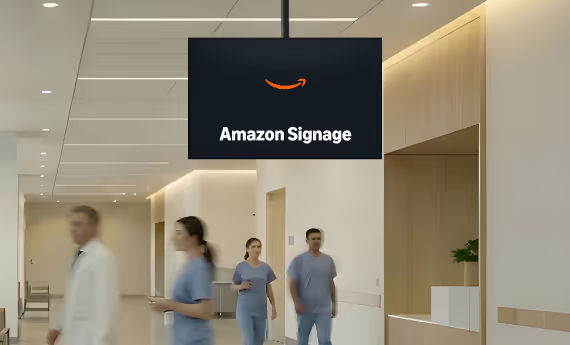
Healthcare
Partagez des annonces quotidiennes, des assemblées, des menus de cafétéria et des alertes d'urgence.

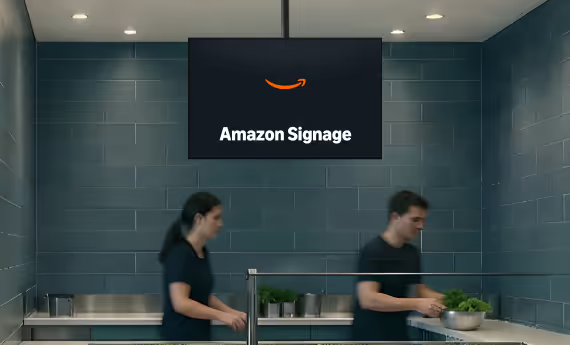
Food Services
Partagez des annonces quotidiennes, des assemblées, des menus de cafétéria et des alertes d'urgence.

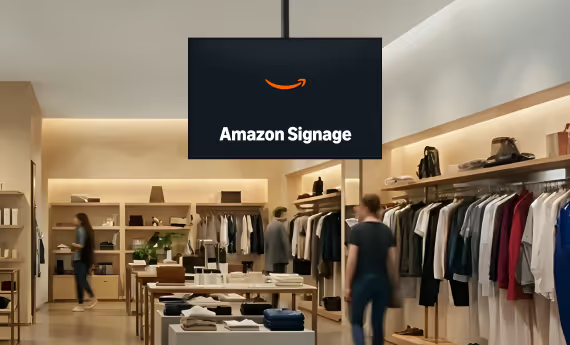
Retail
Partagez des annonces quotidiennes, des assemblées, des menus de cafétéria et des alertes d'urgence.

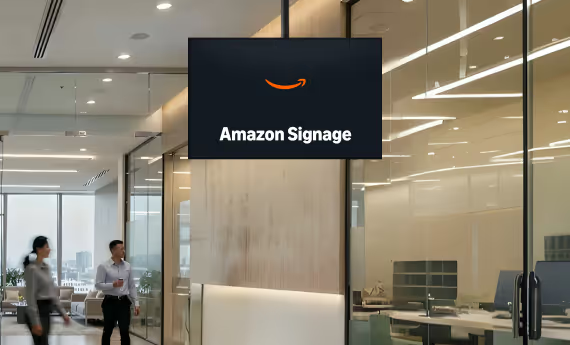
Corporations
Partagez des annonces quotidiennes, des assemblées, des menus de cafétéria et des alertes d'urgence.
Amazon remote management, made easy
Amazon Signage introduces a new Remote Management API to keep Amazon Signage Sticks at their best. Through CMS-enabled applications easily turn displays on/off*, capture screens, restart or factory reset, and monitor performance in real-time.
*Compatibility with TV manufacturers and models may vary depending on HDMI-CEC 2.0 implementation.

What customers are saying

As an Amazon device that's less than $100, it offered the stability and design functionality we needed, along with the assurance of long-term support.

The Amazon Signage Stick has been a great addition to our digital signage setup. It’s compact, easy to install, and works seamlessly with multiple content management systems. The setup process was quick and didn’t require any technical expertise.

We have 30 Signage Sticks. Fast and easy to setup. Perform exactly as desired. Pick your CMS (we use AbleSign) and go. Be sure to use the app! It’s easy to enroll and configure multiple Signage Sticks at the same time. Clean interface to monitor status and restart remotely when needed.
Lancez plus rapidement. Mettez à jour plus facilement. Évoluez en toute confiance.
Configurez-le, publiez-le en toute confiance et passez à un plus grand nombre d'écrans lorsque vous êtes prêt.