
The hidden cost of "cheap" digital signage
From single-location businesses to enterprise fleets, cheap media players often cost more to operate than they save upfront. Here's what to factor in before you buy.

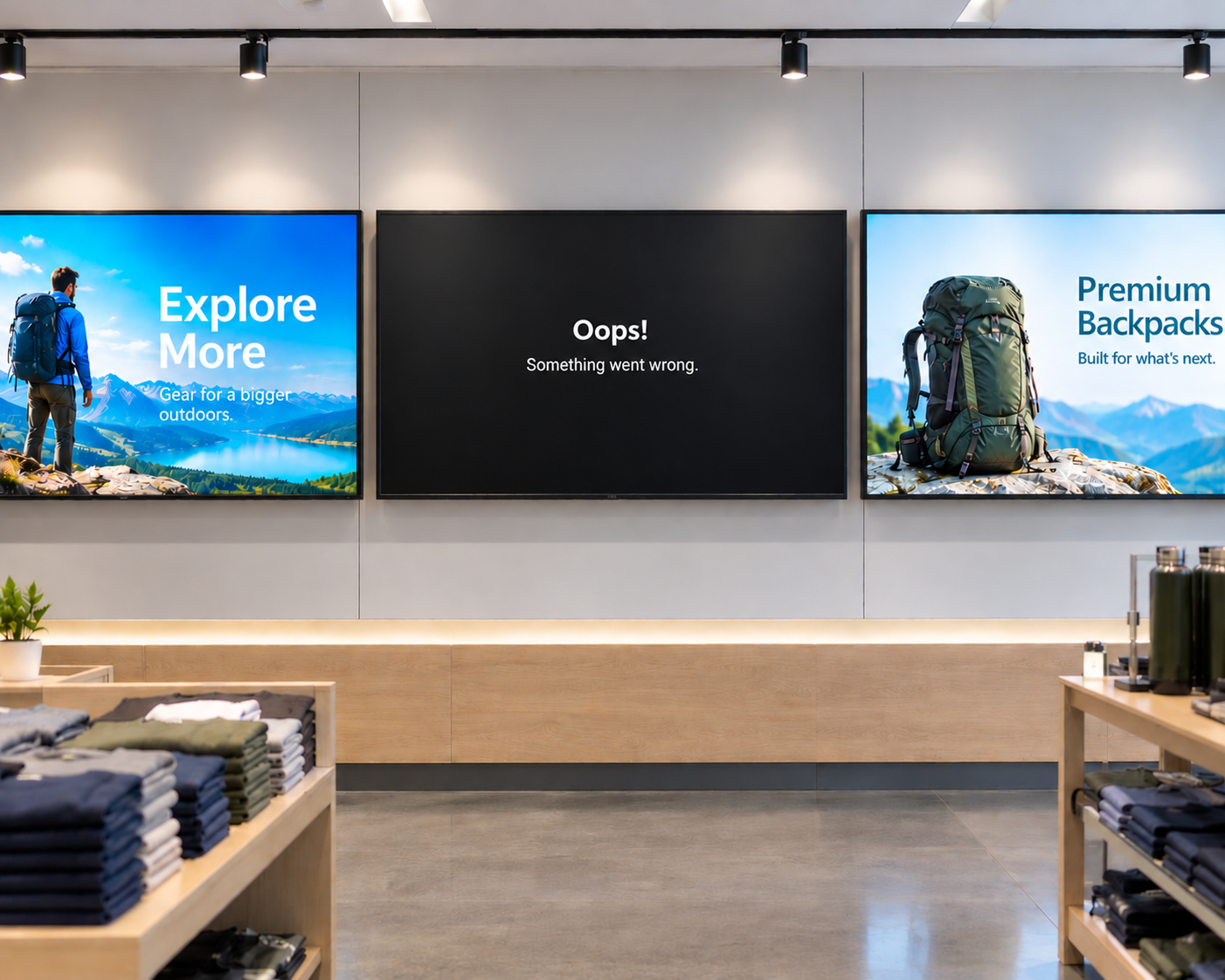
The upfront hardware number for digital signage solutions—screen, player, mount—is only the beginning. Hardware accounts for just 25% to 35% of five-year total cost of ownership across digital signage deployments of all sizes, according to industry TCO modeling reported by AWALL1. The rest goes to software licensing, installation, content creation, ongoing operations, and maintenance. Choosing the cheapest player at procurement can quietly shift costs into the most labor-intensive and unpredictable category: field service.
The real cost of a truck roll
When a screen goes dark or the content freezes, someone has to deal with it. Without remote device management capabilities, that usually means a site visit—and site visits are expensive regardless of what's causing the problem.
Dispatching a technician to a site typically costs the operator several hundred dollars for that service call—and the problem still might not be resolved for hours or even days2. The indirect costs—content that was frozen or absent during peak hours, staff time spent coordinating the fix—don't show up in that figure either.
The math compounds quickly across locations. At $75-125 per hour in technician labor, plus travel expenses, a 50-location deployment can quickly accumulate ten to twenty thousand dollars in labor costs before the first piece of content is ever displayed 3. And for a small business owner managing a handful of screens without dedicated IT support, even a single unplanned service call can represent a meaningful and avoidable expense.
Remote management changes that equation. When a display goes offline or content freezes, remote management tools let your team diagnose and resolve the issue without a technician on-site—and according to industry research from Gartner, remote resolution of IT issues can reduce support costs by 25 to 35 percent 4.
What remote management actually covers
Not all remote management is the same. At a minimum, useful remote management lets you check device status, push software updates, and restart a player without dispatching anyone. More capable implementations go further.
The Amazon Signage Remote Management API lets content management system (CMS) providers monitor key system health metrics—CPU usage, temperature, memory and disk space—so potential playback issues can be identified and addressed during scheduled maintenance windows rather than as emergency outages during peak business hours.
When something does go wrong, for example on an Amazon Signage Stick, remote tools allow teams to diagnose problems using real-time device health metrics, restart or reset devices to resolve software glitches, turn displays on and off to manage power and screen lifespan, and capture screen content to verify what's actually being displayed.
That last capability matters more than it sounds. Being able to confirm what a screen is showing remotely—without relying on a photo from a store associate or a site visit—is a meaningful operational capability and instrumental for “proof of play” for advertisers–whether you're managing two locations or two hundred.
Where the Amazon Signage Stick fits
Due to the cost and support complexity of specialized devices or PCs as media players, many digital signage users migrated to low-cost consumer devices that don't support remote management. It's an understandable decision at procurement time—but one that tends to surface its real costs in the months that follow.
The Amazon Signage Stick is a different category of product: purpose-built for commercial deployment, with the Remote Management API built in and accessible to CMS providers. It's designed to be provisioned at scale, monitored centrally, and managed without on-site intervention for the vast majority of issues.
The unit cost sits at a meaningfully lower price point than most dedicated commercial media players. But the more relevant number is what total cost looks like 18 months into a deployment—when a cheaper alternative has generated a service history.
Senior Lifestyle, one of the nation's leading senior housing operators, is a great example of why “cheaper” hardware is not the answer. After using a mix of consumer devices–Amazon Fire TV Sticks and Rokus–they standardized on the Amazon Signage Stick, saving time on deployment and ongoing support for their 60+ communities.
A more useful way to evaluate hardware cost
Before finalizing a hardware decision, it's worth asking a few questions: What happens when something goes wrong? Can I see which devices are online and what they're displaying? Can I resolve common issues without a site visit?
Cheap hardware can look good on day one—but it can cost more over time through downtime, manual updates, or early replacement. That pattern shows up at every scale, from a single location to a multi-site deployment. This short-term savings often leads to long-term operational expense in digital signage deployments. And once a deployment is live, the cost structure is much harder to change than the procurement decision that created it 5.
The player that looks cheapest on a purchase order isn't always the one that costs the least to operate. Learn more about Amazon Signage and our Amazon Signage Remote Management API.
Endnotes
1. AWALL
2. Samsung
3. Radix
4. Moki
5. engagis
Resources

How smart hardware choices keep digital signage projects moving forward
Discover how IT teams are avoiding costly signage delays by pairing the right CMS with purpose-built media players—without ripping and replacing existing displays
Whether you deploy signage or buy it: simplified digital signage made reliable and scalable
Learn how Carousel, DataVisual, and Amazon Signage deliver simplified, scalable digital signage solutions that reduce complexity and operating costs for both resellers and end customers.
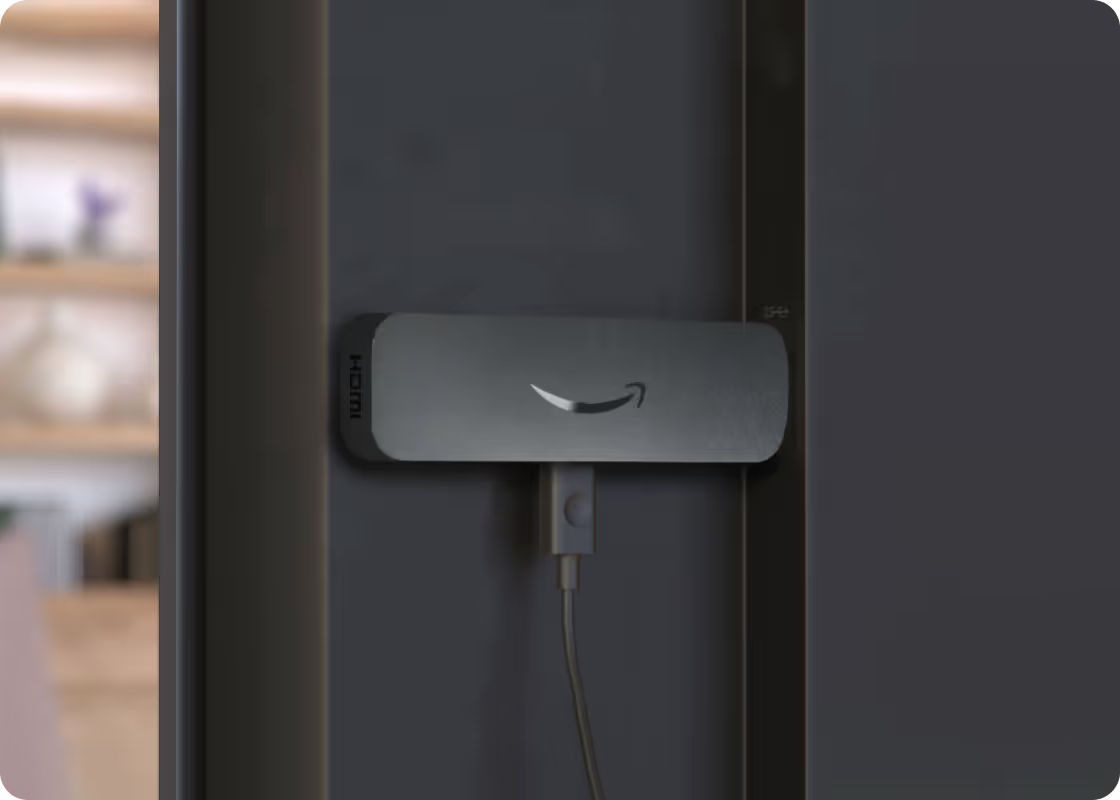
Amazon Signage Stick vs. mini-PCs: which is right for your digital signage deployment?
Evaluating hardware for your next signage deployment? Compare the operational costs, reliability, and CMS compatibility of Amazon Signage Sticks versus mini-PCs.