Amazon Signage Display
The all-in-one display that makes digital signage simple — screen and media player in one device.
Señalización digital que funciona para cualquier empresa u organización

Comercio minorista
Transforma la experiencia del cliente en tienday aumenta las ventas con una señalización digital sencilla y asequible.
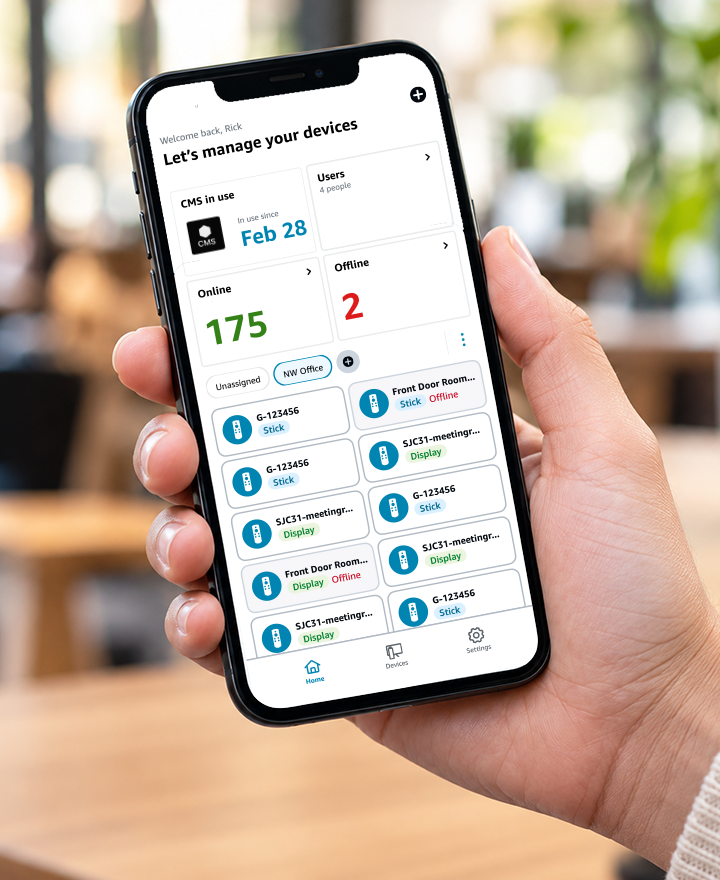
Easy to manage
One portal and one mobile app for your entire Amazon Signage network.
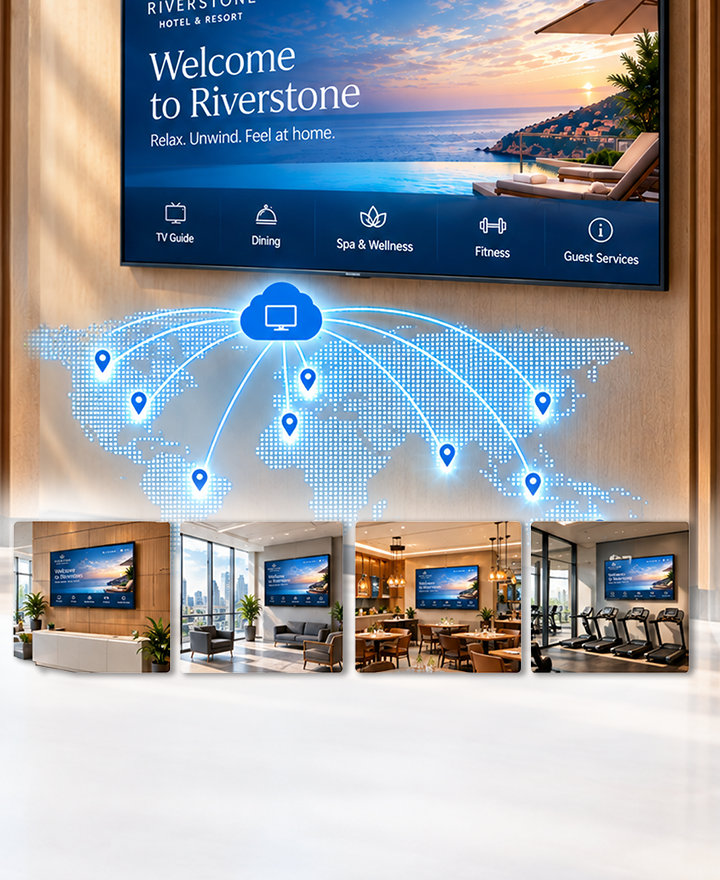
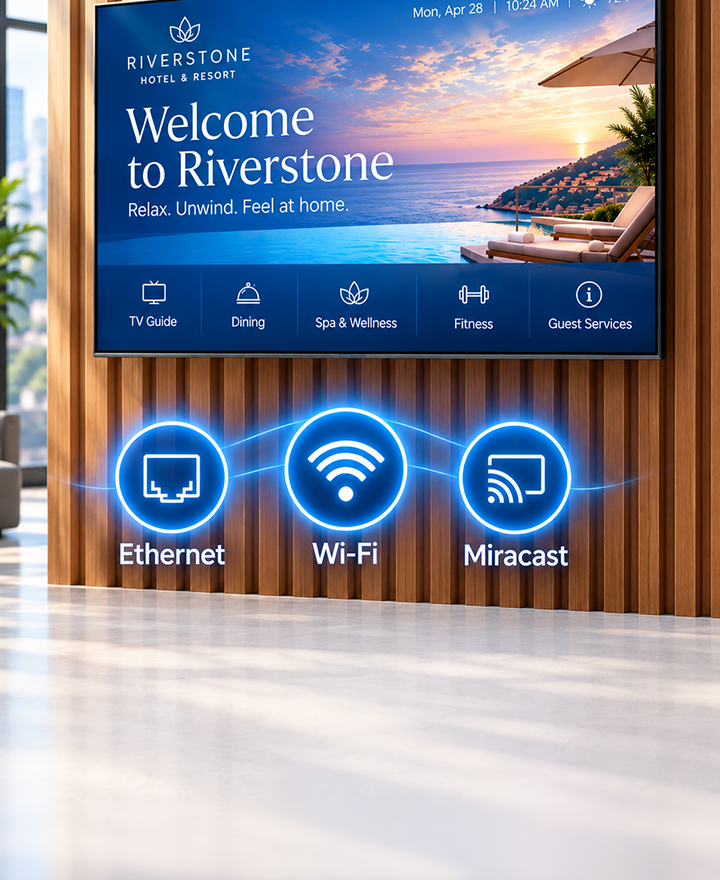
Hostelería
Mejora la experiencia de los huéspedes conorientación, alertas de eventos e información del establecimiento.
locations.

Educación primaria y secundaria
Comparte los anuncios diarios, las asambleas,los menús del comedor y las alertas de emergencia.
Educación superior
Ayuda a los estudiantes a orientarse por elcampus y a estar al día de la vida y los eventos del campus.

Banca
Mejora la experiencia del cliente con lagestión de colas y aumenta las ventas con la promoción de productos y la venta cruzada.
Proveedores de CMS compatibles
*Se requiere suscripción CMS por separado.






Tu compañero del Amazon Signage Stick
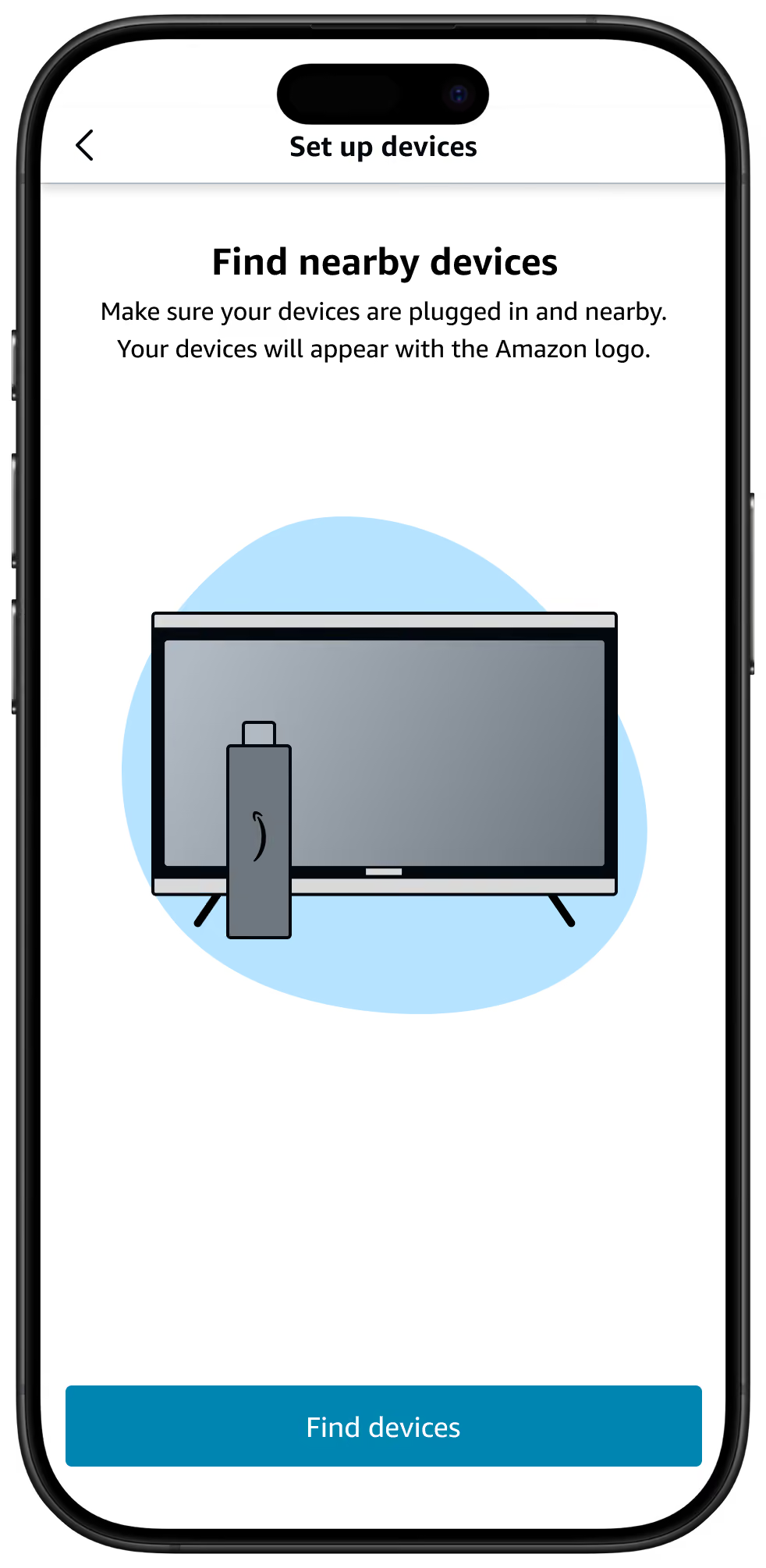
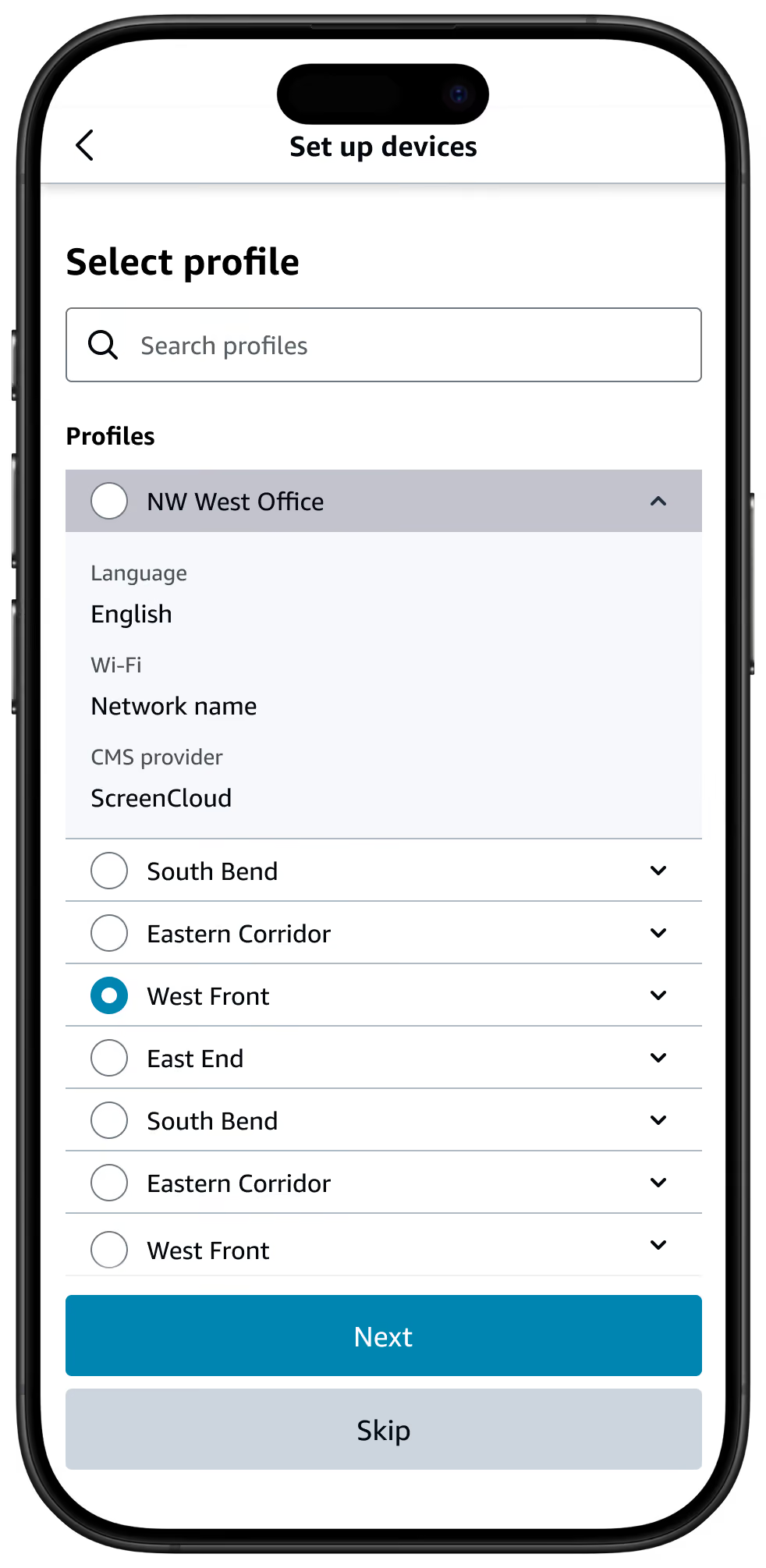
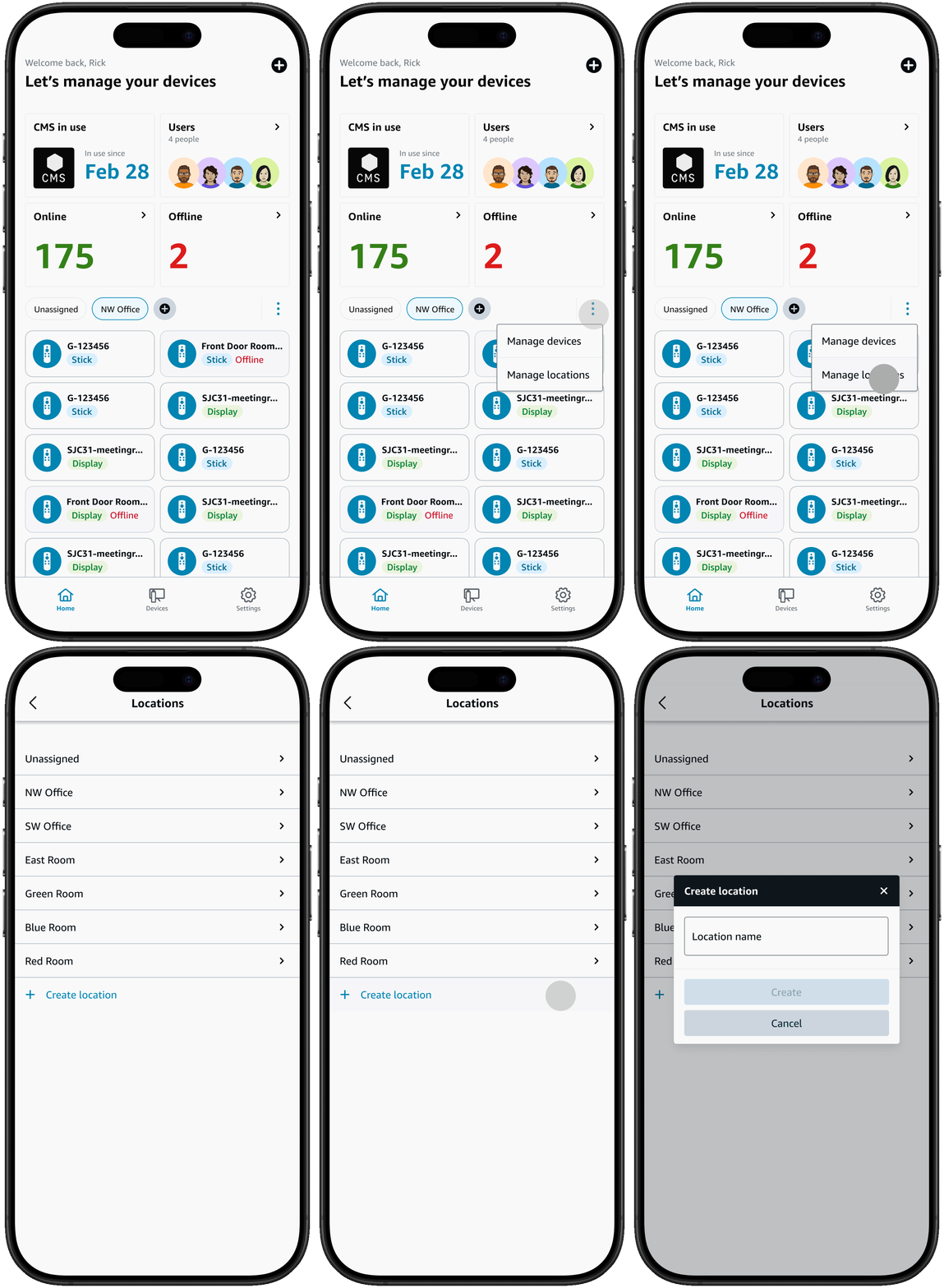
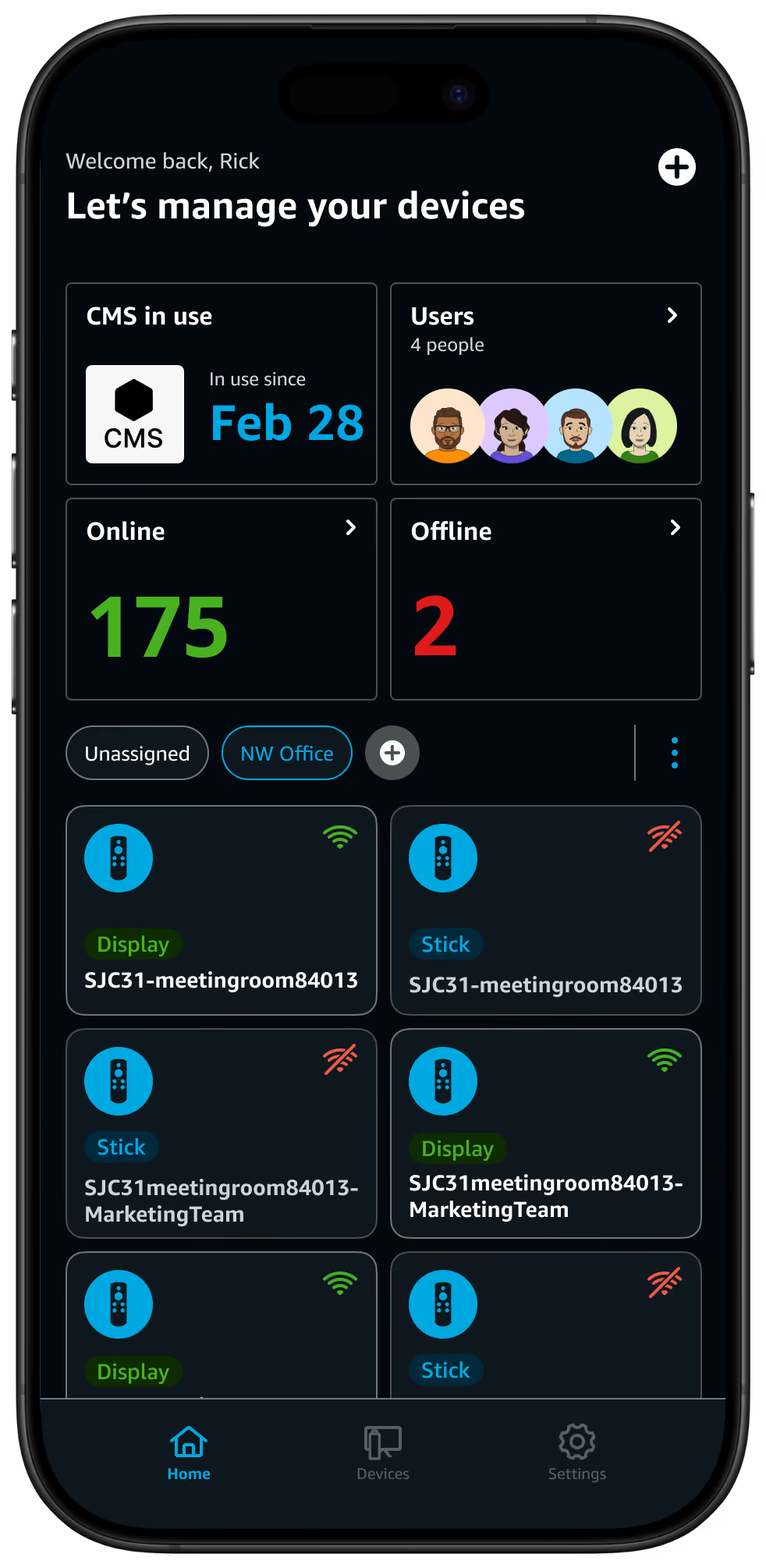
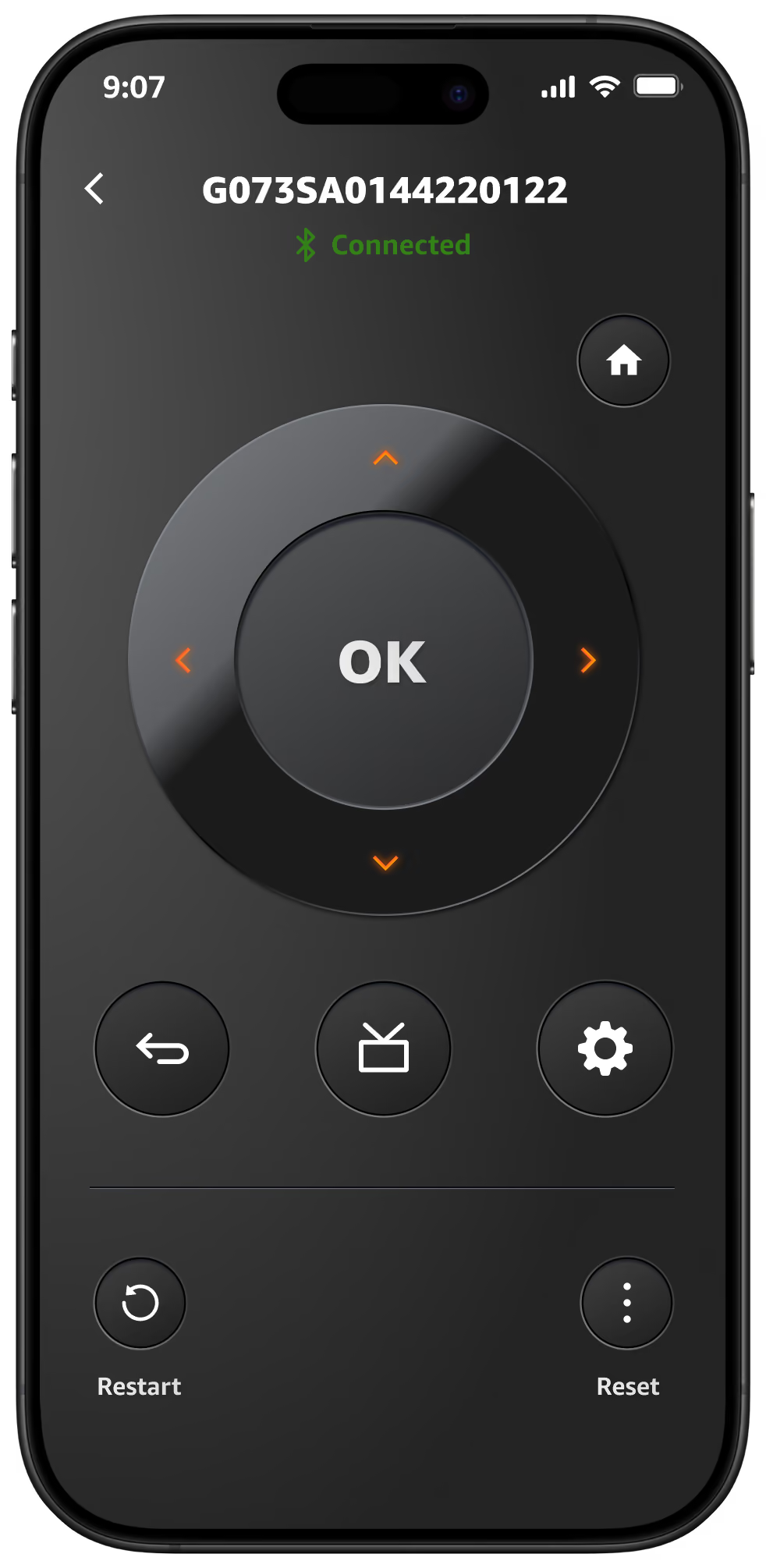



Set up

Profiles

Locations

Dashboard

Virtual remote
FAQs para Amazon Signage Stick
Empezar es muy fácil. Solo necesitas un sistema de gestión de contenidos (CMS), un Amazon Signage Stick y una pantalla. Descubre nuestras prácticas recomendadas para empezar.
Sí: los miembros de Amazon Business ahorran un 2 % en pedidos de 1 a 9 sticks, y hasta un 10 % al comprar 100 o más.
Sí: el Signage Stick funciona como tu reproductor multimedia y te permite reproducir contenido en tu pantalla. Necesitas un software de gestión de contenidos (CMS) aparte para crear y gestionar el contenido que envías al Signage Stick. Algunas soluciones de CMS requieren una cuota de suscripción.
Escala con confianza.