
Vance-Granville Community College—modernizing digital signage and student communications
Learn how a multi-campus institution serving students across four counties in North Carolina is transforming campus communications with a signage solution that was simple to manage, reliable and affordable to scale.


When Vance-Granville Community College (VGCC)—a multi-campus institution serving students across four counties in North Carolina—needed to modernize its campus communications, Webmaster Ashley Pendergrass needed a solution that was simple to manage, affordable to scale, and reliable enough for a small team. The Amazon Signage Stick, paired with Arreya, delivered exactly that to cost-effectively and reliably deliver messaging across 20 screens with reduced IT burden.
Overcoming a bulky, hard-to-maintain legacy digital signage system
For years, VGCC relied on PCs to power digital displays across its campuses. These legacy devices were physically cumbersome—hidden in ceiling tiles and odd spaces—and demanded constant IT attention when hardware failed. The content management system was equally problematic: it was difficult to learn, so content was rarely updated, leaving students without timely information.
The challenges were clear:
- The Hardware Problem: Legacy PCs were "bulky," costly to maintain, and prone to failure in hard-to-reach locations.
- The Content Gap: A steep learning curve meant the CMS went largely unused, leaving screens stale and ineffective.
- Scaling Difficulties: Expanding to new buildings required a more cost-effective, easier-to-deploy solution with better scalability across four campuses.
The solution: a plug-and-play digital signage solution powered by Amazon Signage Stick and Arreya
Arreya provided a turn-key solution by combining its cloud-based digital signage software with the Amazon Signage Stick. The result was an intuitive, high-impact communication solution that even a small team could master quickly. Arreya's Creative Studio—with built-in Canva integration—made it easy for staff to design and push content to screens in real time.
The Amazon Signage Stick was chosen for its simplicity and scalability. It plugs directly into any screen's HDMI port, enabling VGCC to expand across four campuses without complex IT infrastructure. The device auto-launches the Arreya app on startup, ensuring reliable playback even after power outages. Remote management via the Amazon Signage mobile app meant the team could monitor and trouble shoot any display from a central office—without ever setting foot on-site.
"I learned it just by clicking buttons. I really do like the product…" said Ashley Pendergrass, Webmaster, VGCC.
The results: 20 screens, four campuses, and a five-minute digital signage workflow
Since deploying the Amazon Signage Stick with Arreya, VGCC now manages 20 screens across four campuses with dramatically less effort. Content management time dropped from hours to just five minutes, and the college can push real-time updates—emergency alerts, event promotions, donor recognition—instantly to every display on the network.
"It's very easy to update it whenever I need to," said Pendergrass. "It took me like five minutes, so it saves time."
The affordable, plug-and-play hardware eliminated the need for on-site servers and reduced IT support costs significantly. Departments across the college now use Arreya's unlimited-seat model to manage their own screens, empowering staff while keeping the IT team free for higher-priority work.
Looking ahead, VGCC is well-positioned to continue expanding its signage network as the college grows—adding screens to new buildings without added complexity or cost. For a community college managing communications across multiple counties, that's exactly the point. Read more about Vance-Granville’s implementation here.
Learn more about the Amazon Signage Stick in higher education.
Resources
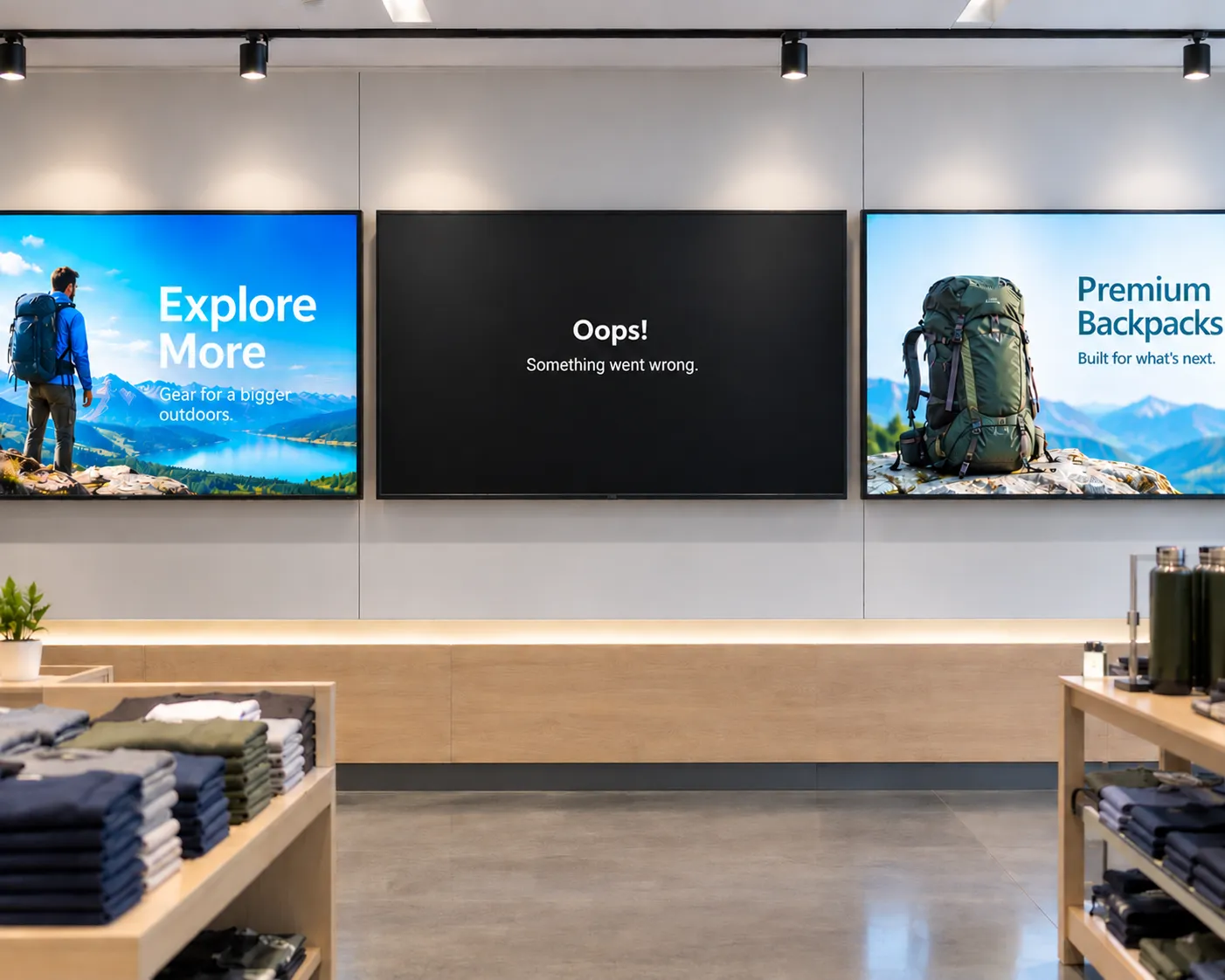
The hidden cost of "cheap" digital signage
From single-location businesses to enterprise fleets, cheap media players often cost more to operate than they save upfront. Here's what to factor in before you buy.

How smart hardware choices keep digital signage projects moving forward
Discover how IT teams are avoiding costly signage delays by pairing the right CMS with purpose-built media players—without ripping and replacing existing displays
Whether you deploy signage or buy it: simplified digital signage made reliable and scalable
Learn how Carousel, DataVisual, and Amazon Signage deliver simplified, scalable digital signage solutions that reduce complexity and operating costs for both resellers and end customers.