Blogs
The hidden cost of "cheap" digital signage
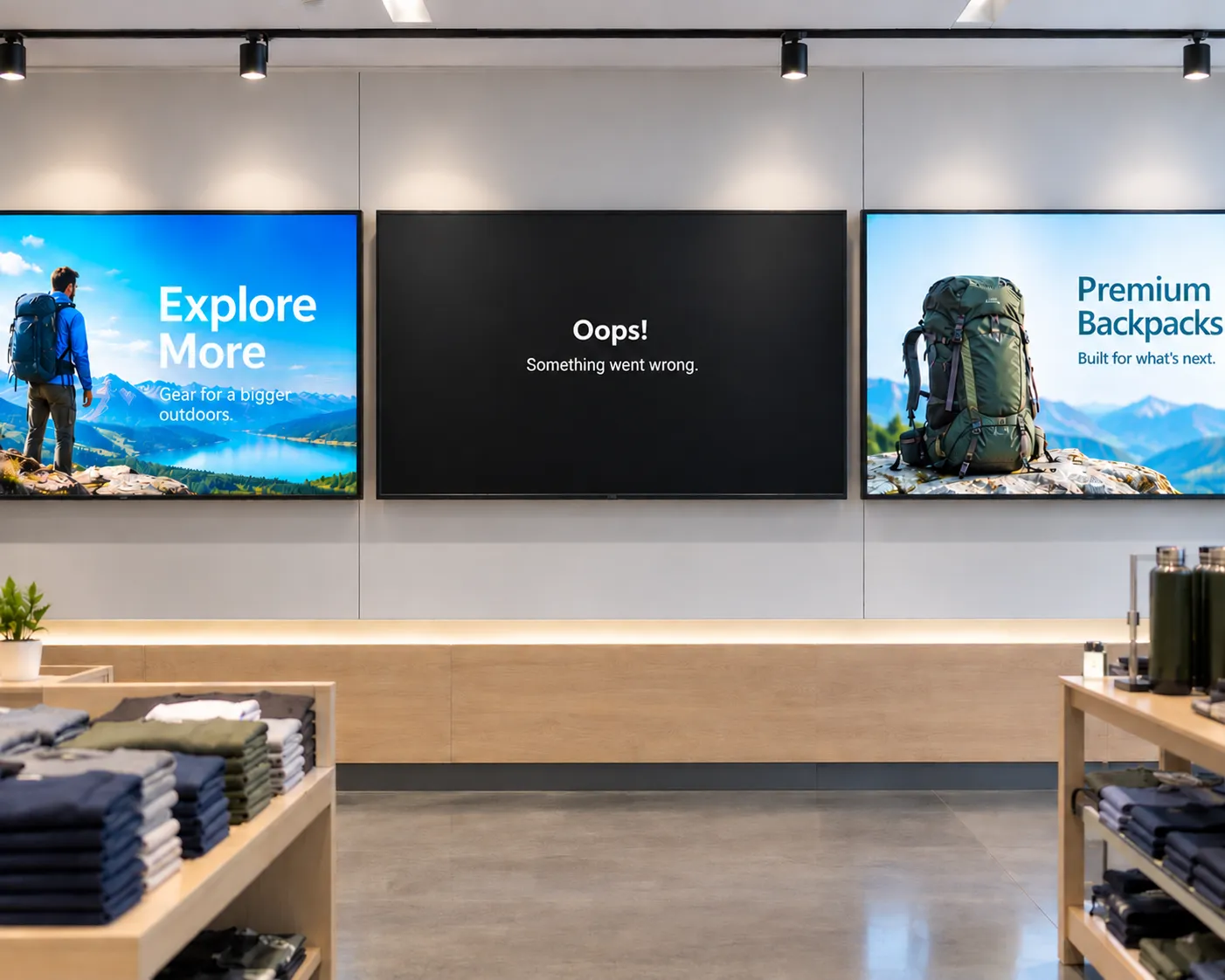
From single-location businesses to enterprise fleets, cheap media players often cost more to operate than they save upfront. Here's what to factor in before you buy.


Rethinking digital signage: how Amazon Signage and Rockbot are building the future together
Amazon Signage and Rockbot explain how their partnership allows organizations to provide better customer experiences–simply and affordably.

How-to guide for digital signage in restaurants
This guide provides practical advice for how restaurants—fast-casual, QSRs, cafes, and more—should approach digital signage.

WEBINAR: Simplifying digital signage for every business–Amazon Signage and NoviSign deliver a winning formula for resellers
Amazon Signage recently joined NoviSign—one of our fastest-growing CMS providers—and Commercial Integrator for a webinar on helping channel partners build profitable, scalable digital signage businesses.
A how-to guide for digital signage in SMB retail stores
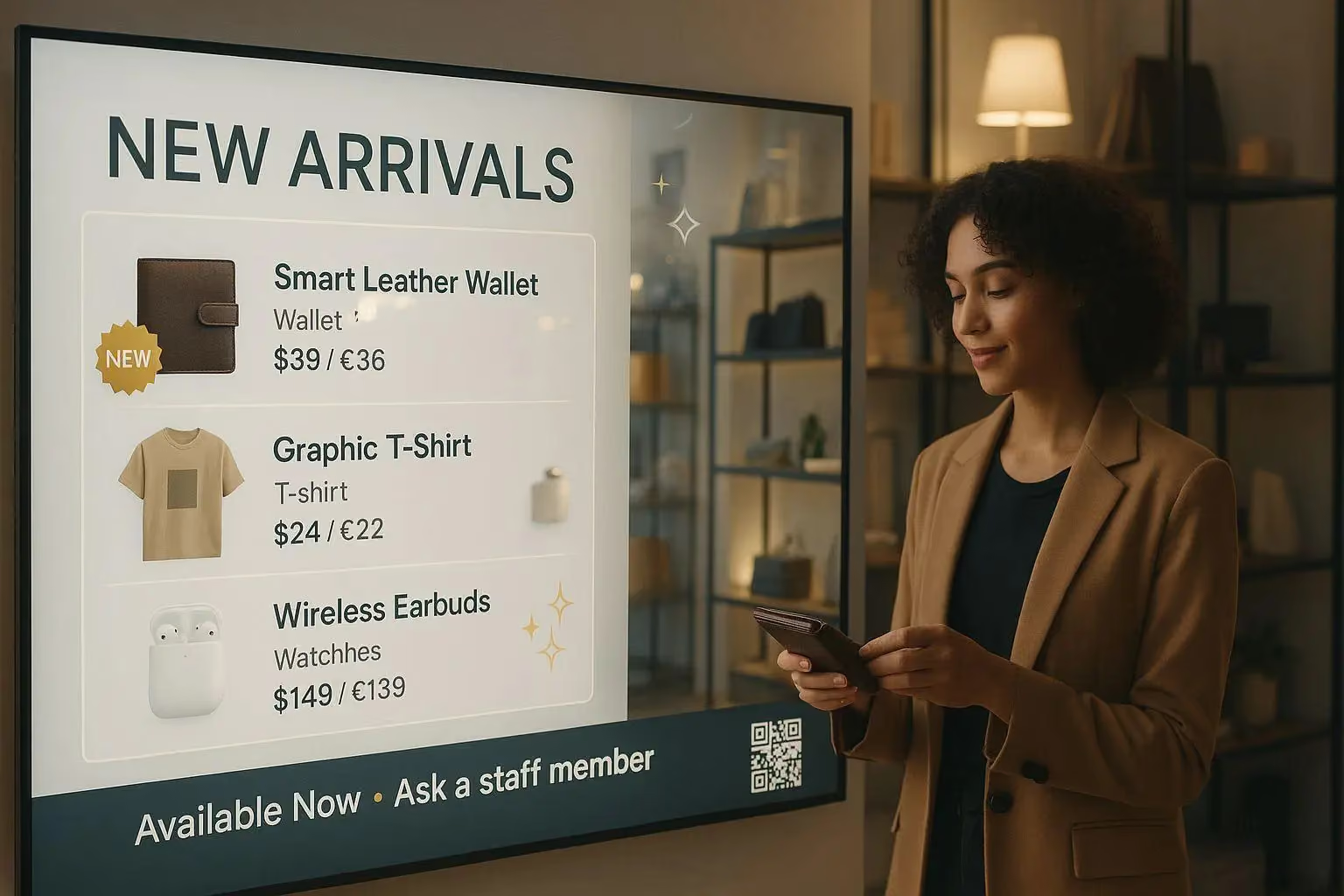
This guide provides practical advice for how small and medium-sized (SMB) retailers should approach digital signage.
.avif)
Digital signage in Higher Ed — perspectives from the University of Utah & the University of Michigan
To better understand the current trends in digital signage, Amazon Signage sat down with leaders from the University of Utah and the University of Michigan. They shared their practical guidance on the role and implementation of digital signage on campuses today.
Beyond Windows 10 — a guide to your digital signage media player transition
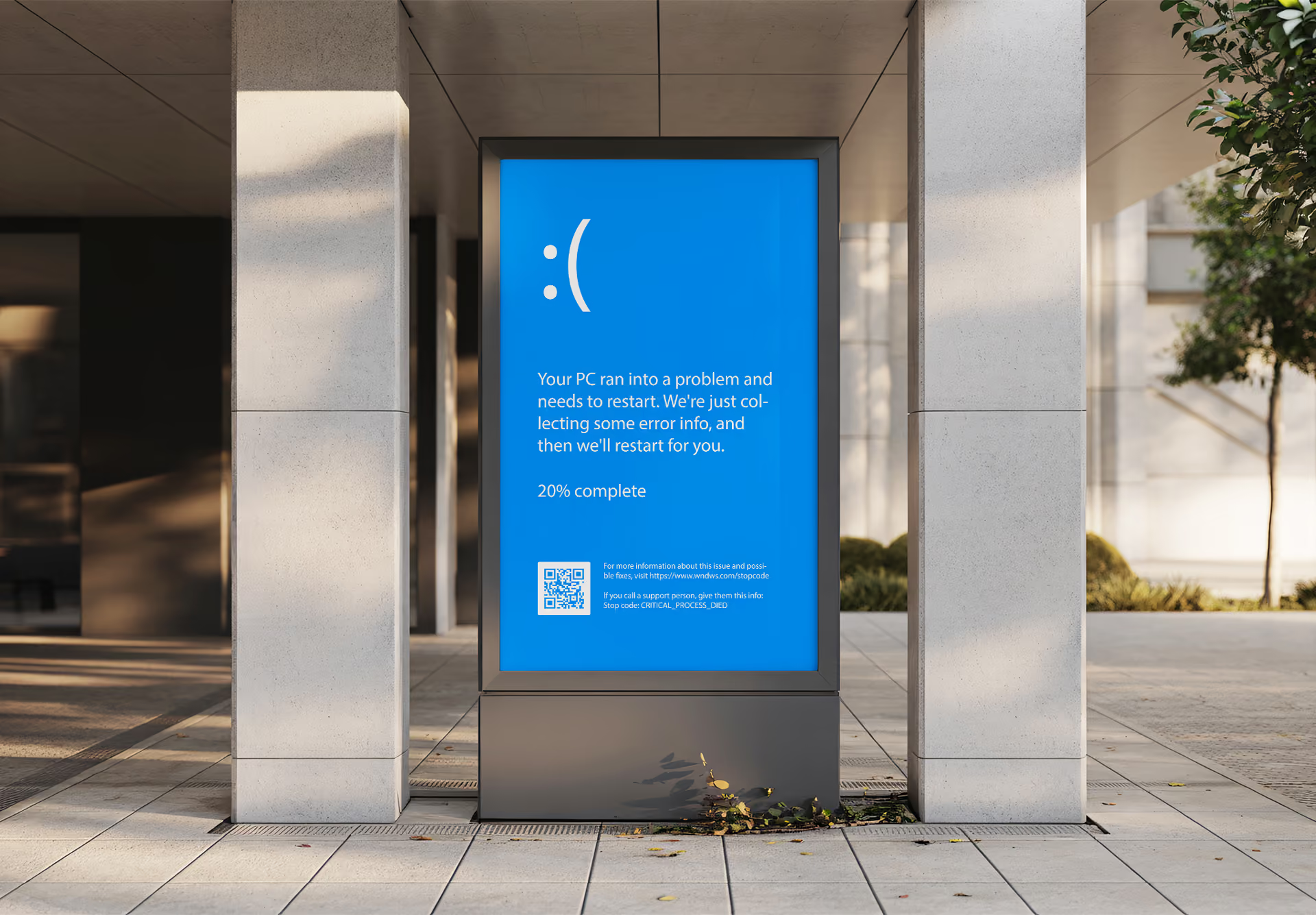
With the official End-of-Life (EOL) of Windows 10 Pro now behind us, staying on this platform isn't just a technical debt—it’s a security liability. What is emerging is a shift towards dedicated android-based devices that offer enterprise governance without the "Windows Tax."
FAQs for Amazon Signage Stick
You can order it directly from the Amazon Signage site or via Amazon, and it’s just $99.99 for professional signage.
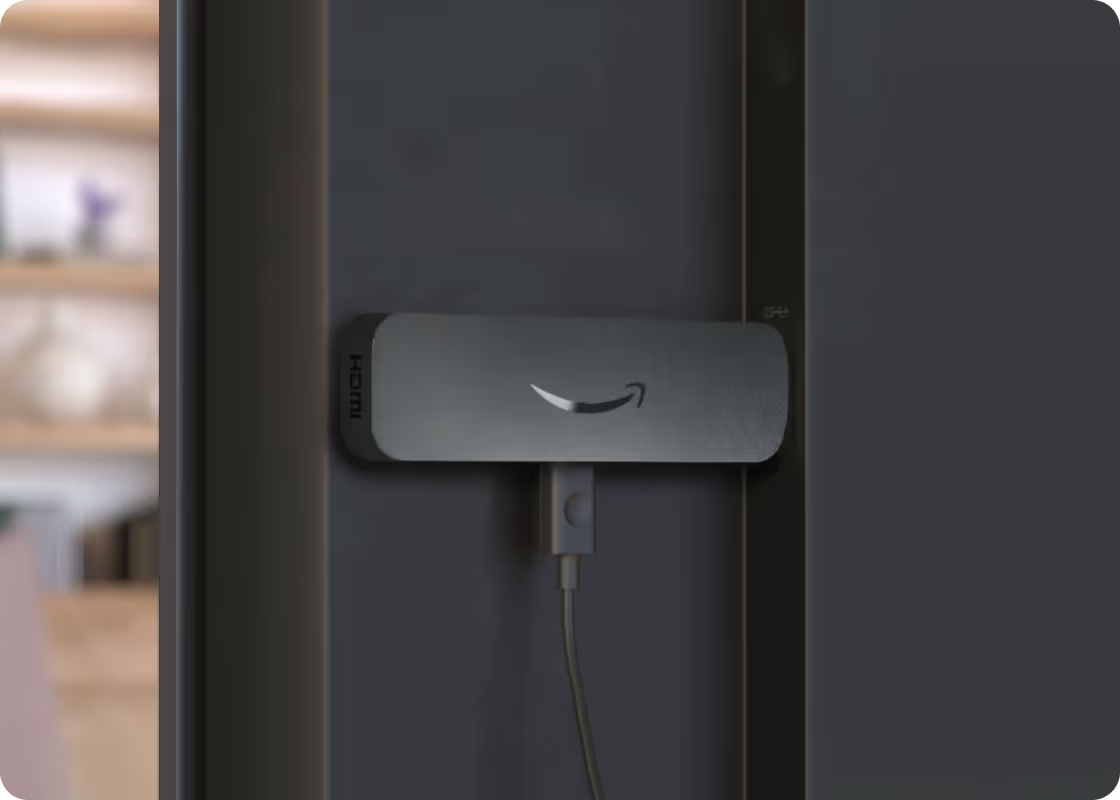
Very easy — plug it into an HDMI port, power it up, connect to Wi-Fi, and walk through a simple pairing flow using either the mobile app, web or remote. No technical expertise required to set up and have content running in minutes with a preselected CMS.
The Amazon Signage Stick currently supports multiple leading CMS systems. Refer to our CMS Provider Directory and your CMS isn’t listed, Amazon Signage may consider adding it — you can email signage-support@amazon.com.
Yes — it's built with security in mind (secure boot loader, encryption, regular updates), and auto-launches your CMS in kiosk mode for reliable, unattended operation.
Purpose-built for digital signage, it is a commercial grade device that effectively scales to support businesses and organizations of all sizes. Simply add one Signage Stick per display and use the mobile app to set them up simultaneously and manage them on the go.
Launch faster. Update easier. Scale confidently.
Set it up, publish with confidence, and scale to more screens when you’re ready.