
Wireless screen mirroring comes to the classroom—and Amazon Signage Stick makes it simple
Enable easy, wireless screen mirroring in your classroom and on campus with supported devices and the Amazon Signage Stick. Native Miracast support means no apps, no adapters, and no IT headaches required.

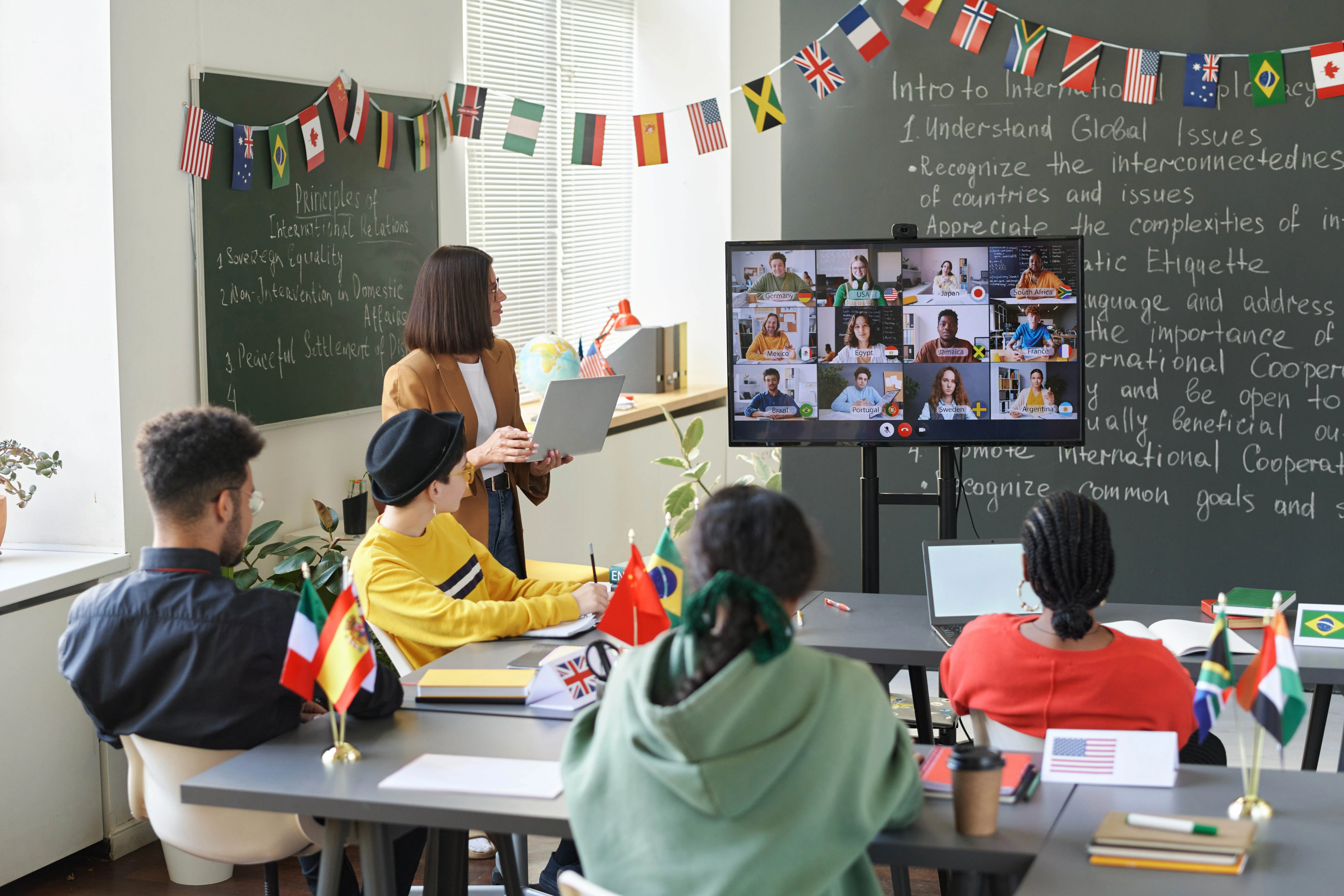
Amazon Signage OS now supports Miracast screen mirroring, bringing wireless content sharing to every display using the Amazon Signage Stick—no extra hardware, no proprietary apps, no new IT infrastructure required. For K–12 schools and higher education institutions, this is a meaningful upgrade–a single device can now serve as both a managed digital signage player and a wireless presentation hub, purpose-built for how modern classrooms actually work.
What is Miracast—and why does it matter?
Miracast is an open, Wi-Fi-based screen mirroring standard supported natively by Windows 10 and Windows 11 laptops, as well as a wide range of Android devices. Unlike proprietary casting protocols that require an account, an app, or a specific solution, Miracast is built directly into the operating system. A user opens their wireless display settings, selects the receiver, and their screen appears—full resolution, low latency, no software to install.
For education environments, that distinction matters enormously. Teachers and students arrive with different devices, running different operating systems, carrying different levels of technical comfort. Miracast works without requiring any of them to download, configure, or authenticate anything. It just works — and in a classroom, that's not a convenience, its instructional time saved.
The challenges Miracast is built to solve
Cable dependency and the adapter confusion
Walk into almost any classroom or lecture hall and you'll find a tangle of HDMI cables, adapter dongles, and a growing stack of "just in case" connectors—USB-C to HDMI, Mini DisplayPort to HDMI, and so on. Every time a teacher or student wants to present from a laptop, they have to hope the right adapter is available, that the cable reaches their position in the room, and that the connection holds. The result–instructional time lost to connection logistics.
Device fragmentation across BYOD environments
Today's classrooms are genuinely multi-device, bring-your-own-device (BYOD) environments. Students arrive with personal Windows laptops, Android tablets, and smart phones. Instructors bring their own devices. Lecture halls at universities may see dozens of different device configurations in a single day.
Wireless solutions that rely on proprietary apps create a different version of the same problem–the app works on some devices, requires a software update on others, and simply won't install on school-managed systems that restrict third-party applications.
Miracast sidesteps this entirely. Because it's a native OS capability—not an app—it works within the device management policies already in place at most schools and districts. No app approval process, no software deployment, no user training.
Inflexible room layouts and limited movement
Wired presentations pin the presenter to a single spot. In K–12 classrooms, this cuts teachers off from the ability to move through the room, work with students at their desks, or shift the energy of a lesson. In university lecture halls and seminar rooms, it means that any student presenting from their own device needs to physically move to the front—or hand over their laptop.
Wireless mirroring changes the geometry. When a teacher's laptop connects to the classroom display without a cable, they're free to circulate. When a student can share from their seat, participation becomes lower friction. The technology constraint recedes and the learning moves forward.
Infrastructure complexity and budget constraints
Many schools have already invested in displays—interactive flat panels, large-format monitors, projectors. Replacing that infrastructure to add wireless presentation capability is expensive and disruptive. Adding dedicated wireless presentation appliances in every room adds licensing, management overhead, and another device on the network.
Amazon Signage Stick consolidates these needs. It already runs digital signage across the campus or district. Adding Miracast means that existing Amazon Signage Sticks now do more—without new hardware purchases, without new vendor relationships, and without adding complexity to the network.
How Amazon Signage Stick delivers the solution
Amazon Signage Stick is a compact media player that plugs into any HDMI port and runs Amazon Signage OS—a purpose-built solution for business and institutional digital signage. With Miracast now supported at the OS level, the Amazon Signage Stick transitions seamlessly between two modes:
Signage Mode: When no presenter is connected, the display runs scheduled digital signage content—wayfinding, announcements, event schedules, emergency alerts, or any content managed through the Amazon Signage and a certified content management system (CMS) solution (find a list of CMS providers here).
Mirroring Mode: When a teacher or student initiates a Miracast connection from a Windows or Android device, the display switches to show their screen in real time, with low latency suitable for live presentations, video playback, and interactive applications.
Once Miracast is enabled on the Amazon Signage Stick, the experience for the end user is simply–open wireless display settings, connect, and present.
Education use cases
Classroom instruction: Teachers connect wirelessly from their supported laptop or tablet to the classroom display, freeing them to move through the room while the lesson continues. Lesson transitions, slides, videos, and live browser activity all mirror in real time.
Student presentations: Students present from their own devices directly from their seats—or walk to the front and connect without a cable. No need to transfer files to a USB drive or log into a shared account.
Collaborative review: An instructor can quickly switch between student devices during a review session, surfacing different approaches or solutions to the full class.
Guest lecturers and visiting speakers: A visitor with a Windows laptop or Android device can connect and present without requiring IT support, a guest account, or an adapter they may not have brought.
Lab and workshop environments: In environments where cable management is a safety or logistics concern—science labs, maker spaces, vocational workshops—wireless connectivity removes physical constraints from how presentations and demonstrations are organized.
Hybrid and seminar rooms: In rooms equipped for video conferencing, instructors can mirror remote participants or shared documents to the room display while maintaining the meeting on a separate device.
The benefits, summed up
For educators: Less time managing cables and adapters, more time teaching. Full freedom of movement. Confidence that presenting from their own device will work, every time.
For students: Lower-friction participation. The ability to present from their own device without borrowing a cable, finding an adapter, or moving to a dedicated presenter station.
For IT teams: No new hardware to deploy, manage, or support. Miracast runs on the existing Amazon Signage Stick solution, within existing device management policies, with no additional software to approve or maintain.
For institutions and districts: A single, managed solution that handles digital signage and wireless presentation across every display. Maximum value from existing investments. A consistent experience from classroom to classroom, building to building.
Getting started
Miracast support is available now on the Amazon Signage Stick. Displays already running Amazon Signage Stick will gain screen mirroring capability as part of an update—no hardware changes required. Users on Windows 10, Windows 11, and compatible Android devices can connect through their native wireless display settings.
For schools and universities evaluating Amazon Signage for the first time, Miracast strengthens the case for a single-solution approach–one device, that handles both your digital signage and your classroom presentation needs.
Learn more about the Amazon Signage Stick for K-12 schools and higher education.
Resources
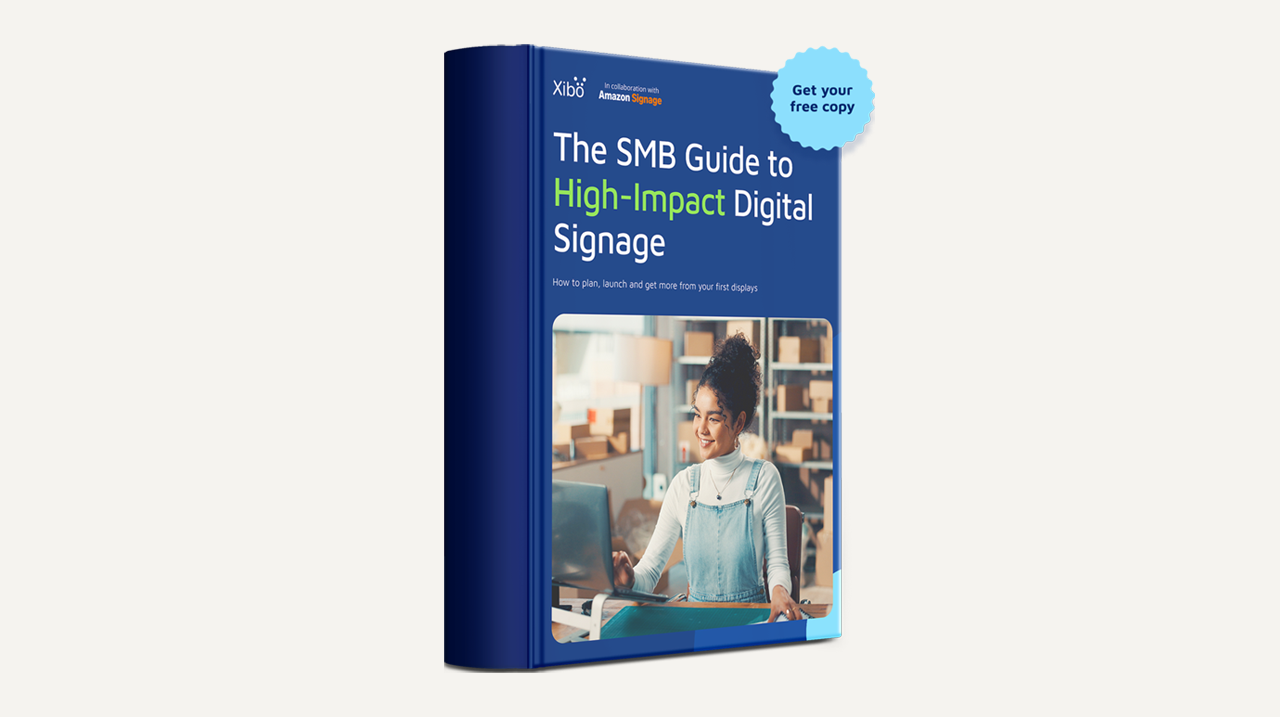
Digital signage for small businesses–where to start with Xibo and the Amazon Signage Stick
Digital signage no longer needs a professional AV installation or a five-figure budget. See how small businesses get their first display running with Xibo and the Amazon Signage Stick, and download the free guide.
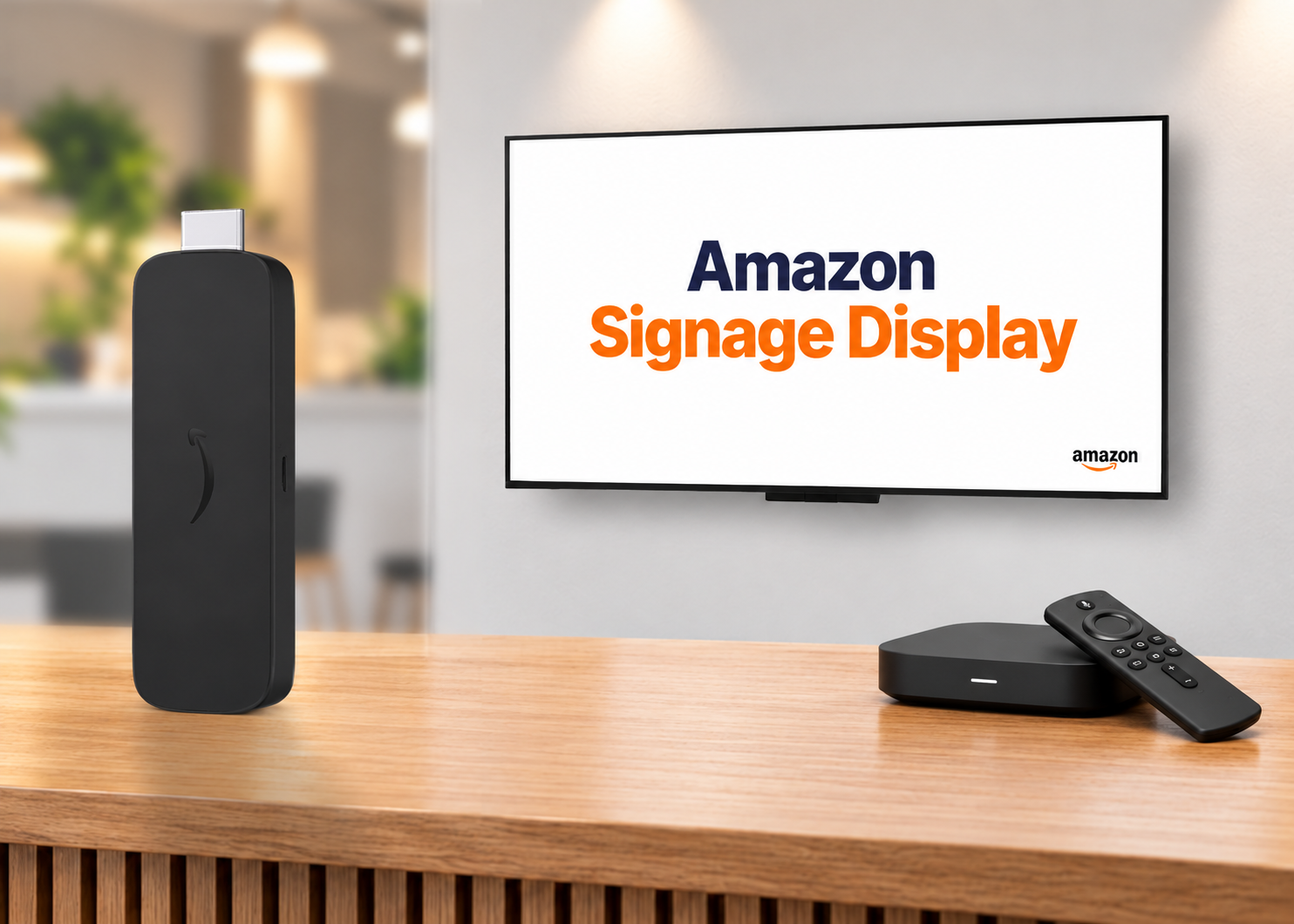
Decoding digital signage hardware–SoC display, specialized player, or purpose-built stick
The media player drives everything in a digital signage deployment. Here’s how the three main hardware categories compare and a framework for choosing the right one.
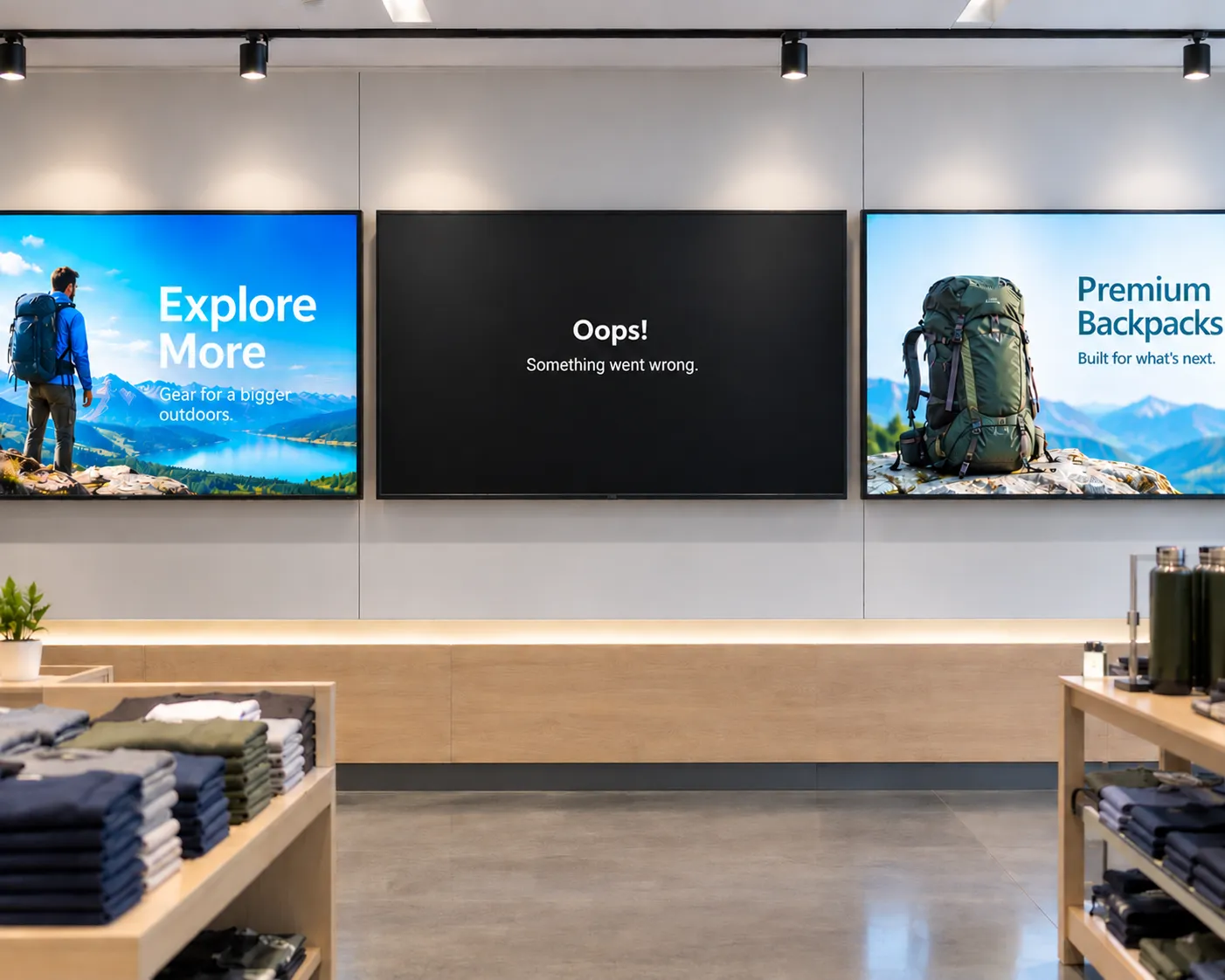
The hidden cost of "cheap" digital signage
From single-location businesses to enterprise fleets, cheap media players often cost more to operate than they save upfront. Here's what to factor in before you buy.