Blogs
The hidden cost of "cheap" digital signage
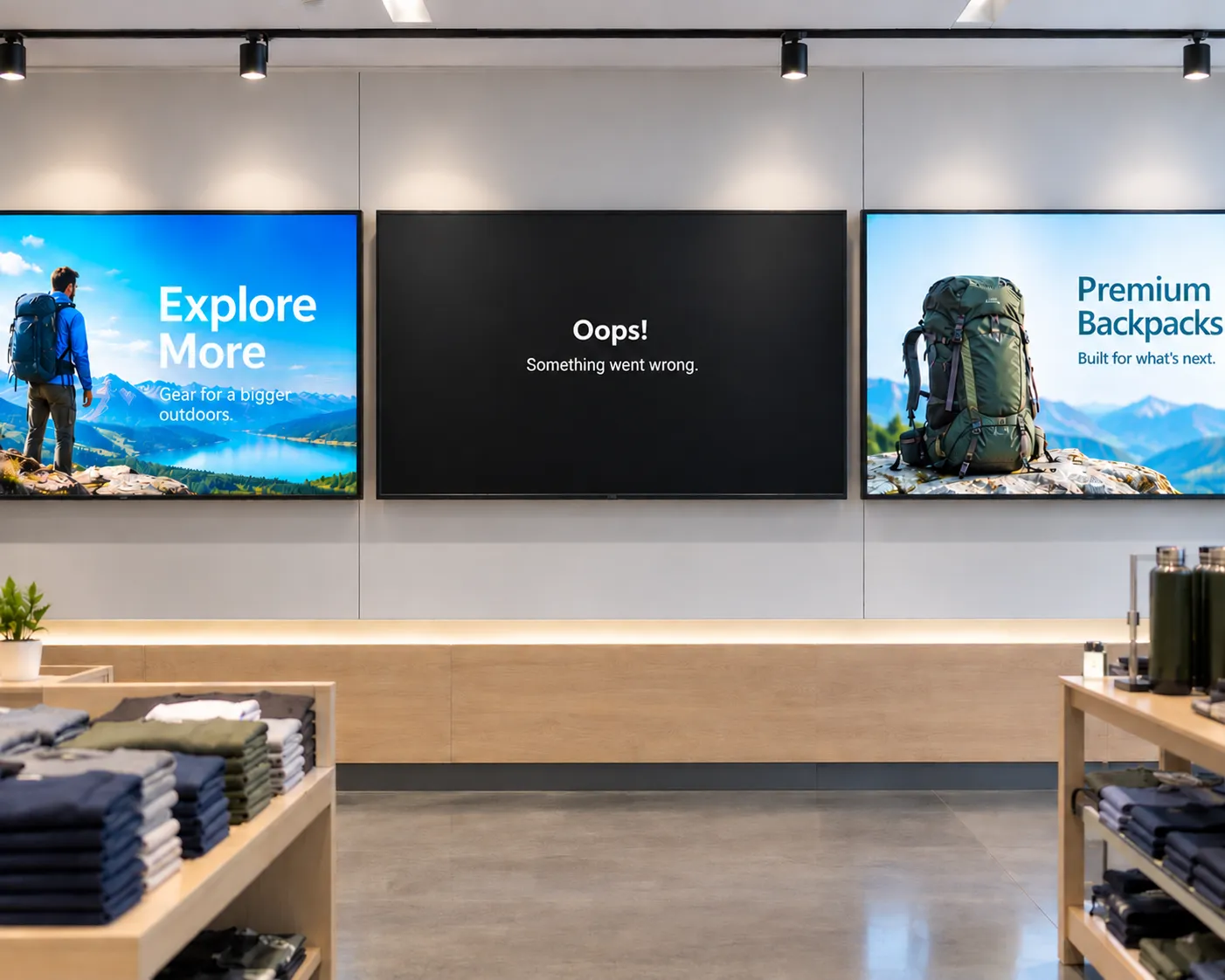
From single-location businesses to enterprise fleets, cheap media players often cost more to operate than they save upfront. Here's what to factor in before you buy.

Enterprise signage made simple – how to scale signage and reduce IT burden
Webinar: Amazon Signage and Carousel Digital share practical guidance for cost-effectively managing signage deployments at scale, along with takeaways and resources to help business teams partner effectively with IT.
Transforming campus communication with digital signage
Learn how digital signage helps schools and universities improve real-time communication and engagement across campus settings.

Wireless screen mirroring comes to the classroom—and Amazon Signage Stick makes it simple
Enable easy, wireless screen mirroring in your classroom and on campus with supported devices and the Amazon Signage Stick. Native Miracast support means no apps, no adapters, and no IT headaches required.
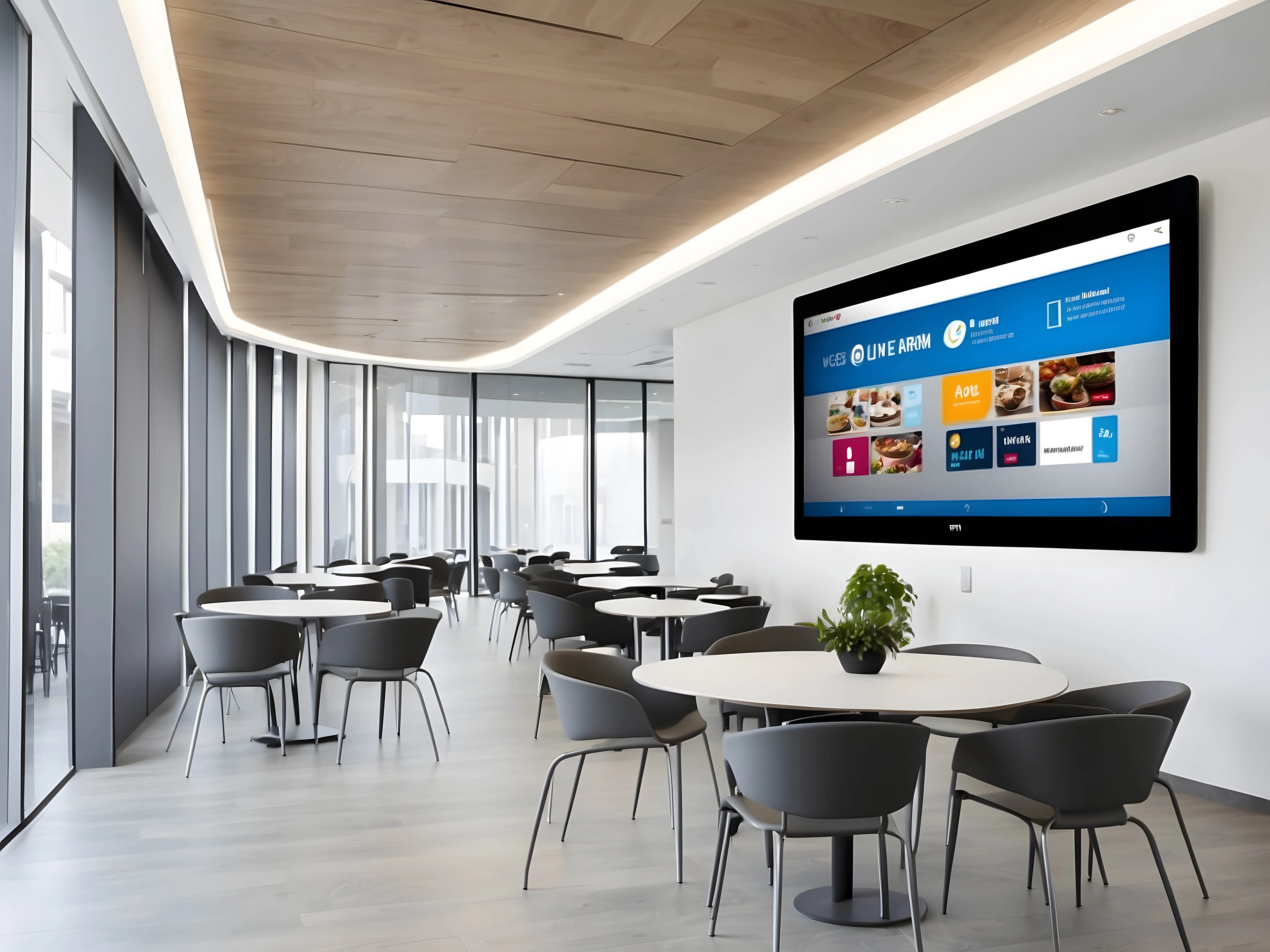
More than digital signage–Amazon Signage Stick adds screen mirroring, multi-language support, and fleet management upgrades
Amazon Signage released new features for the Amazon Signage Stick including Miracast, multi-language support, fleet management upgrades, and more.

Rethinking digital signage: how Amazon Signage and Rockbot are building the future together
Amazon Signage and Rockbot explain how their partnership allows organizations to provide better customer experiences–simply and affordably.
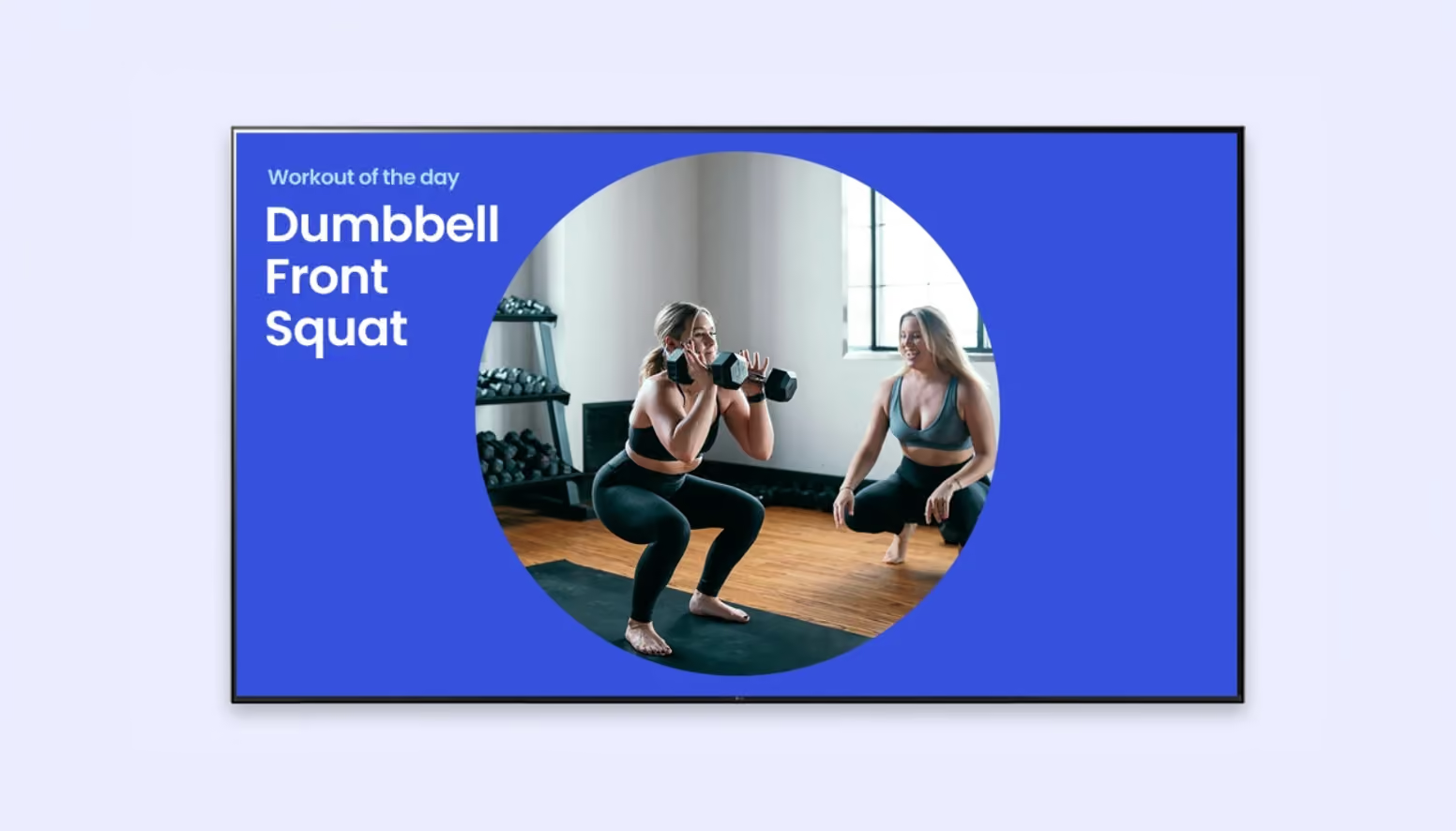
A how-to guide for digital signage in fitness centers
This guide provides practical advice for how fitness centers, gyms, spas, and wellness centers should approach digital signage.
FAQs for Amazon Signage Stick
Commencer est facile. Il vous suffit d’un système de gestion de contenu (CMS), d’un Amazon Signage Stick et d’un écran. Découvrez nos pratiques exemplaires pour bien commencer.
You can order it directly from the Amazon Signage site or via Amazon, and it’s just $99.99 for professional signage.
Oui — les membres Amazon Business économisent 2% sur les commandes de 1 à 9 sticks, et jusqu’à 10% à l’achat de 100 ou plus.
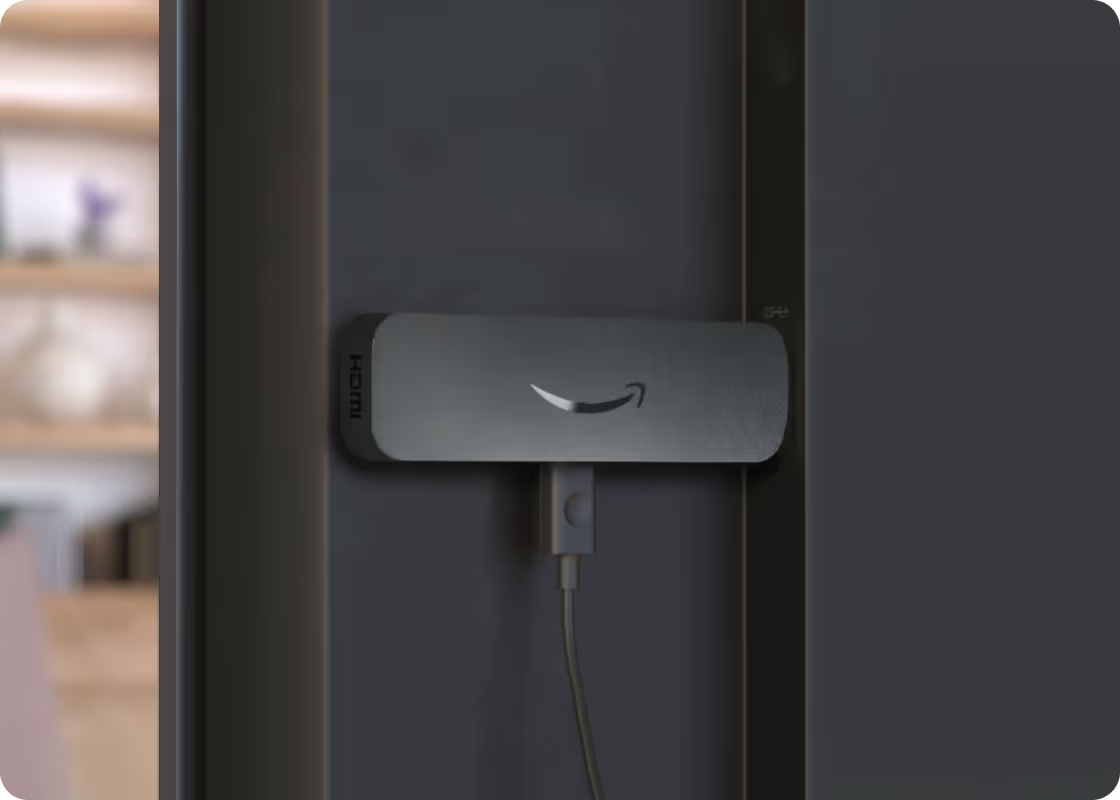
Very easy — plug it into an HDMI port, power it up, connect to Wi-Fi, and walk through a simple pairing flow using either the mobile app, web or remote. No technical expertise required to set up and have content running in minutes with a preselected CMS.
Oui — le Signage Stick agit comme votre lecteur multimédia, ce qui vous permet de diffuser du contenu sur votre écran. Vous avez besoin d’un logiciel de gestion de contenu (CMS) distinct pour créer et gérer le contenu que vous envoyez au Signage Stick. Certaines solutions CMS exigent des frais d’abonnement.
The Amazon Signage Stick currently supports multiple leading CMS systems. Refer to our CMS Provider Directory and your CMS isn’t listed, Amazon Signage may consider adding it — you can email signage-support@amazon.com.
Yes — it's built with security in mind (secure boot loader, encryption, regular updates), and auto-launches your CMS in kiosk mode for reliable, unattended operation.
Purpose-built for digital signage, it is a commercial grade device that effectively scales to support businesses and organizations of all sizes. Simply add one Signage Stick per display and use the mobile app to set them up simultaneously and manage them on the go.
Launch faster. Update easier. Scale confidently.
Set it up, publish with confidence, and scale to more screens when you’re ready.