
Amazon Signage Stick vs. mini-PCs: which is right for your digital signage deployment?
Evaluating hardware for your next signage deployment? Compare the operational costs, reliability, and CMS compatibility of Amazon Signage Sticks versus mini-PCs.

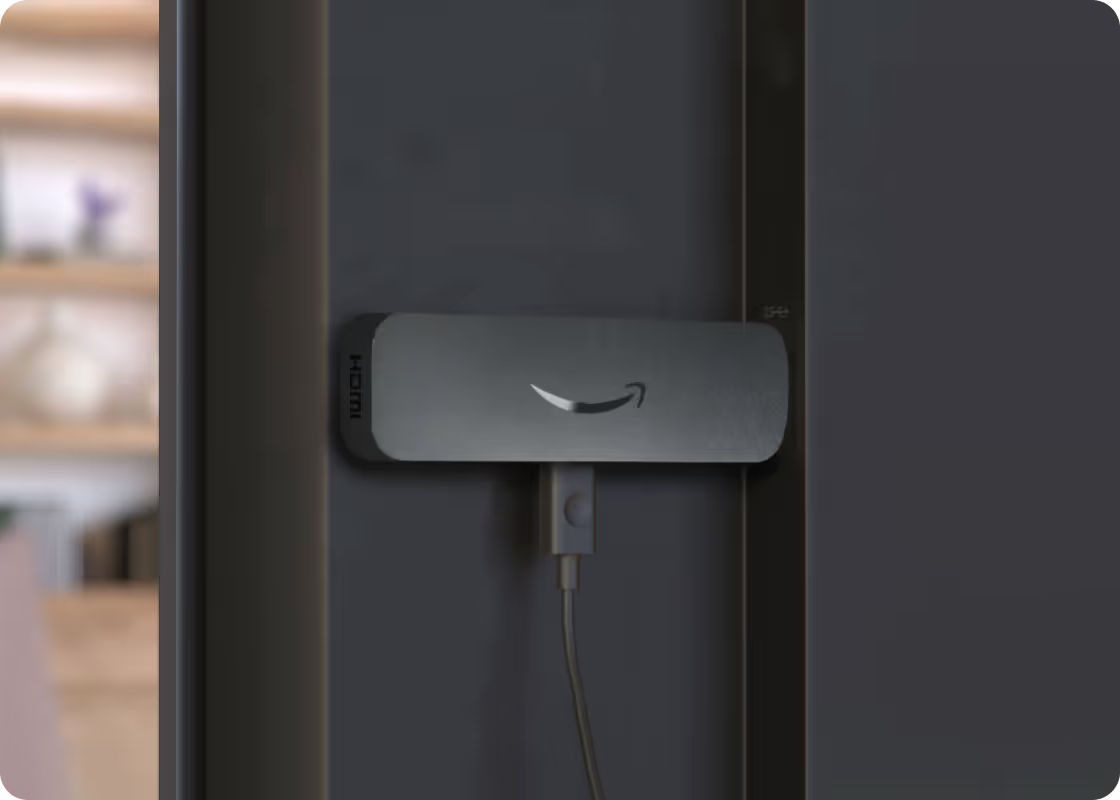
When evaluating hardware for a digital signage deployment, two options come up consistently: dedicated media players like the Amazon Signage Stick, and general-purpose mini-PCs. Both can drive a display. The question is what it costs — in time, money, and ongoing management — to keep them running at scale.
Here's a practical breakdown across the dimensions that matter most to IT and operations teams.
Hardware and setup
Mini-PCs are more compact than a full PC, but they still require a separate power supply, HDMI cable, and typically some form of mounting hardware to keep them tidy behind a screen. Setup involves OS configuration, driver installation, and connecting to your network and content management system—steps that require IT involvement and add complexity when you're rolling out dozens of locations.
The Amazon Signage Stick plugs directly into a display's HDMI port and draws power from a USB port or small adapter. There's no OS to configure, no drivers to manage, and no additional hardware to source or track. For teams deploying at any meaningful scale, that simplicity has real operational value. The Amazon Signage mobile app provides simplified and bulk provisioning while the Amazon Signage Assistant provides AI guidance for troubleshooting.
Total cost of ownership
Mini-PCs typically carry a higher unit cost—typically $300 or more depending on specs*—plus mounting hardware, cabling, and IT labor for initial setup. At 50 screens, setup labor alone can become a significant line item.
The Amazon Signage Stick generally has a lower upfront cost and a faster install time. More importantly, it's purpose-built for signage, and removes the licensing and endpoint security overhead, and OS updates are delivered over the air that somewhat reduces OS maintenance overhead that comes with running Windows or Linux on general-purpose hardware. When you're accounting for the full lifecycle—setup, patching, troubleshooting, replacement—the cost picture shifts considerably.
Remote management
This is where the gap between the two approaches becomes most visible in day-to-day operations.
Mini-PCs require a remote management layer—typically a mobile device management (MDM) solution or remote desktop tool—that wasn't designed for signage. Updates, reboots, and health checks all require IT coordination. In a distributed deployment across multiple sites, that adds up.
The Amazon Signage Stick is designed to work within a managed signage ecosystem. Through the Remote Management API and CMS provider integrations **, teams can monitor device health, push updates, and remotely reboot devices without dispatching anyone. At scale, that capability is the difference between a manageable operation and a reactive one.
Reliability in always-on environments
Digital signage hardware runs continuously—often 16 or more hours a day, seven days a week. Mini-PCs, designed for general computing workloads, carry components—fans and more complex thermal systems—that create additional failure points in that kind of environment.
The Amazon Signage Stick has fewer moving parts and a smaller thermal footprint. It's designed for sustained operation, which matters when a failed device means a blank screen in a retail location, lobby, or facility.
CMS compatibility
Mini-PCs can run nearly any software, which sounds like an advantage. In practice, it shifts the compatibility burden to the buyer. You're responsible for validating that your content management system (CMS) works as expected on your specific hardware and OS configuration—and for managing that relationship when something breaks.
The Amazon Signage Stick works with a network of CMS partners, each of which has been tested and validated on the platform. That environment reduces integration risk and gives you a clearer support path when issues arise.
When a mini-PC makes sense
There are legitimate use cases where a mini-PC is the better call: high-complexity content that requires significant local processing power such as interactive applications—such as touchscreen kiosks, wayfinding, or experiences that require real-time input processing and local compute— where a purpose-built signage device may not have the horsepower or software flexibility those use cases demand. Or environments where an existing Windows-based IT infrastructure makes general-purpose devices easier to manage.
It's also worth noting that modern CMS platforms can manage mixed hardware environments—so if mini-PCs make sense for select use cases, you're not forced into a full fleet standardization decision.
The bottom line
For many commercial digital signage deployments—retail, hospitality, healthcare, corporate, K-12, higher education—the Amazon Signage Stick offers a more practical fit. Lower total cost, simpler setup, purpose-built remote management, and a CMS provider network to address the real pain points of operating signage at scale.
If you're evaluating options for an upcoming deployment, explore and learn more about the Amazon Signage Stick and our CMS program providers.
** Available capabilities vary by provider, so confirm which ones your CMS support.
Resources
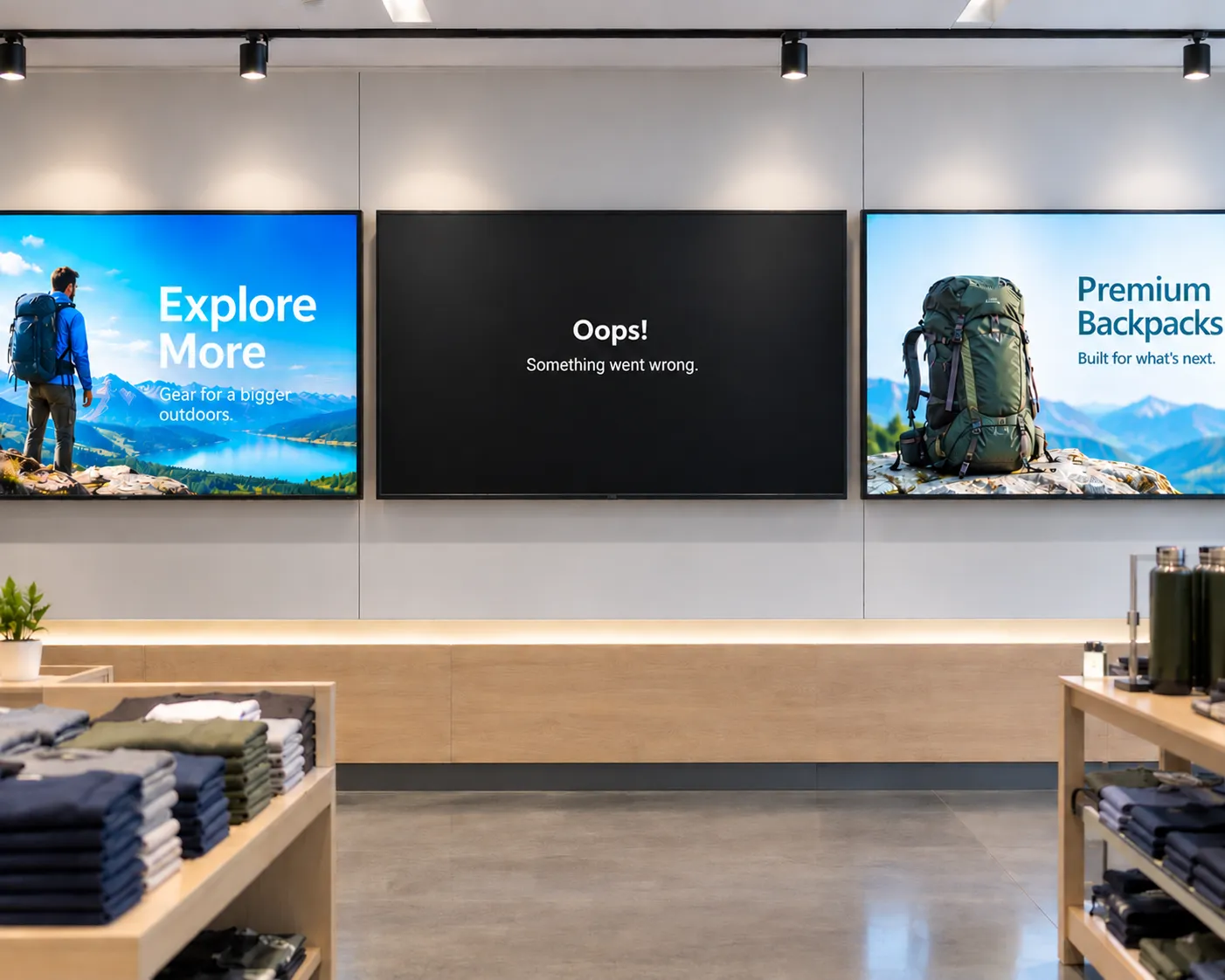
The hidden cost of "cheap" digital signage
From single-location businesses to enterprise fleets, cheap media players often cost more to operate than they save upfront. Here's what to factor in before you buy.
How smart hardware choices keep digital signage projects moving forward
Discover how IT teams are avoiding costly signage delays by pairing the right CMS with purpose-built media players—without ripping and replacing existing displays
Whether you deploy signage or buy it: simplified digital signage made reliable and scalable
Learn how Carousel, DataVisual, and Amazon Signage deliver simplified, scalable digital signage solutions that reduce complexity and operating costs for both resellers and end customers.