
Digital signage made even simpler—introducing the Amazon Signage Display
Meet the Amazon Signage Display, a 55" 4K display with a built-in SoC media player, Ethernet, and Miracast. Same portal, app, and CMS support as the Amazon Signage Stick.

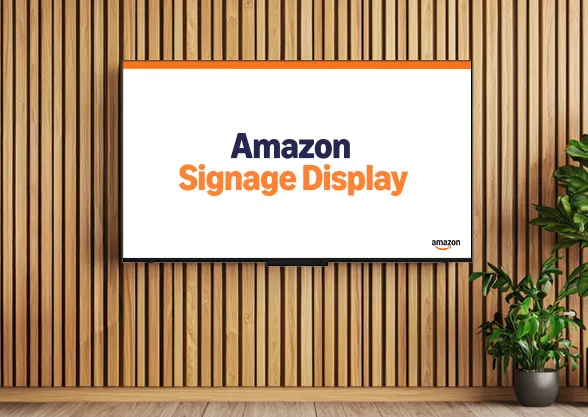
We built the Amazon Signage Display because our customers and partners told us what they needed to further simplify their digital signage—and we listened.
Over the past several years, businesses running Amazon Signage on the Amazon Signage Stick have told us the same thing in different ways: managing a separate media player and display works, but sometimes it's more hardware than it needs to be.
Today, we're introducing the Amazon Signage Display—a 55" display with a built-in system-on-chip (SoC) media player. Whether you're just getting started with Amazon Signage or expanding a rollout and need a display, consider pairing the Amazon Signage Display with the Amazon Signage Stick—they're part of the same portfolio, built to work seamlessly together across your locations.
"Setup couldn't have been easier—I saved my profiles in the Amazon Signage mobile app and had it deployed in about five minutes. Remotely rebooting, resetting, and monitoring display vitals makes supporting the Amazon Signage Display that much easier." – Petrick Silvas, service engineer, BP p.l.c.
What's different
The Amazon Signage Display combines the screen and media player into a single device. There's no external player to connect, no separate power supply to route, and no HDMI cable running behind the display. Plug it in, connect it to Wi-Fi or the built-in Ethernet port, load your content management system (CMS), and start pushing content in no time.
A few specifics:
Built-in SoC media player—no external hardware to source, mount, or power separately
Built-in Ethernet port—for customers who need a wired connection instead of relying on Wi-Fi
Miracast support—built in for wireless casting when needed
One device—a single purchase, rather than sourcing a display and player separately, sometimes from different vendors
Built to work the way you already manage signage
The Amazon Signage Display isn't a separate system to learn. It's managed from the same portal and mobile app as the Amazon Signage Stick, so customers running a mixed fleet — some Stick, some Display — aren't checking two dashboards or training staff on two tools.
Simple—One device, one setup. No extra hardware to source or connect.
Easy to manage—One portal and one mobile app for your entire Amazon Signage network, Amazon Signage Stick and Amazon Signage Display alike.
Scalable—The same setup works whether you're deploying one screen or rolling out to hundreds of locations.
Remote management—Manage devices directly within your CMS provider's app, without a separate management layer.
CMS-ready—If a CMS is already integrated with the Amazon Signage Stick, it works with the Amazon Signage Display automatically. No separate integration required.
Connected—Built-in support for Ethernet, Wi-Fi, and Miracast out of the box.
"Setup is simpler than other consumer or commercial TVs. I recommend the Amazon Signage Display to customers because of the simplicity it offers—too many displays are more complicated than they need to be, and this one isn't. Amazon Signage Display is just easier to set-up and start using." – Ezequiel Conte, CTO, Rise Vision
Where it fits
Retail: Indoor storefronts, endcap displays, and promotional signage all benefit from a cleaner physical footprint—no external box to hide behind the screen or work around when mounting space is tight.
Senior living and healthcare: IT teams in these environments are often lean, sometimes managing signage alongside a much broader set of responsibilities. Fewer components to install, monitor, and eventually replace is a real operational win, not just a convenience.
Restaurant and QSR: Menu boards and promotional loops often sit in front-of-house environments with limited space and no dedicated on-site IT support. A single device is easier for non-technical staff to manage and troubleshoot.
Corporate lobbies and communications: Wayfinding, welcome screens, and internal communications displays are often front and center in a space where appearance matters. A single, self-contained device keeps the installation clean.
Multi-site and franchise businesses: Any business rolling out the same content across many locations feels the cost of a two-part setup multiply with every site. A single device simplifies both the initial rollout and every deployment that follows.
Education: Campus directories, cafeteria menus, and event signage are frequently managed by small IT teams stretched across many buildings. Fewer components mean fewer support tickets and less hardware to track.
"The 4K picture quality is the best we've seen. Between that, the cost, and how easy it is to set up, the Amazon Signage Display is what I recommend to customers looking for a landscape screen and player in one device." - Collin Aldrich, COO, Nanonation
Available now
The Amazon Signage Display is available in the United States now in a 55" size, with additional sizes planned for release in the future. It works alongside the Amazon Signage Stick as part of the same Amazon Signage lineup—same portal, same mobile app, same CMS compatibility—so customers can choose the hardware that fits each location without changing how they manage their network.
Resources
Digital signage for small businesses–where to start with Xibo and the Amazon Signage Stick
Digital signage no longer needs a professional AV installation or a five-figure budget. See how small businesses get their first display running with Xibo and the Amazon Signage Stick, and download the free guide.
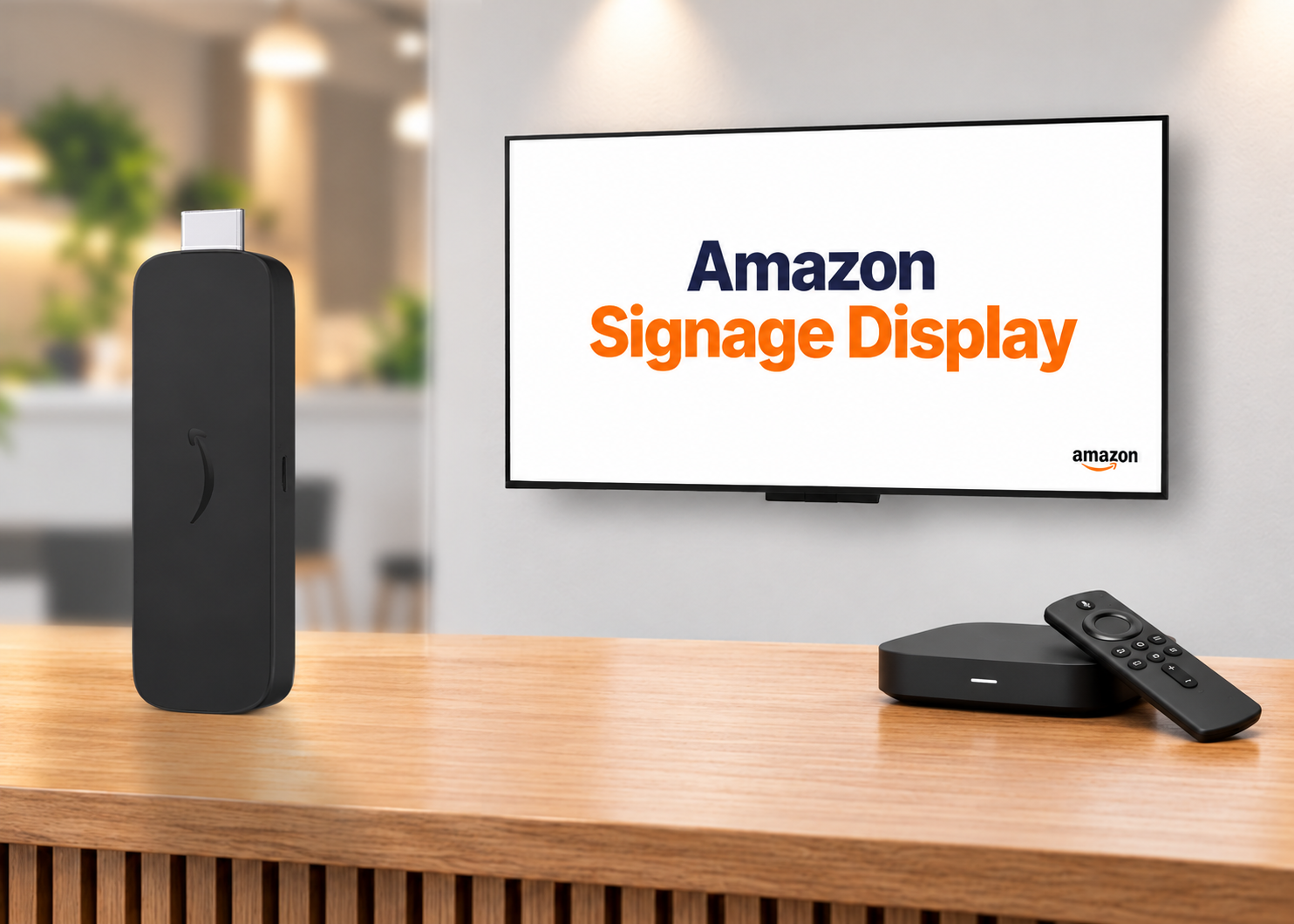
Decoding digital signage hardware–SoC display, specialized player, or purpose-built stick
The media player drives everything in a digital signage deployment. Here’s how the three main hardware categories compare and a framework for choosing the right one.
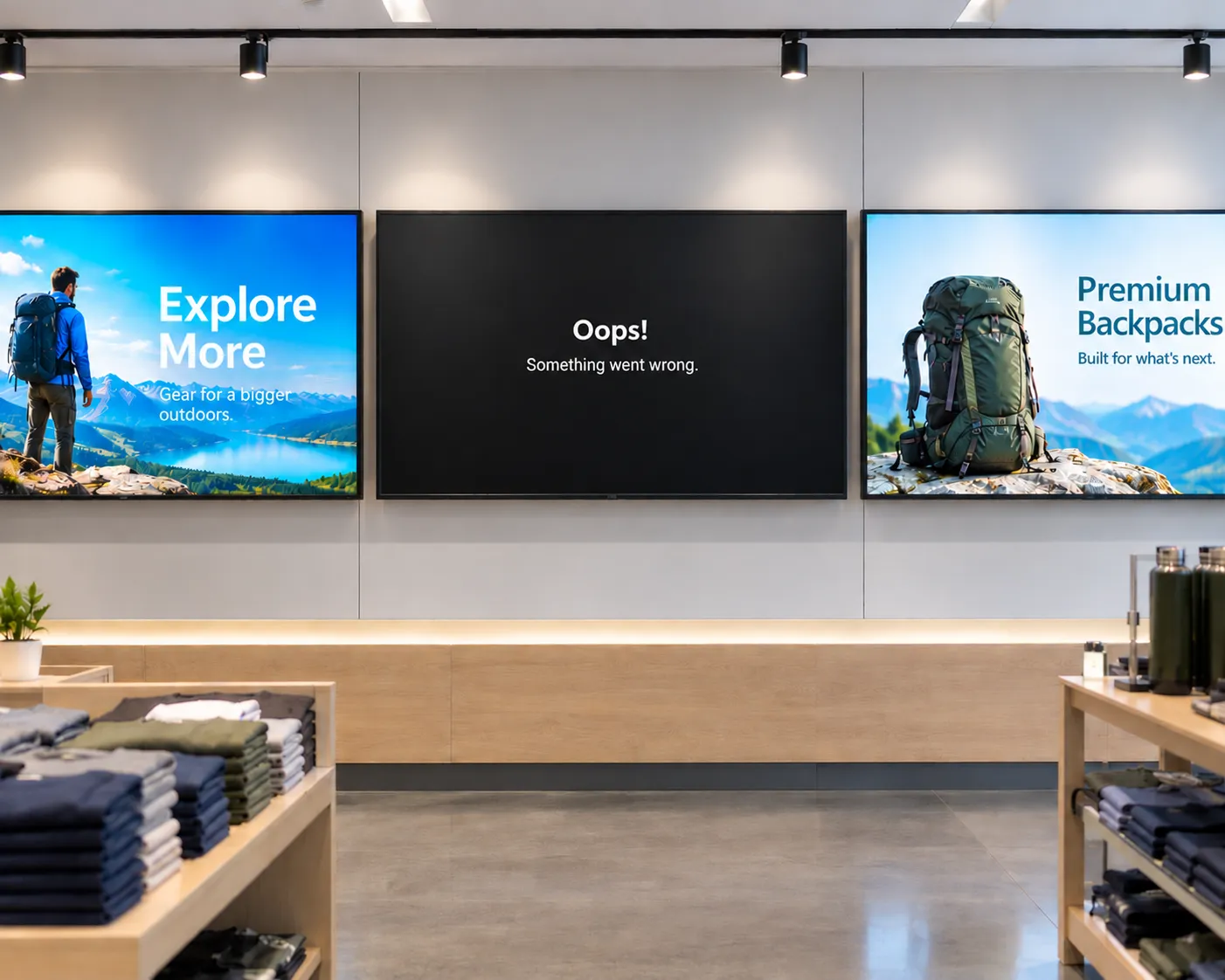
The hidden cost of "cheap" digital signage
From single-location businesses to enterprise fleets, cheap media players often cost more to operate than they save upfront. Here's what to factor in before you buy.