
Amazon Signage Assistant: reduce digital signage downtime with AI built into the Amazon Signage mobile app
Simplicity, now extended to support. Our AI-powered tool in the mobile app lets any team member troubleshoot and fix Amazon Signage device issues through plain-language conversation—no IT expertise, no support tickets, no extra cost.

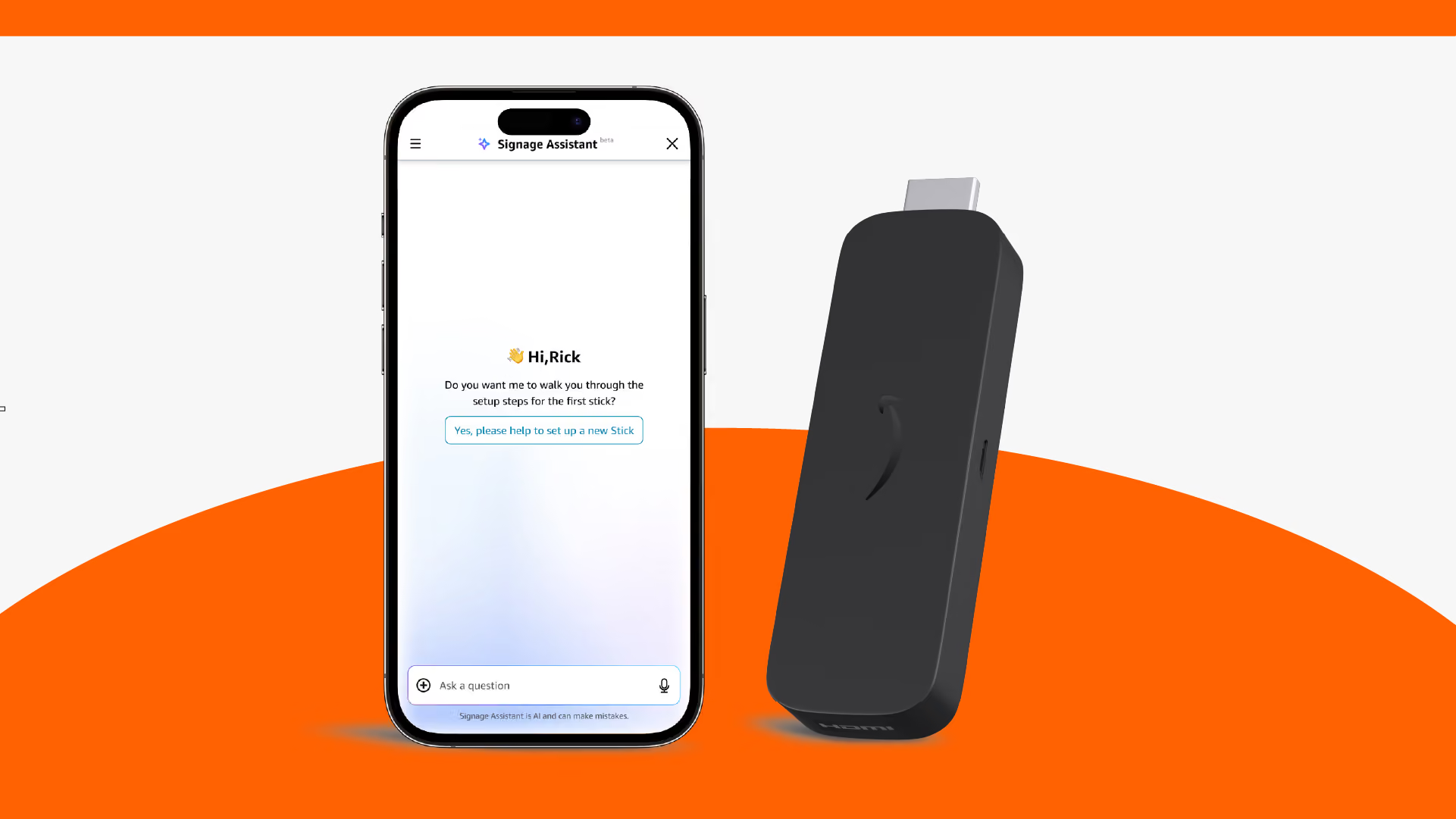
Updated November 6, 2026: We continue to enhance the capabilities of the Amazon Signage Assistant, check out the latest features (look for the 'new' call outs) released in Q4 2026.
Digital signage should enhance your business—not become a technical headache. Yet for businesses and institutions without dedicated IT resources, and for marketing or operations teams juggling multiple priorities, a single offline screen can halt campaigns, confuse customers, and drain productivity. You can now use the Amazon Signage Assistant, an AI-powered tool built into the Amazon Signage mobile app for Amazon Signage devices like the Amazon Signage Stick and Amazon Signage Display, that puts troubleshooting in the hands of your team, not an IT department.
The problem–when digital signage fails, who is there to fix it
Traditional digital signage setups require specialized IT knowledge to diagnose and resolve issues. When a screen goes dark, buffers, or crashes, businesses and institutions often:
- Coordinate across teams (IT, marketing, operations, vendors), extending downtime
- Depend on technical expertise they don’t have in-house
- Face recurring pain points such as offline devices, video playback errors, and application crashes
For organizations without dedicated IT staff—and for non-technical teams in larger organizations--this creates a cycle of frustration–downtime means lost opportunities, confused customers, and wasted time.
The solution–Amazon Signage Assistant, extending simplicity to device support
Digital signage shouldn't require an IT department to keep running. Amazon Signage devices are built on a simple premise–powerful technology should be easy to deploy, easy to manage, and easy to fix. Amazon Signage Assistant extends that simplicity to support—an AI-powered tool built into the Amazon Signage mobile app that helps business owners and their teams resolve media player issues, execute remote commands, and resolve problems in minutes through natural conversation.
Here’s how it works:
- Ask in plain English: “Why is my screen offline?” or “Reboot the café display”
- Get instant guidance—or execute commands directly: the assistant doesn’t just tell you what to do; it does it
- Resolve issues fast: no more waiting for IT or third-party vendors
And it’s not just another generic AI assistant
Amazon Signage Assistant is purpose-built for digital signage. Three key differentiators set it apart:
1. Trained specifically on Amazon Signage devices: Unlike generic AI tools, Amazon Signage Assistant is trained on Amazon Signage product knowledge, our years of support history and our device interactions.
2. Deep device integration: The assistant directly interacts with Amazon Signage devices to access real-time diagnostics, and executes commands. When you ask it to reboot a screen or check the network status, it doesn't tell you how—it does it.
3. Security built in, not bolted on: The assistant operates security protocols designed for digital signage. It protects device configurations, network settings, and your business information and ensures privacy and compliance without compromising accessibility.
What the Amazon Signage Assistant can do for you
The Amazon Signage Assistant is built into the mobile app and is intended to be the AI assistant to troubleshoot your Amazon Signage devices. It can support your Amazon Signage devices with:
- Setup & activation: installation, configuration, initial troubleshooting
- Device management: monitoring and remote control, add or move devices between locations (new), and rename devices (new)
- Device network management: connectivity status, and Wi-Fi and network settings, and check whether a device is online (new)
- Account & users: managing users, permissions, organizations, and rename locations and the org (new)
- General FAQ: fast answers to common Amazon Signage device product questions and replies in the customer's language (English, French, German, Spanish, Italian) and stays in it for the whole conversation (new)
Today, the Amazon Signage Assistant doesn’t provide any troubleshooting or related actions for other devices, such as non-Amazon Signage displays, or applications, such as CMS content.
How does it benefit you?
If you're running a small or medium-sized business or institution without an IT department, Amazon Signage Assistant means you're no longer dependent on finding the right person when a screen goes down. Whoever is there can handle it.
If you're on a marketing, communications, or operations team inside a larger organization — managing signage alongside a dozen other responsibilities—it means fewer escalations, less back-and-forth, and faster resolution. Your time stays where it belongs.
In both cases, the goal is the same: less downtime, less friction, and one fewer thing that requires technical expertise you don't have.
Get started today
Amazon Signage Assistant embodies the same simplicity that made Amazon Signage devices, like the Amazon Signage Stick and Amazon Signage Display, top choices for organizations implementing digital signage today. Now this simplicity extends to support.
Amazon Signage Assistant is available now in the Amazon Signage mobile app at no additional cost. Open the app, navigate to your device, and the Assistant is there when you need it.
If you are an existing Amazon Signage customer and have the mobile app, open the app, tap the Amazon Assistant icon to start chatting. No signup, no additional authorization.
If you don’t have the mobile app yet, download from Google Play or Apple Store.
Resources

Digital signage for small businesses–where to start with Xibo and the Amazon Signage Stick
Digital signage no longer needs a professional AV installation or a five-figure budget. See how small businesses get their first display running with Xibo and the Amazon Signage Stick, and download the free guide.
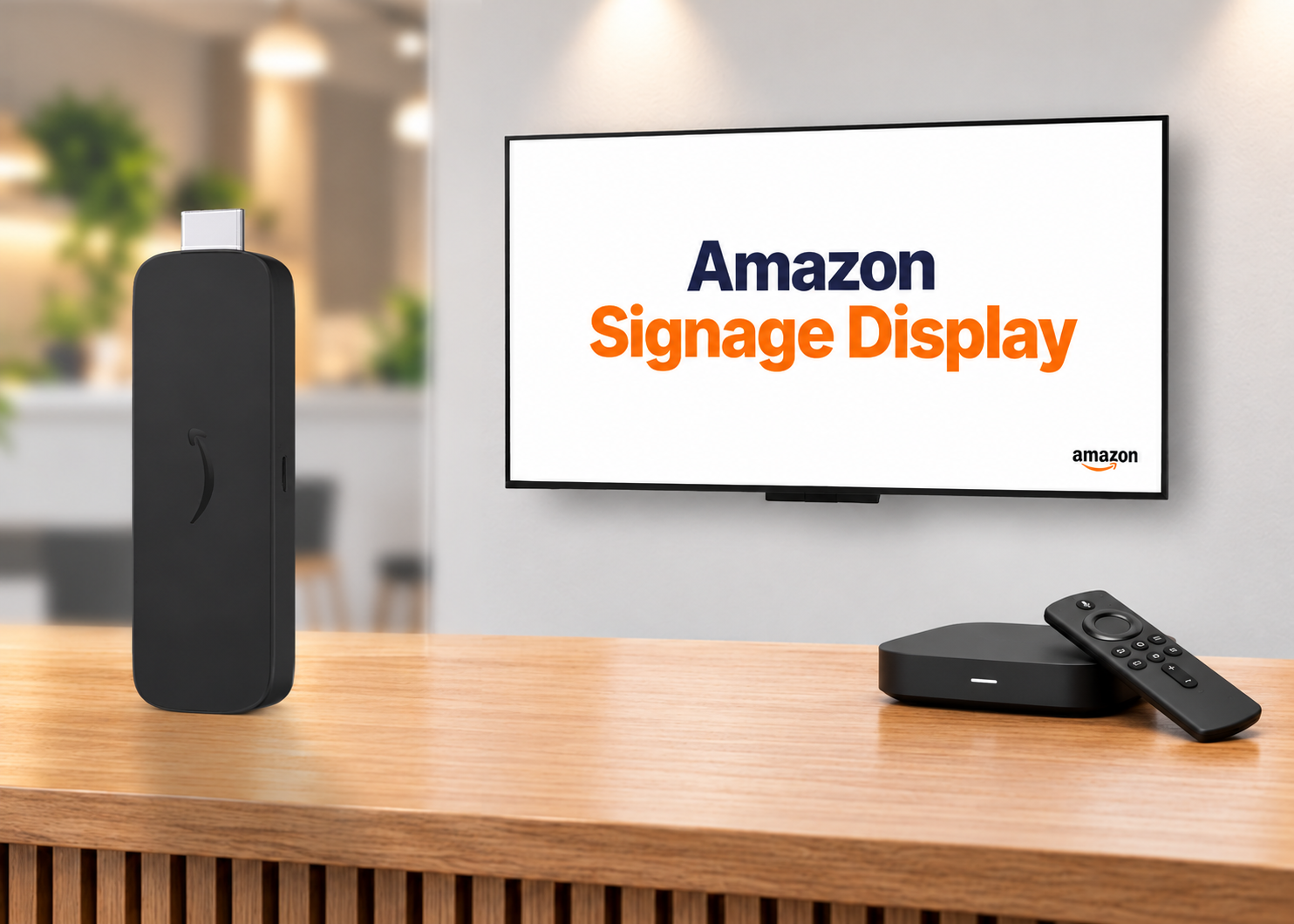
Decoding digital signage hardware–SoC display, specialized player, or purpose-built stick
The media player drives everything in a digital signage deployment. Here’s how the three main hardware categories compare and a framework for choosing the right one.
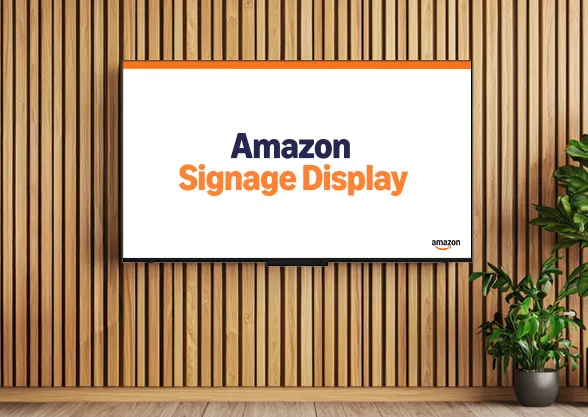
Digital signage made even simpler—introducing the Amazon Signage Display
Meet the Amazon Signage Display, a 55" 4K display with a built-in SoC media player, Ethernet, and Miracast. Same portal, app, and CMS support as the Amazon Signage Stick.